These instructions apply to the XPENG G3 (2021-2024).
For other models, please choose your vehicle here.
If the large central touchscreen in your XPeng G3 (2020–2024) — including the facelifted G3i — has frozen, gone black, or stopped answering your taps, you can clear it yourself in a couple of minutes, parked, with no tools and without losing your settings.
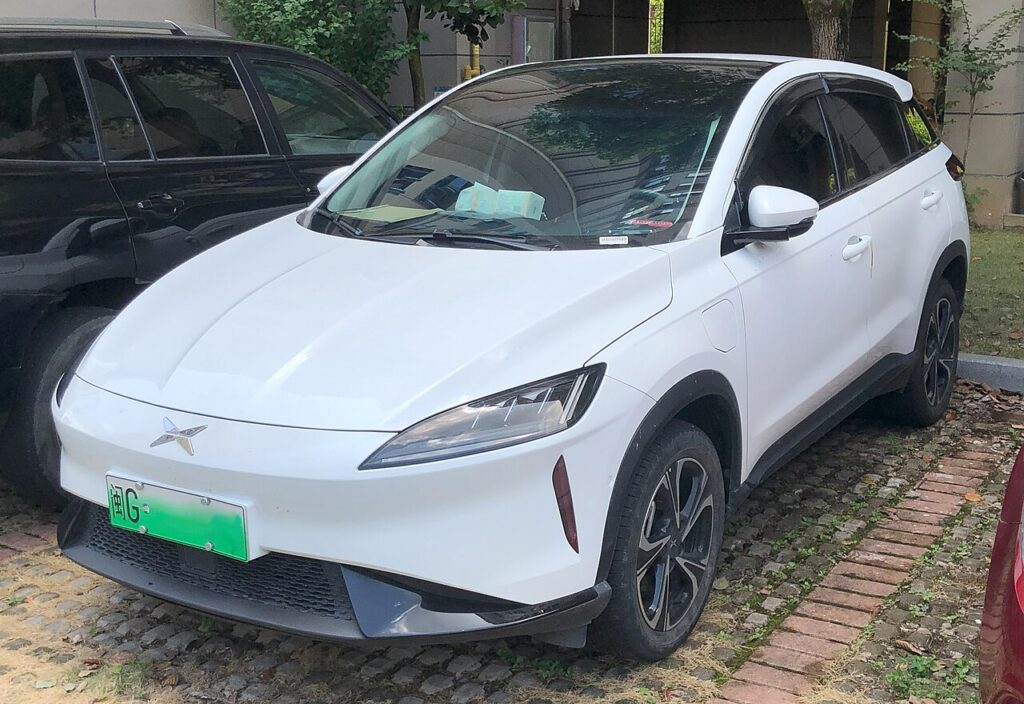
How the G3 screen reboot works
The G3 runs XPeng’s Xmart OS on a large landscape centre touchscreen, with a separate digital cluster. As an Android-based, over-the-air-updated platform, the occasional freeze, black screen or unresponsive touch — very often right after a software update — is almost always a software hiccup rather than a dead display. The fix is to power-cycle the system, which on the G3 is done through the vehicle’s own power controls rather than a steering-wheel button shortcut.
Reboot the central screen
Do this parked, in P, with the doors closed.
- Use the power control for the vehicle — the touch buttons below the central screen or the physical buttons on the centre armrest / console — to switch the car’s power supply off.
- Wait a short moment (about 30 seconds) so the system fully powers down rather than just sleeping.
- Switch the power supply back on. As the vehicle powers up, the large screen normally boots with it.
- Let the XPeng logo run through to the home screen — radio, navigation, Bluetooth and your apps reload on their own.
- If a software restart option appears on the screen during the freeze, you can use that to restart the display directly instead.
Will this erase anything? No
Power-cycling is safe. It does not wipe radio presets, navigation favourites, paired phones or app logins — it just restarts the system, like restarting a phone. Use it whenever the screen freezes or lags, always while parked.
If the screen stays frozen
- Let the car fully sleep. Exit, lock the G3 and walk away for five minutes so the electronics power down completely, then unlock and re-enter for a clean cold start — this clears freezes that a quick off/on does not.
- Check for a software update. Most G3 freezing, lag and feature loss is a software issue fixed by an Xmart OS over-the-air update — check the system settings for a pending install while parked on a stable connection.
- Try the on-screen restart. If the display offers a restart prompt during a glitch, use it before resorting to a full power-cycle.
- Battery disconnect (last resort). Disconnecting the 12V battery for about 90 seconds forces a cold restart of everything. Only do this if nothing else responds, and expect to reset the clock afterwards.
- Still dead? If the screen never comes back after a reboot, contact XPeng service rather than repeatedly cycling power — a persistent black screen can indicate a hardware fault.
Factory reset (erases data — rarely needed)
A factory reset is separate from the reboot and only worth doing if you are selling the car or chasing a deep, persistent glitch. Open the infotainment Settings and look for the system / restore option to reset to factory defaults. It erases presets, navigation history, paired phones and app logins, so only do it deliberately.
Frequently Asked Questions
How do I restart the XPeng G3 screen?
Use the vehicle power control — the touch buttons below the central screen or the physical buttons on the centre console — to switch the car’s power off, wait about 30 seconds, then switch it back on. The large screen boots with the vehicle.
Is there a steering-wheel button shortcut to reboot the G3 display?
No. Unlike some EVs, the G3’s documented method is to power-cycle the vehicle rather than hold a steering-wheel button combination. Use the power controls on the dash or console.
The G3 screen froze after an update — is that normal?
It can happen. The system sometimes needs a restart to settle after an Xmart OS update. Power-cycle the car; if lag persists, make sure the latest software build is fully installed.
Will rebooting delete my presets or paired phone?
No. Power-cycling keeps presets, pairings and app logins. Only a deliberate factory reset in the settings menu clears them.
Is it safe to drive with the G3 screen frozen?
The infotainment is separate from the drive systems, so the car still drives — but you lose audio, navigation and central controls. Park safely first, then power-cycle to reboot.
If a warning light or fault message stays on the dash after the reboot, it may have stored a diagnostic trouble code — you can look it up on autodtcs.com.
Independent guide — not affiliated with XPENG. Always follow your official service manual and safety precautions. Read our full disclaimer.