These instructions apply to the Audi A3 Mk3 (8V) 2012-2020.
For other models, please choose your vehicle here.
The Audi A3 (8V, 2012–2020) has a neat party trick most owners never find: you can open all the windows — and tilt then fully open the sunroof — from the remote key, without getting in. Walk up to a sun-baked car, hold the unlock button, and the heat vents out before you open the door; spot a window left down with rain coming and hold lock to close everything from across the car park. Audi calls this the convenience open/close function.
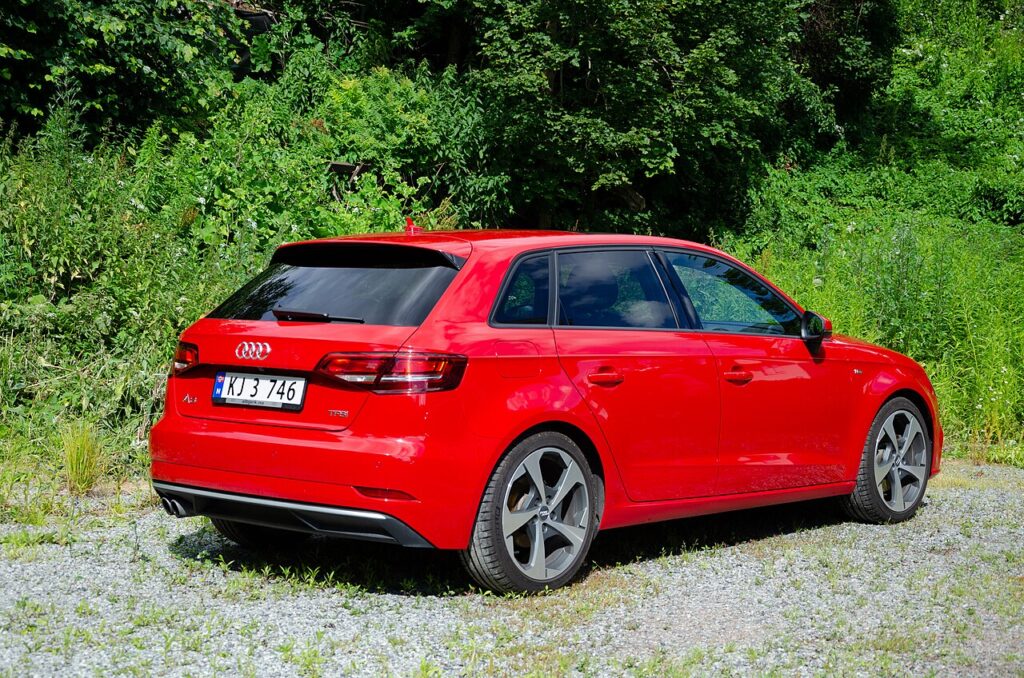
What the convenience open/close function does
Holding the remote’s unlock button opens the windows and tilts the sunroof; press and hold unlock a second time and the sunroof slides fully open. Holding lock closes the windows and the sunroof. The glass and roof move only while you hold the button, so you stop them by releasing. You can choose in the MMI which windows respond. Audi advises using it within about two metres so you can watch the windows the whole time.
How to open the windows and sunroof from the fob
- Stand within a couple of metres of the A3.
- Press and hold the unlock button — the windows wind down and the sunroof tilts.
- To open the sunroof fully, release, then press and hold unlock again.
- Let go the instant everything reaches the position you want.
How to close the windows and sunroof from the fob
- Stand next to the car within remote range.
- Press and hold the lock button.
- The windows wind up and the sunroof closes while you hold.
- Release once everything is shut.
If holding the button does nothing — enabling the feature
The A3 8V needs the function active in two places. First, it has to be coded on in the convenience control module: many A3s, especially US-market and lower-trim cars, leave the factory with “comfort function via remote” disabled, so a coder must uncheck the “inactive” setting and tick comfort opening and comfort closing using VCDS or OBDeleven. Second, once coded, it must be switched on in the car’s menu — in the MMI (or the radio settings on non-MMI cars), enable convenience opening and pick which windows it operates. If either step is missing, holding the remote does nothing.
Also confirm the windows are calibrated: the function only runs if all of them work with one-touch auto up/down. After a battery disconnect, re-initialise a window by holding the switch fully up until it stops, releasing, then holding up again briefly.
The door-lock fallback
On cars without keyless entry, the driver’s door has an emergency key barrel behind a cap on the handle. Pull the blade from the remote, insert it and turn and hold toward unlock to lower the windows or toward lock to raise them — the same comfort logic runs through the lock cylinder, provided the function is coded and enabled.
Frequently Asked Questions
Why doesn’t holding unlock do anything on my A3 8V?
Either it is coded off in the convenience module, or it is switched off in the MMI menu — or both. The A3 needs both the coding active and the menu option enabled. A VCDS or OBDeleven coder sorts the coding; then turn it on in the car’s settings.
Why does the sunroof only tilt, not open fully?
One hold of unlock tilts it. To open it fully, release and hold unlock a second time — that completes the convenience open.
The feature works on one key but not the other — why?
Convenience settings can be tied to the specific key that was active when you enabled them in the MMI. Set it up again while using the other key, or re-enable it so both keys carry the setting.
Can I choose which windows open?
Yes — in the MMI you can select which windows the remote operates, so you can have all of them or a subset respond when you hold unlock.
Is it safe to close everything remotely?
Use it only when you can see the car and no hands are near the glass or roof. Releasing the button stops movement instantly, so stay within about two metres and keep watching.
If a window or the sunroof stops responding from both the switch and the remote, or a convenience-system warning appears, the body control module has likely stored a diagnostic trouble code. You can decode it and see the likely cause at autodtcs.com.
Independent guide — not affiliated with Audi. Always follow your official service manual and safety precautions. Read our full disclaimer.