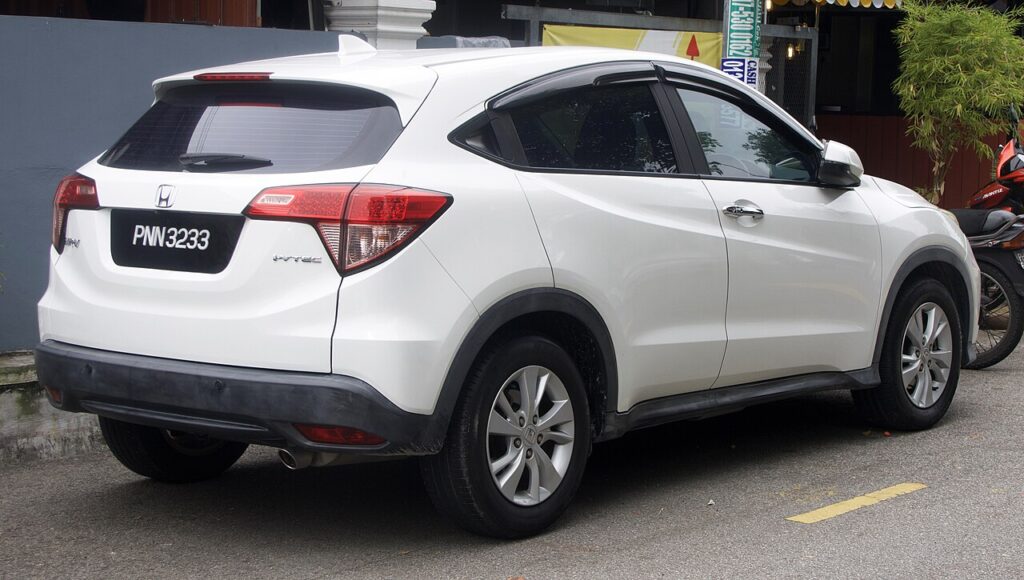
These instructions apply to the Honda HR-V Mk2 (RU) 2015-2022.
For other models, please choose your vehicle here.
The Honda HR-V (Mk2/RU, 2015–2022) was sold with two ignition systems: EX and higher trims carry Honda Smart Entry with a red push-button start, while base grades keep a conventional bladed turn-key in the column. If your key has stopped working, the recovery depends on which one your HR-V has — and on a Smart Entry car the fix takes seconds.
Start a Smart Entry HR-V With a Dead Fob
On a push-button Mk2 the fob normally talks to the car over a short radio link. When the coin cell dies the link drops, the dash flags a low key-battery warning and pressing START does nothing. The immobiliser can still read the transponder chip inside the fob at very close range, so you bring the fob to the button.
- Get into the car first using the emergency key (steps below) and sit in the driver’s seat.
- Press the brake pedal fully and hold it down.
- Touch the back of the smart key — the flat side opposite the buttons, with the H badge — against the START/STOP button.
- Press the button while the fob is held there. The engine starts. If it doesn’t catch first time, press START twice in quick succession with the fob still touching it.
The coil behind the button only reaches a centimetre or two, so square the flat back of the fob over the switch if the first attempt fails.
Unlock the Door With the Emergency Key
A flat fob won’t pop the doors by radio, so the Smart Entry fob hides a metal blade.
- Press the release catch near the key-ring loop and slide the emergency key out of the fob.
- At the driver’s door the lock cylinder is in the handle; on the Mk2 it usually sits under a slim cap — lever the cap off with the blade tip to reveal the keyhole.
- Insert the key and turn to unlock. The alarm may chirp — starting the car clears it.
Turn-key HR-Vs are simpler: the same blade unlocks the door and turns the ignition, so a flat fob battery only kills the remote-lock buttons — the car starts as it always has.
Why Touching the Fob to the Button Works
Behind the START switch sits a small induction antenna. The immobiliser energises it and reads the passive transponder chip in the key — the same chip a dealer programmer talks to. The chip needs no battery; it draws power from the antenna’s field. So even a completely flat coin cell leaves the security handshake intact, which is exactly why Honda builds this backup into every Smart Entry HR-V.
Replace the Coin Cell
Get moving with the trick above, then change the battery the same day.
- Slide the emergency key out to expose the seam in the fob.
- Twist the two halves apart with the slot the key leaves, or a coin.
- The Mk2 smart key uses a CR2032 3V lithium coin cell. Note which way up the old one sits — positive (+) usually faces the back cover — and fit the new one the same way.
- Avoid touching both faces of the new cell with bare fingers and clip the halves together until they click.
No reprogramming is needed; the buttons work again immediately.
Frequently Asked Questions
My HR-V still won’t start after touching the fob to the button. Confirm the brake is pressed fully and that you used the flat back of the fob over the button. Press START twice quickly while holding the fob against it.
How do I know if my Mk2 has Smart Entry or a turn-key? A red START/STOP button and no key slot means Smart Entry. A barrel you slot the key into means the conventional turn-key system.
Can the emergency key start the car? Only on turn-key grades. On Smart Entry cars the blade just unlocks the door — starting always goes through the push button.
Which battery does the HR-V fob take? A CR2032 3V lithium coin cell — the larger flat type. Read the marking on the spent cell to confirm before buying.
Does a weak 12V battery cause the same warning? It can. If a fresh coin cell doesn’t restore keyless operation and the engine cranks slowly, suspect the 12V battery under the bonnet.
If a warning light stayed on after you got going, you can look up the exact fault code on our sister site autodtcs.com to see whether it relates to the smart-key system or something unrelated.
Independent guide — not affiliated with Honda. Always follow your official service manual and safety precautions. Read our full disclaimer.