These instructions apply to the Infiniti Q30 (H15) 2015-2019.
For other models, please choose your vehicle here.
A flat fob battery will not strand you in the Infiniti Q30 (H15, 2015–2019). The Q30 shares its platform and keyless system with the Mercedes A-Class, so it does not use the “touch the fob to the button” trick seen on Nissan-group Infinitis. Instead it has an emergency key slot beside the steering column: slide the dead fob into that port and the car reads the transponder directly. Below are the start procedure, how to unlock with the hidden blade, and how to fit a fresh coin cell.
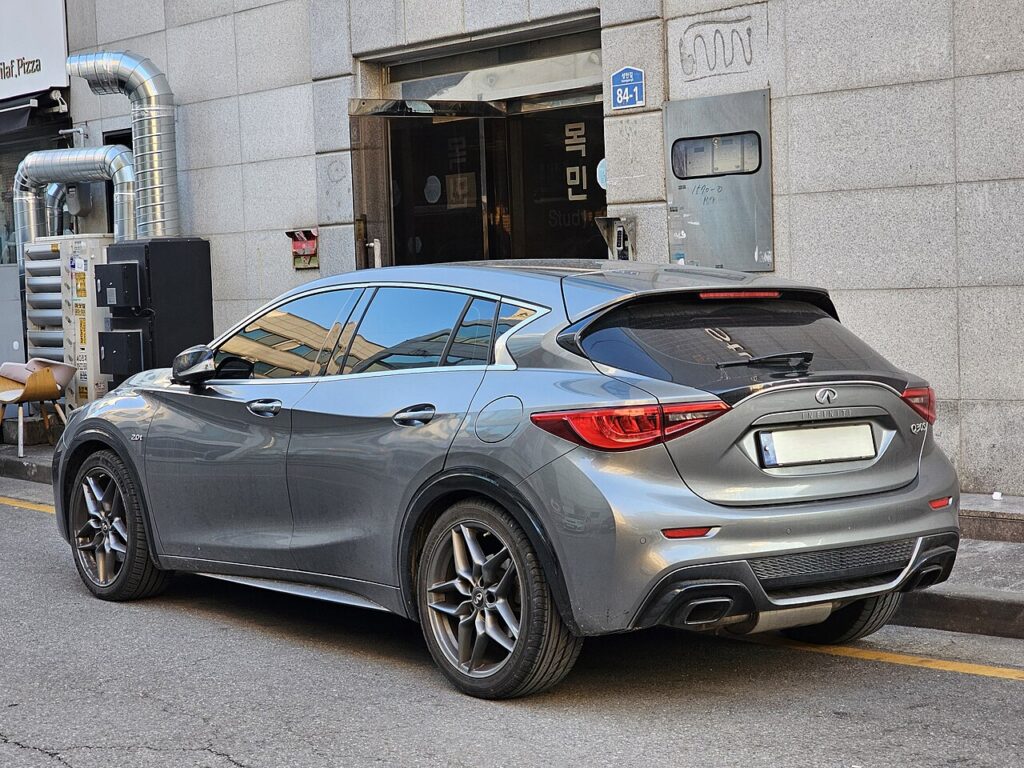
Start the Q30 with a dead fob battery
The Q30 carries an emergency ignition slot on the lower left of the steering column. Inserting the fob lets the slot’s antenna power and read the chip even when the coin cell is flat.
- Sit in the driver’s seat with the doors closed and press the brake pedal fully.
- Locate the key slot to the left of the steering column — a light usually illuminates beside it when the fob is not detected.
- Push the Intelligent Key into the slot, buttons facing the correct way for that port (a horizontal slot takes the buttons up, a vertical slot takes them toward the door).
- With the brake still pressed, push the START/STOP button. The engine starts.
- Keep the car running until a fresh battery is fitted; a later restart may not be recognised.
Unlock the doors with the mechanical key
A dead fob disables the remote buttons and keyless walk-up entry, so open the Q30 with the emergency blade.
- Press the release catch on the back of the fob and slide the metal blade out.
- Insert the blade into the driver’s door lock and turn to unlock.
- Open the door. The alarm may chirp until the car recognises the key inside.
Immobiliser note
The Q30’s immobiliser reads a passive transponder built into the Intelligent Key. Because the steering-column slot energises that chip directly, an authorised key still starts the car with a completely flat coin cell. The dead battery only disables remote locking and proximity entry — the engine immobiliser is not the obstacle.
Replace the key-fob battery
The Q30 Intelligent Key uses a single CR2025 3 V lithium coin cell — note that this is the thinner Mercedes-style cell, not the CR2032 used by Nissan-platform Infinitis. Check the marking on the old battery before buying.
- Slide the mechanical blade out first to release the case.
- Insert a small flat-blade screwdriver into one of the seam slots and twist gently to part the two halves.
- Lift out the old cell and fit the new CR2025 positive-side down, close the case, reinsert the blade, and test the buttons.
Frequently Asked Questions
Why won’t my Q30 detect the key? A flat fob battery is the usual cause. Insert the fob into the steering-column slot to start, then replace the CR2025.
Does the Q30 use the touch-to-button trick like other Infinitis? No. Because the Q30 is built on the Mercedes A-Class platform, it uses an emergency key slot rather than holding the fob against the START button.
What battery does the Q30 fob take? A CR2025 3 V lithium cell. It is widely sold and costs only a couple of pounds.
Will driving with a dead fob harm the car? No. Only remote locking and walk-up entry stop working. The passive immobiliser transponder still functions.
The Q30 started but a key warning stays on the dash — is that normal? Yes. The warning persists until a fresh cell is fitted, then clears on the next start.
If a key-detection fault appears alongside a dashboard warning light or stored fault code, our sister site autodtcs.com explains what each OBD-II trouble code means.
Independent guide — not affiliated with Infiniti. Always follow your official service manual and safety precautions. Read our full disclaimer.