These instructions apply to the Subaru Impreza Mk5 (GK) 2017-Present.
For other models, please choose your vehicle here.
The Subaru Impreza (Mk5/GK, 2017–Present) with Keyless Access and push-button start uses the START/STOP button as a back-up reader for a flat fob. Hold the access key fob against the button and the GK Impreza still recognises the chip, so it starts even when the coin cell is dead. Base trims with a bladed turn-key simply start as usual.
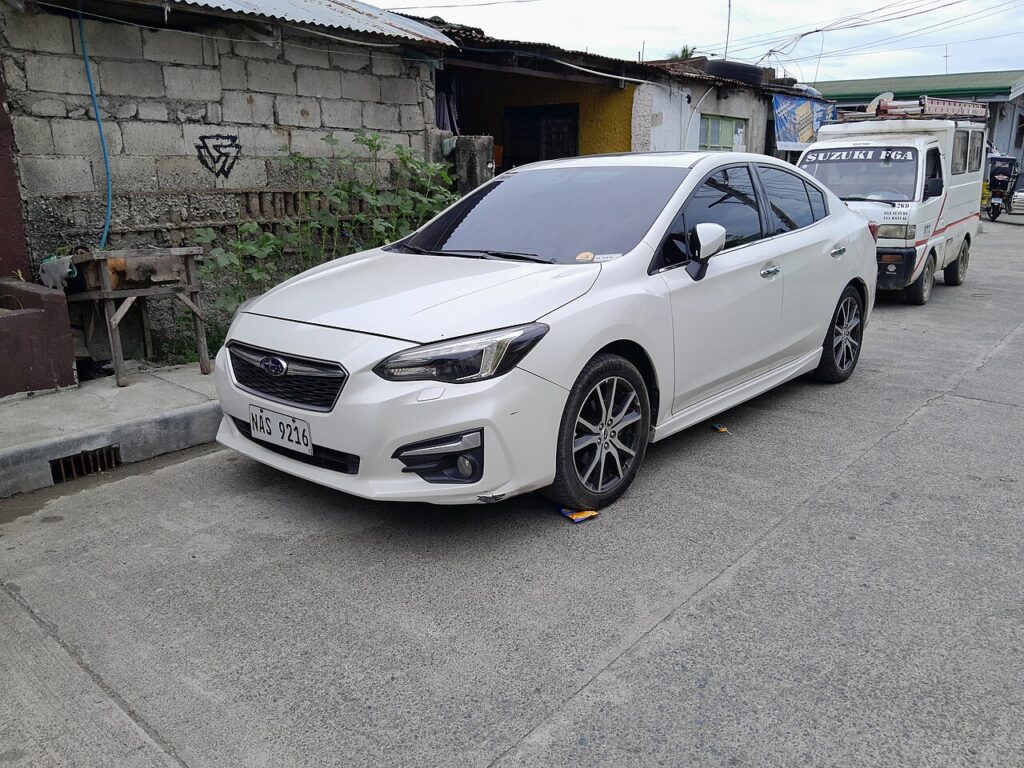
Start the GK Impreza with a dead fob
- Get in using the emergency key first (next section), then sit in the driver’s seat and close the door.
- Press and hold the brake pedal.
- Touch the access key fob directly against the push-button START/STOP switch and keep it pressed there — the reader coil sits behind the button.
- With the fob still held to the button, press the button. The chip wakes at close range and the engine starts.
If the meter shows the key is not detected, hold the fob flat and square against the button and try again — the read range is only about a centimetre.
Unlock the GK Impreza with the emergency key
- Press the release on the back of the access key fob and slide out the metal emergency key.
- At the driver’s door handle, insert the key into the lock cylinder — pop off the slim handle cover first if one is fitted.
- Turn to unlock. The alarm may chirp until the engine starts and the transponder is read.
Immobiliser note
The fob’s CR2032 cell only powers the proximity signal and the remote buttons. Engine authorisation comes from a passive transponder energised by the start-button coil, so a flat cell never blocks starting — it only disables hands-free locking and the remote. If your Impreza has a conventional bladed ignition instead of a button, a dead fob battery does not affect starting at all.
Replace the fob battery
The GK Impreza access key uses one CR2032 3V lithium coin cell in a screw-less snap-fit case. Pull the emergency key, prise the halves apart at the key-slot seam, swap the cell with the + side up, and click it shut. Remote and keyless functions return at once with no coding. Note that some early 2017 Impreza keys were screw-fastened — check the back of yours before opening.
Frequently Asked Questions
My Impreza has a normal ignition key, not a button — does this apply?
Only partly. With a bladed turn-key ignition, a dead fob battery does not stop you starting — just unlock and turn the key. The dead-fob start trick is for Keyless Access push-button cars.
Do I hold the fob to the start button or the steering column?
To the START/STOP button. On the Mk5 Impreza the back-up reader is built into the button.
The remote stopped working right after I replaced the battery — why?
Usually the new cell is in upside down or not seated. Re-open the fob, confirm the + side faces up, and press it firmly into the contacts.
Is it the fob or the car’s 12V battery?
If nothing lights up when you open the door, suspect the 12V battery. A flat coin cell only affects the remote and hands-free locking.
How long does the Impreza fob battery last?
Two to four years typically. Replace the CR2032 when the “key battery low” warning appears.
If a warning light stayed on after the no-start, look it up on autodtcs.com to confirm it was only the fob and not an immobiliser fault.
Independent guide — not affiliated with Subaru. Always follow your official service manual and safety precautions. Read our full disclaimer.