These instructions apply to the Maserati Quattroporte Mk6 (M156) 2013-2024.
For other models, please choose your vehicle here.
The Maserati Quattroporte (M156, 2013–2024) uses the same FCA-derived keyless system as its Ghibli sibling, and its back-up for a dead fob is just as simple: press the START/STOP button with the nose of the fob. A low-frequency antenna behind the button reads the key’s chip at point-blank range, so the saloon’s V6 or V8 fires even when the coin cell is completely dead.
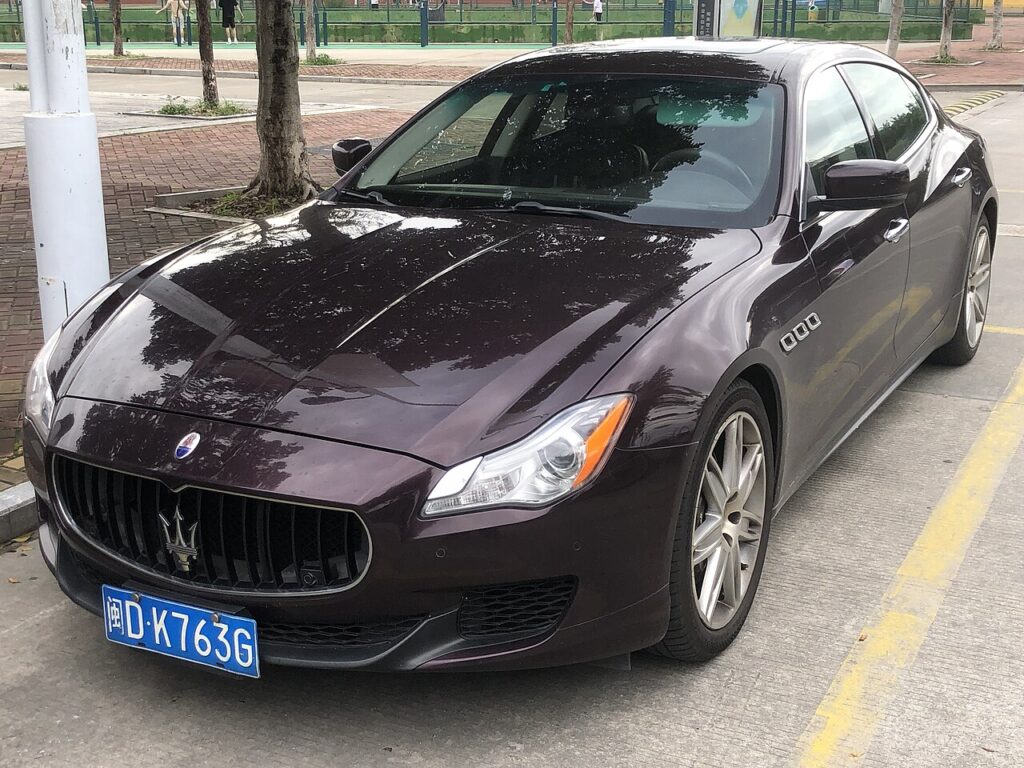
Start the Quattroporte with a dead fob
- Unlock and get in with the emergency blade first (next section), then sit down and close the driver’s door.
- Press and hold the brake pedal.
- Touch the nose of the fob — the end the emergency key slides out of — directly against the START/STOP button.
- Keeping the fob there, push the button with it. The antenna energises the chip and the engine cranks.
If the dash says the key is not detected, press the fob nose firmly and squarely to the button and try again — the read range is only a centimetre or so.
Unlock the Quattroporte with the emergency key blade
- Slide the latch on the fob and pull the metal emergency blade out.
- The driver’s door barrel hides under a small cover on the handle; lever the cover off with the blade.
- Insert the blade and turn to unlock. The alarm may chirp until the immobiliser reads the chip at start-up.
Why the immobiliser still reads a dead fob
The coin cell powers only the keyless proximity broadcast and the remote-lock buttons. Engine authorisation runs through a passive RFID transponder energised by the low-frequency antenna behind the start button — not by the battery. Touching the dead fob to the button lets the immobiliser read the chip and start the car.
Replace the fob battery
The Quattroporte fob uses one CR2032 3V lithium coin cell. Slide out the emergency blade, then part the casing at the seam or lift the cover where the blade exits. Lift the old cell out, fit the new one + side up, and click the casing back. Remote and keyless functions return at once with no coding.
Frequently Asked Questions
Which part of the fob touches the button?
The nose — the end the emergency blade slides out of. The chip sits at that end, closest to the antenna behind the START/STOP button.
Does the procedure differ across the long Quattroporte run?
No. From the 2013 launch through the 2024 cars the dead-fob method is the same: brake on, fob nose to the button, push.
Do I need my foot on the brake?
Yes. The automatic will not crank without the brake pressed, fob alive or dead.
Why did the alarm sound when I used the blade?
A mechanical unlock reads as forced entry until the transponder is verified. The alarm stops the moment the engine starts.
Is it the fob or the 12V battery?
If the cabin stays dead and nothing wakes when you open the door, suspect the car’s 12V battery rather than the coin cell. A weak cell only affects the remote.
If a warning light stayed on after the no-start, look it up on autodtcs.com to confirm it was just the fob rather than an immobiliser code.
Independent guide — not affiliated with Maserati. Always follow your official service manual and safety precautions. Read our full disclaimer.