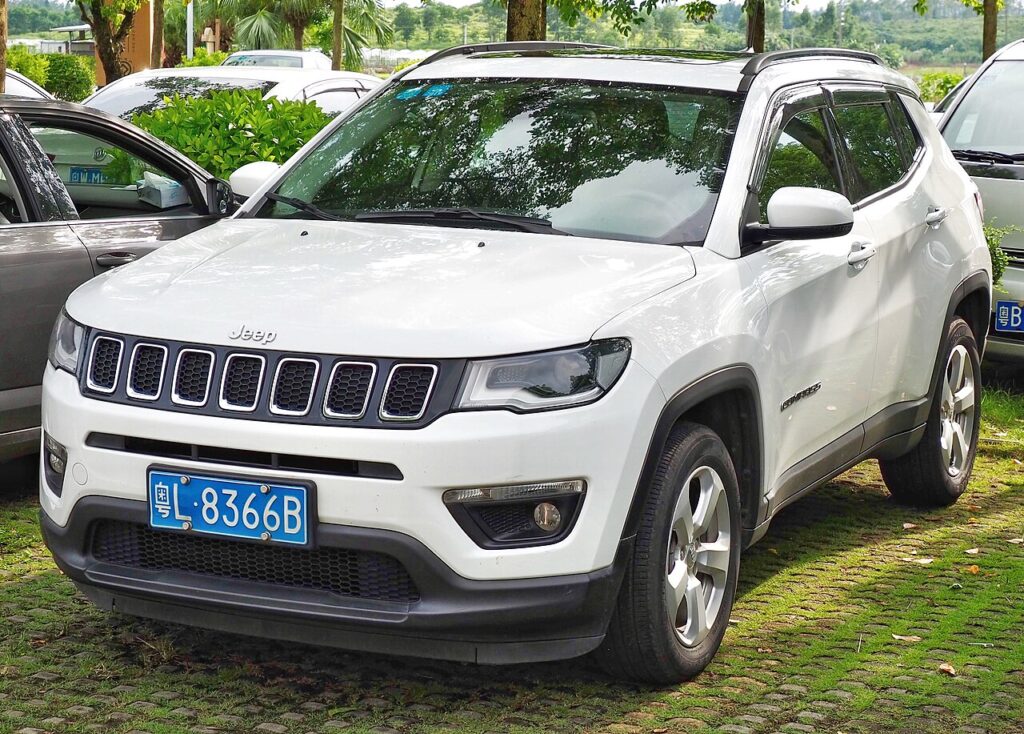
These instructions apply to the Jeep Compass Mk2 (MP) 2017-Present.
For other models, please choose your vehicle here.
When the remote on your Jeep Compass (MP, 2017–Present) stops responding and the dash shows “Key Fob Not Detected,” the small coin cell inside the fob is almost always the culprit. That doesn’t leave you stranded: the second-generation Compass uses Keyless Enter-N-Go, and the system has a built-in backup that lets a flat fob both unlock and start the car. Here is exactly what to do, followed by how to fit a new cell.
Start the Compass with a dead fob battery
Behind the START/STOP button sits a short-range antenna that reads the fob’s passive transponder chip — no fob battery required. To use it:
- Get into the driver’s seat, close the door and press the brake pedal firmly and hold it.
- Turn the fob so its nose end (the end opposite the emergency key blade) points at the dash.
- Press that nose flat against the ENGINE START/STOP button and keep it there.
- Push the button through the fob. The Compass reads the chip and the engine cranks.
- After it starts, you can put the fob away for the rest of the journey.
Don’t pry the button cap off the dash — the proximity read is the proper factory method and works through the touching fob.
Unlock the doors with the emergency key
With a flat fob the radio lock/unlock won’t work, so use the hidden blade:
- Press the release catch on the fob and slide the emergency key blade out of the body.
- On the driver’s door, prise off the small cap covering the lock cylinder if your trim has one.
- Insert the blade and turn to unlock.
- Return the blade to the fob so it’s ready for next time.
Will the alarm go off?
If the security system is armed, the door alarm may sound when you open with the blade. Sit in, complete the dead-fob start above, and the valid-key recognition silences it.
Replace the key fob battery
Most Compass MP fobs use a CR2032 coin cell; a few later proximity fobs take the thicker CR2450 — check the old cell before you buy:
- Slide the emergency blade out first; the gap it leaves is your pry point.
- Split the fob halves with a coin or small flat screwdriver.
- Note the orientation, lift the old cell out, and fit the new one positive (+) up the same way.
- Snap the halves together, refit the blade, and test lock/unlock from a few steps back.
Frequently Asked Questions
Does my Compass fob use a CR2032 or CR2450? Both exist across the MP run. Open the fob and read the print on the old cell — that’s the only reliable way to know which one yours takes.
The engine started — can I now drive normally? Yes. The fob only has to be read once at start-up. Replace the cell soon so you’re not relying on the backup every trip.
What if nothing happens at all when I press the button? A completely dark dash points to the car’s 12V battery, not the fob. Jump start the Compass first, then retry the dead-fob start if needed.
Where is the keyhole on the Compass? On the driver’s door handle, sometimes hidden under a small trim cap that pops off with the blade tip.
Why does the fob keep going flat? Leaving it close to the parked car keeps it awake and drains it. Park it away from the vehicle overnight to make the cell last.
If a dash warning light stayed on afterward, decode the fault on our sister site autodtcs.com.
Independent guide — not affiliated with Jeep. Always follow your official service manual and safety precautions. Read our full disclaimer.