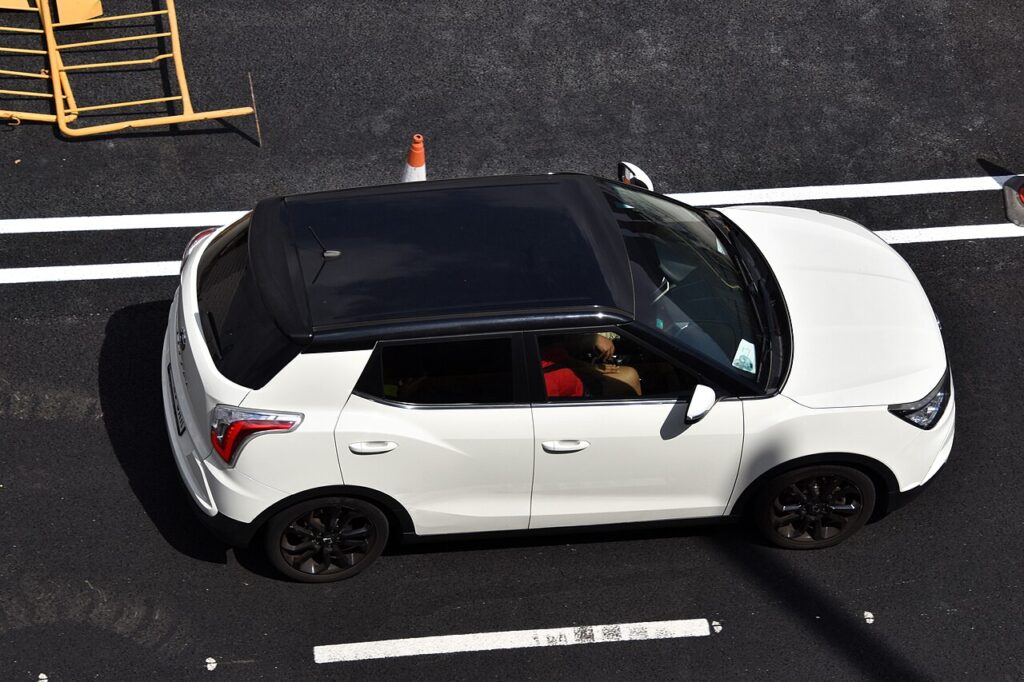
These instructions apply to the SsangYong Tivoli Mk1 2015-2022.
For other models, please choose your vehicle here.
The SsangYong Tivoli (X100, 2015–2022) was sold two ways: higher trims get a Smart Key with keyless entry and a push-button start, while entry models use a conventional bladed key in a turn ignition. A flat fob battery is handled differently on each, so check the dash for a START/STOP button or an ignition barrel before you worry about a no-start.
Start the Car When the Fob Is Dead
On a turn-key Tivoli the coin cell only powers the remote buttons; the immobiliser chip is in the blade and needs no battery, so the car starts as always:
- Insert the cut key into the ignition barrel on the column.
- Turn to crank — the Tivoli starts normally.
On a Smart Key Tivoli with a START/STOP button, the chip still reads up close even with a flat cell:
- Sit in the driver’s seat with the door shut and press the brake fully.
- Hold the Smart Key flat against the START/STOP button, badge face to the button.
- With the brake down, press START. The engine cranks and starts.
If it does not take, square the fob on the button or flip it — the read coil only reaches a centimetre or two.
Unlock With the Mechanical Key
A dead fob will not unlock by radio, so use the blade.
- On the turn-key car use the cut key; on the Smart Key, slide the catch and pull the emergency blade out.
- At the driver’s door, lever off the handle cover if needed to reach the lock cylinder.
- Insert and turn to unlock; the alarm may sound until the car is started.
About the Immobiliser
The Tivoli’s Smart Key Module runs the immobiliser. The check is passive, so the turn-key car starts on a dead remote and the keyless car still reads the fob held to the button — that close-range link is SsangYong’s designed low-battery fallback. A crank-but-no-run or a lingering key warning points at the key or SKM, not the coin cell.
Replace the Coin Cell
The Tivoli fob uses a 3V lithium coin cell — commonly a CR2032, with some takes on a CR2025. Read the old cell to be sure.
- Pull the blade out to expose the case seam, then twist a coin or flat screwdriver in the slot to part the halves.
- Note the old cell’s number and fit the matching new one positive (+) side the same way, by the rim.
- Click the case shut and test lock/unlock at the car.
Frequently Asked Questions
Can I start my Tivoli with a dead fob? Yes. Turn-key cars start on the cut blade; Smart Key cars start by holding the fob to the START/STOP button with the brake down.
Which battery does the Tivoli fob take? A 3V lithium coin cell, usually CR2032 or CR2025 — check the old one.
How do I tell which key system I have? An ignition barrel on the column means turn-key; a START/STOP button means Smart Key.
Do I need to reprogram after a battery change? No. The coin cell only powers the remote; swapping it does not erase the key.
Where is the door keyhole? On the driver’s door handle, behind a small cover on Smart Key cars.
If a warning light stayed on after you drove away, you can decode the exact fault on our sister site autodtcs.com to check whether it relates to the key or immobiliser.
Independent guide — not affiliated with SsangYong. Always follow your official service manual and safety precautions. Read our full disclaimer.