These instructions apply to the MG HS Mk1 2019-2023.
For other models, please choose your vehicle here.
The MG HS (2019–Present) is a keyless car across the range, including the HS PHEV plug-in hybrid: you keep the smart key in your pocket and the SUV unlocks and starts on its own. When the fob’s coin cell dies the dash shows a key-warning message and the START/STOP button stops responding — but MG builds in a battery-free backup, so you can still drive away.
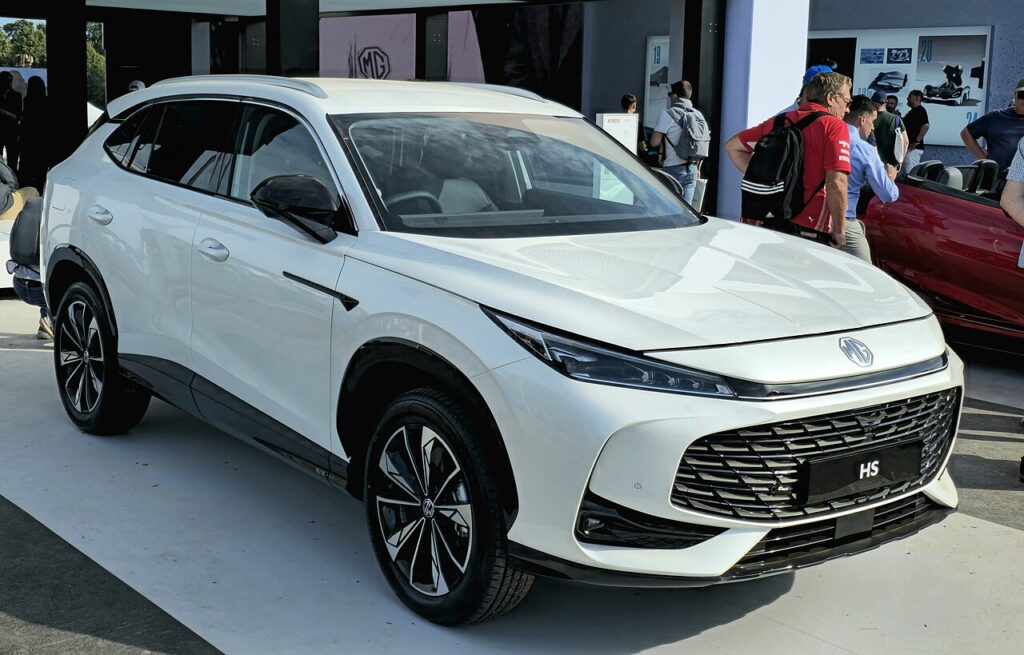
Start the HS With a Dead Fob
The smart key normally talks to the HS over a low-power radio link. When the battery dies that link drops, but the car can still read the fob’s passive transponder if you bring it right up to the button.
- Get in first with the emergency key blade (see below) and sit in the driver’s seat.
- Press the brake pedal fully and hold it (on the PHEV, this sets the system to READY).
- Hold the smart key flat against the START/STOP button so the chip sits directly on it. The button may beep as the car detects the fob.
- While still touching the button, press START. The engine starts, or on the PHEV the system powers up to READY.
If it does not respond first time, turn the fob over and present the other face squarely to the button — the antenna behind it has only a centimetre or two of reach.
Unlock the Door With the Emergency Key
A dead fob will not open the doors by radio, so use the metal blade hidden inside it.
- Press the small release catch on the fob and slide out the emergency key blade.
- Go to the driver’s door. The lock cylinder sits behind the handle, sometimes under a slim cap — ease it off with the blade tip.
- Insert the blade and turn to unlock. The alarm may sound; starting the car with the recognised fob clears it.
Why a Flat Fob Still Starts the HS
The smart key holds two systems: a battery-powered radio for hands-free entry, and a battery-free transponder chip read by the immobiliser. Holding the fob on the START button lets the car’s antenna energise that chip and read its code, so even a completely dead coin cell leaves the immobiliser handshake intact. This is a designed-in fallback on every keyless HS.
Replace the Coin Cell
The fix above gets you going; swap the battery the same day so you are not caught out again.
- Slide out the emergency key blade to release the fob cover.
- Prise the two halves apart at the seam with a thumbnail or small flat tool.
- The HS fob uses a CR2032 3V lithium coin cell. Note the orientation and fit the new cell the same way (positive usually faces up).
- Clip the case shut and refit the blade. To re-sync, set the car’s power to READY/ON with the fresh key inside; hands-free operation should return.
Frequently Asked Questions
My HS still won’t start after holding the fob to the button. Confirm the brake is pressed fully and that you held the fob flat on the button until it beeped. Try the other face of the fob. If nothing happens at all, the car’s 12V battery may be flat — check that too.
Can the metal key start the HS? No. The blade only unlocks the driver’s door; there is no ignition barrel. Starting always goes through the START button with the fob held against it.
Which battery does the HS smart key take? A CR2032 3V lithium coin cell.
Is the PHEV any different? The method is the same — hold the fob to the button with the brake pressed; the plug-in hybrid powers up to READY rather than cranking an engine immediately.
The fob worked intermittently before it died — why? A weak coin cell transmits patchily. Once a key-battery warning appears, fit a fresh CR2032 before it fails completely.
If a warning light stayed on after you got going, you can look up the exact fault code on our sister site autodtcs.com to see whether it relates to the keyless system or something unrelated.
Independent guide — not affiliated with MG. Always follow your official service manual and safety precautions. Read our full disclaimer.