These instructions apply to the MG HS Mk1 2019-2023.
For other models, please choose your vehicle here.
If the central touchscreen in your MG HS (2019–present) has frozen, gone black, or stopped responding to your taps, you can force the i-SMART head unit to reboot yourself in well under a minute — no garage, no tools, and without losing your presets or paired phones.
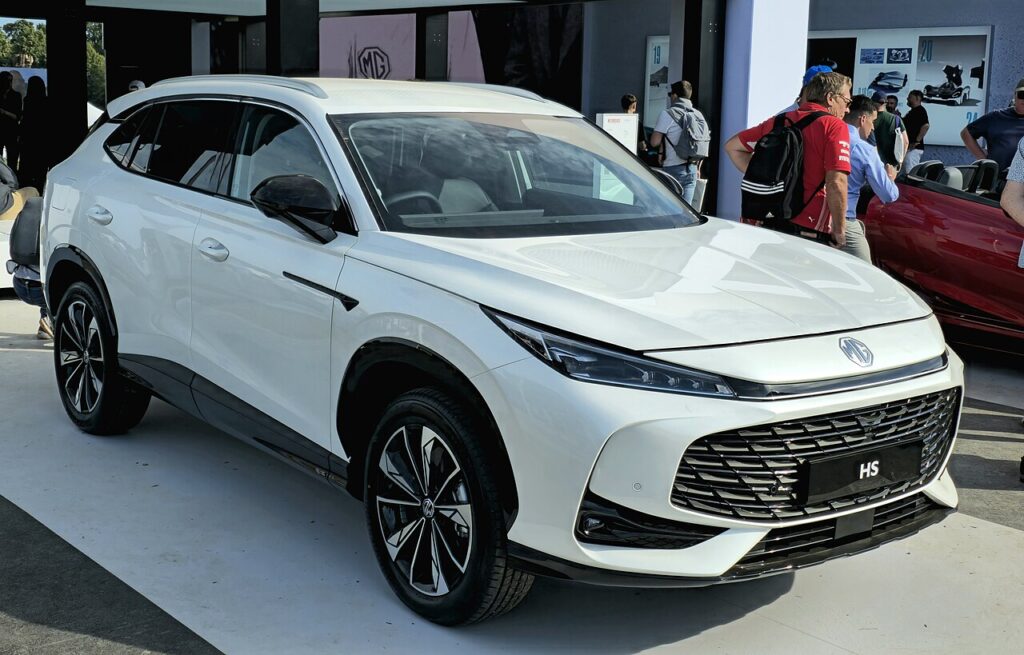
Which screen is in your HS
The HS runs MG’s i-SMART infotainment on a tall 10.1-inch portrait touchscreen mounted high on the centre stack. Almost every function — climate, audio, drive modes, reversing camera — is reached by tapping the glass, so a frozen display is more than an annoyance. There are very few hard keys: a volume control and a small set of touch-sensitive shortcuts (including Home) below the screen. The portrait i-SMART unit is known to occasionally lag or freeze, especially after a dealer software update, but the screen itself is rarely faulty — a forced reboot almost always brings it back.
Soft reset (reboot) the touchscreen
Do this parked, with the ignition on so the unit keeps its power. The HS responds best to the volume-control method:
- Press and hold the volume control down (the “volume minus” side of the rocker or knob) for at least 10 seconds.
- The screen should go black and power down. Release the control.
- Wait about 2 seconds, then press the control once to wake it.
- The MG logo appears and the system does a full reboot — let it boot.
- Wait up to a minute for the home screen to reload; audio, Bluetooth and the camera all return on their own.
If the volume method does nothing, press and hold the Home button (or the centre button) on the screen bezel for about 20–30 seconds until the display blanks and the MG logo reappears.
Will this erase anything? No
The reboot is completely safe. It does not wipe your radio presets, paired phones, navigation favourites or driver settings — it simply restarts the head unit’s software, exactly like restarting a phone. Use it whenever the i-SMART screen plays up.
If the screen stays frozen
- Hold longer. If the first attempt did nothing, repeat and keep the volume-down (or Home) control held for a full 30 seconds before the display blanks.
- Let the car sleep. Switch off, lock the car with the fob and walk away for about five minutes so the electronics power down fully; then unlock and restart.
- Suspect a recent update. HS owners have reported the screen freezing after a dealership software update. If your freezing started right after a service or update, go back to the dealer — they may need to re-flash or roll back the firmware rather than you chasing it with resets.
- Disconnect the 12V battery (last resort). If no button will respond, a short disconnection of the negative terminal on the 12V battery for a few minutes forces a full cold restart of the head unit. Only do this if nothing else works.
Factory reset (erases data — rarely needed)
A factory reset is separate from the reboot and only worth doing if you are selling the car or chasing a deep, persistent glitch. From the home screen tap Settings → System (or General) and look for Factory reset / Restore default settings, then confirm. It erases radio presets, paired Bluetooth devices and saved navigation addresses, so only do it deliberately.
Frequently Asked Questions
What is the quickest way to reboot the MG HS screen?
Hold the volume control down for at least 10 seconds until the screen powers off, wait 2 seconds, then press once. The unit restarts from the MG logo. This is the method HS owners report works most reliably.
My HS screen froze right after a software update — is that normal?
It is a known pattern. Some HS units freeze or behave oddly straight after a dealer update. Try the reboot first; if it keeps freezing, book it back in, because the cure is usually a corrected firmware flash rather than anything you can fix from the menus.
Will rebooting delete my paired phone or radio presets?
No. The hold-to-reboot method keeps every preset, paired phone and saved setting. Only the menu-driven factory reset clears them.
Is it safe to drive with the HS touchscreen frozen?
The infotainment is separate from the engine and driving systems, so the car drives normally, but on the HS the screen also shows the climate controls and reversing camera. Reboot once parked, and rely on mirrors and over-the-shoulder checks if you must reverse with the camera feed frozen.
The HS is stuck on the MG logo and won’t finish booting — what now?
Repeat the volume-down hold for a full 30 seconds; if it still loops on the logo, lock the car and leave it five minutes, then restart. A unit that keeps boot-looping needs the dealer to re-flash the software.
If a warning light or fault message stays on the dash after the reboot, it may have stored a diagnostic trouble code — you can look it up on autodtcs.com.
Independent guide — not affiliated with MG. Always follow your official service manual and safety precautions. Read our full disclaimer.