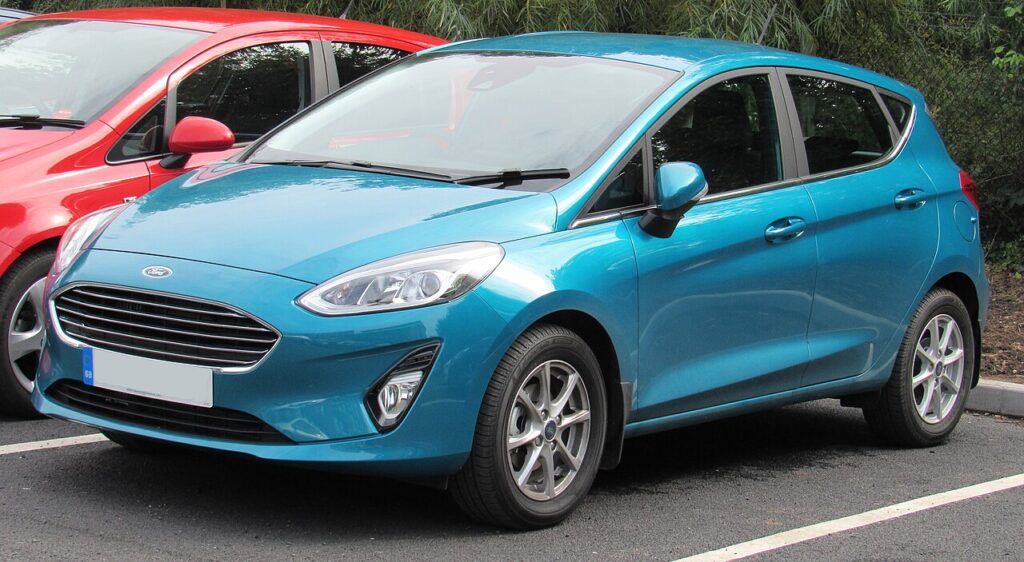
These instructions apply to the Ford Fiesta Mk7 (2008-2017).
For other models, please choose your vehicle here.
The Ford Fiesta (Mk7, 2008–2017) hides a genuine owner-accessible cluster self-test — Ford calls it the instrument cluster Self-Diagnostic Mode. No scan tool, no garage visit: you trigger it from the driver’s seat using the trip-reset button on the end of the wiper/indicator area and the ignition key. It is the quickest way to confirm a gauge, warning lamp or display segment still works, and to read stored cluster fault codes before you spend money chasing a phantom fault.
What the self-test is and what it shows
The Self-Diagnostic Mode is a hidden engineering routine built into the Fiesta’s instrument cluster. When you enter it, the cluster runs a full gauge needle sweep, lights every warning LED in turn, and floods the LCD with all its segments so you can spot a dead pixel or a stuck needle. It then exposes a sequence of live and stored data screens:
- Engine speed (RPM) and road speed read directly from the cluster
- Engine coolant temperature in real numbers, not just a needle
- Battery voltage at the cluster
- Fuel level / sender reading
- Stored cluster Diagnostic Trouble Codes (DTCs), or a "nOnE" style result if clear
This is the cluster reporting on itself. It is not the same as a full OBD-II scan of the engine ECU, but it is a fast, free first look.
How to enter the hidden diagnostic menu
- Make sure the ignition is fully OFF and the key is in your hand.
- Press and hold the trip-reset button (the small stalk/dash button you normally tap to zero the trip meter).
- While still holding it, turn the ignition key to position II (ON / accessory) — do not crank or start the engine.
- Keep holding for several seconds. After roughly 10–15 seconds the display shows TEST and the needles begin their sweep.
- Release the trip-reset button once TEST appears.
Reading the gauges, voltage and codes
Each press of the trip-reset button advances to the next test screen. Work through the needle sweep, the LED check and the LCD segment test first — a missing segment or an unlit warning lamp tells you the cluster hardware, not the sensor, is at fault. Continue pressing to reach the live-data screens for RPM, speed, coolant temperature and battery voltage. A healthy resting battery reads around 12.4–12.7 V with the engine off; a much lower figure points at the battery or charging system. The final screens list any stored cluster DTCs. Note the codes down before you exit so you can look them up.
How to exit
Turn the ignition to the OFF position to leave Self-Diagnostic Mode. The cluster returns to normal at the next start. Nothing you view here changes a setting, so you can run the test as often as you like.
Frequently Asked Questions
Does this work on every Mk7 Fiesta trim? The routine is built into the standard Mk7 cluster, including the facelift Mk7.5. The exact screens you see depend on which cluster (basic, mid or high-spec with the central display) your Fiesta was fitted with.
Will entering the self-test reset my service light or trip data? No. The self-test only reads and displays information. Your trip meters and service interval are untouched.
The display shows codes — is my Fiesta about to break? Not necessarily. These are cluster-level codes and can be historic. Cross-reference them and, if a warning lamp is also lit, confirm with a proper OBD-II scan before replacing parts.
Why won’t TEST appear? The most common reason is starting the engine instead of stopping at position II, or releasing the trip button too early. Keep it held through the full 10–15 second wait with the ignition ON only.
Is the battery voltage reading accurate enough to trust? It is a useful guide measured at the cluster and good for spotting a flat battery or weak charge, but a multimeter at the battery terminals remains the reference if the numbers look borderline.
Once you have your cluster codes, look up what each one means and how serious it is at autodtcs.com.
Independent guide — not affiliated with Ford. Always follow your official service manual and safety precautions. Read our full disclaimer.