These instructions apply to the Mazda CX-3 Mk1 (DK) 2015-2022.
For other models, please choose your vehicle here.
The Mazda CX-3 (DK, 2015–2022) shares the hidden instrument-cluster Test Mode used across the Skyactiv range, and you can open it yourself with no scan tool. Holding the dash trip-reset button while you switch the ignition to ON drops the cluster into a numbered self-test — needle sweeps, warning-lamp and LCD checks, chimes and live sensor values — so you can isolate a dead gauge from a bad sender before booking a workshop.
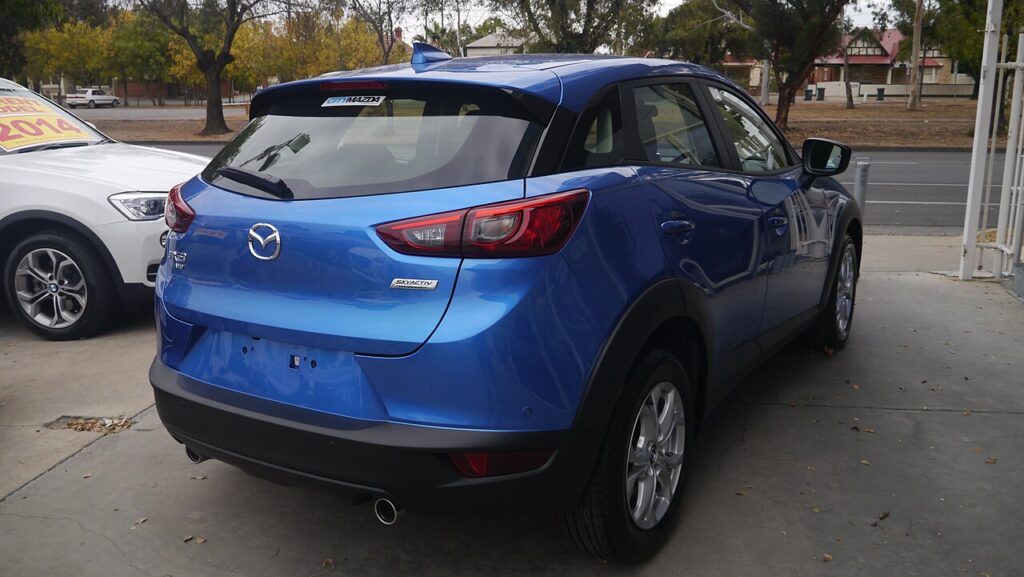
What Test Mode is and what it shows
The routine makes the CX-3 cluster run a fixed sequence of self-checks, each shown as a code number in the odometer window. Stepping through it lets you verify:
- Every warning and indicator LED lighting in turn
- The LCD segments and backlight, to catch dead pixels
- Full needle sweeps of the speedometer and tachometer
- Fuel-gauge and engine-temperature gauge sweeps
- Live numeric fuel-sender values and the dash and turn-signal chimes
Because the cluster is checking its own gauges and the signals it receives, a needle that will not sweep is a cluster fault, while one that sweeps fine but reads wrong on the road points to the sender.
How to enter the hidden diagnostic menu
- Switch the ignition fully OFF.
- Press and hold the trip-reset button on the instrument cluster.
- While holding it, set the ignition to ON. On keyless CX-3 models, press the START button twice without pressing the brake; do not start the engine.
- Keep the trip button held until TEST shows in the odometer display, then release.
- Tap the trip button to advance through the numbered tests.
Reading the gauges and codes
Each press steps to the next code. Begin with the LED and LCD checks — a dead lamp or missing segment is a cluster hardware fault. The gauge codes drive the speedometer, tachometer, fuel and temperature needles fully across; watch for any that stick or lag. Numeric codes report live fuel-sender and input values, the quickest way to tell a faulty gauge from a faulty sender. Note anything abnormal before exiting.
How to exit
Turn the ignition OFF, then back ON, to leave Test Mode. Nothing you viewed is stored or changed, and the cluster runs normally afterwards.
Frequently Asked Questions
How do I reach ON on a keyless CX-3? Hold the trip-reset button and press the START button twice with your foot off the brake. That selects ON, and TEST appears if you keep holding.
Will Test Mode reset my service or oil light? No. It only reads and displays data; the service indicator and trip meters are untouched.
Why does TEST not appear? You probably reached START rather than ON, or let go of the trip button too soon. Reach ON only, keep holding, and wait for TEST.
Are these the same as check-engine codes? No. They are cluster-level tests and values. If the engine warning lamp is lit, scan the engine ECU with an OBD-II tool.
Is it safe to run every test? Yes, with the engine off the tests only drive the gauges, lamps and chimes. Never run the mode while the car is moving.
To look up the meaning of any fault code you record, visit autodtcs.com.
Independent guide — not affiliated with Mazda. Always follow your official service manual and safety precautions. Read our full disclaimer.