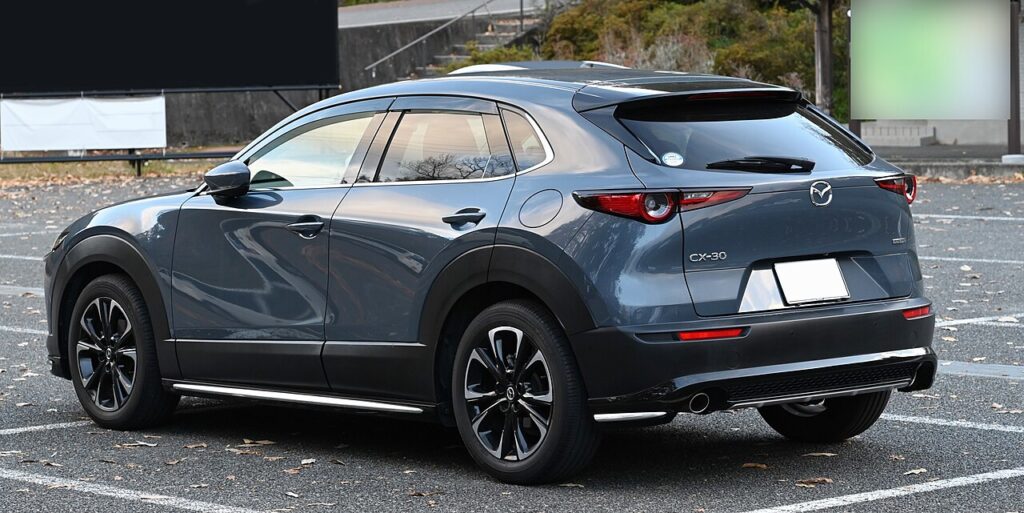
These instructions apply to the Mazda CX-30 Mk1 (DM) 2019-Present.
For other models, please choose your vehicle here.
The Mazda CX-30 (DM, 2019–Present) shares the hidden instrument-cluster Test Mode of its Mazda 3 sibling, and you can open it yourself with no scan tool. Holding the trip-reset button while you switch the ignition to ON drops the cluster into a numbered self-test — gauge sweeps, lamp and display checks, chimes and live sensor values — even though this generation pairs analogue dials with a central TFT screen.
What Test Mode is and what it shows
The routine runs the CX-30 cluster through a fixed sequence of self-checks, each marked by a code number in the display. Stepping through it lets you confirm:
- Whether the warning and indicator lamps light correctly
- Speedometer and tachometer needle sweeps, resting at fixed test points
- Fuel-gauge and engine-temperature gauge sweeps
- Live numeric fuel level and fuel-sender readings
- The dash chime, turn-signal sound and button-press detection
The cluster is testing its own gauges, lamps and the signals it receives, so a needle that refuses to sweep is a cluster fault, while one that sweeps but reads wrong in use points to the sender.
How to enter the hidden diagnostic menu
- Have the ignition fully OFF.
- Press and hold the trip-reset button on the instrument cluster.
- While holding it, set the ignition to ON so the cluster lights up. The CX-30 is keyless, so press the START button twice without pressing the brake; do not start the engine.
- Keep the trip button held until TEST appears in the odometer area, then release it.
- Tap the trip button to step through the numbered test codes.
Reading the gauges and codes
Each press advances to the next code. Start with the lamp and display checks — a lamp that stays dark or a display fault is a cluster problem. The gauge codes drive the speedometer, tachometer, fuel and temperature needles fully across and back; watch for sticking or lag. Numeric codes show live fuel and input values, the fastest way to separate a faulty gauge from a faulty sender, while higher codes report info-display data and button-press detection. Record anything abnormal before leaving.
How to exit
Press the START button to quit, or turn the ignition OFF, then cycle back ON for normal use. Nothing you viewed is stored or changed; the cluster runs normally afterwards.
Frequently Asked Questions
The CX-30 has no key — how do I reach ON? Hold the trip-reset button and press the START button twice with your foot off the brake. That selects ON, and TEST appears if you keep holding.
Does the digital screen stop this from working? No. The CX-30 keeps analogue speedo and tacho dials, so the gauge self-test and trip-button sequence still work alongside the central TFT screen.
Will this reset the service or oil light? No. Test Mode only reads and displays data. Use the dash settings menu or the standard procedure to reset the service reminder.
Are these the same as check-engine codes? No. These are cluster-level tests and values. If the engine warning lamp is on, scan the engine ECU with an OBD-II tool.
Does it work on the CX-30 Skyactiv-X and mild-hybrid? Yes. All DM variants share the same cluster, so the sequence and gauge tests are identical.
To decode any fault code you record here, visit autodtcs.com.
Independent guide — not affiliated with Mazda. Always follow your official service manual and safety precautions. Read our full disclaimer.