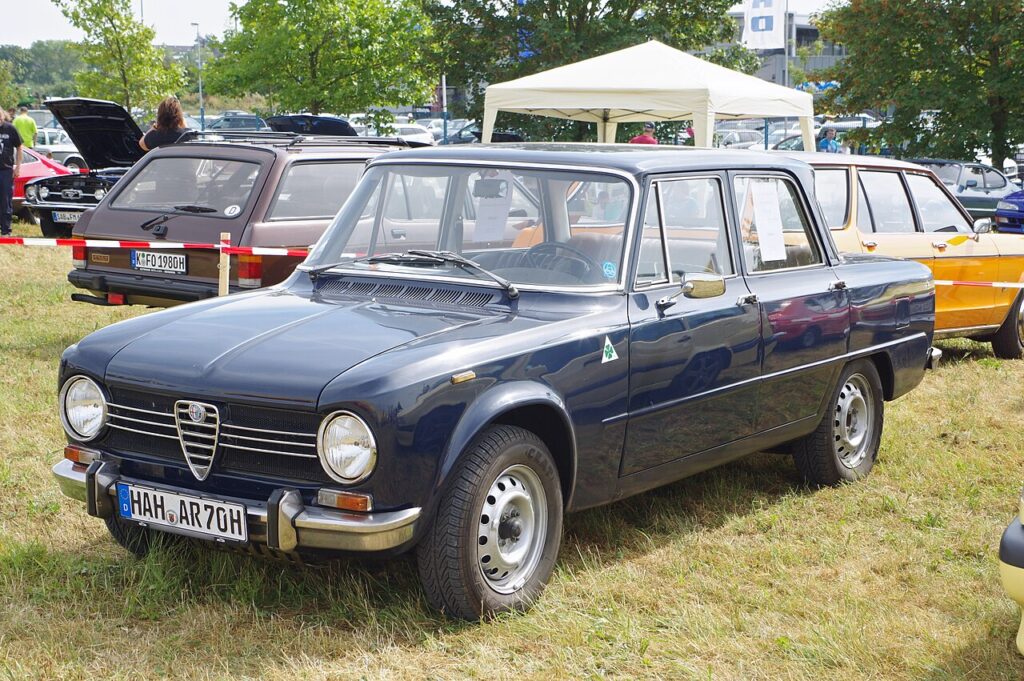
These instructions apply to the Alfa Romeo Giulia Mk1 (952) 2016-Present.
For other models, please choose your vehicle here.
The Alfa Romeo Giulia (952, 2016–Present) is a full keyless car with a push-button START/STOP ignition, so a dead fob behaves differently to an old turn-key Alfa. The good news is that the immobiliser chip inside the fob is passive — it does not need its own battery to start the engine. When the fob coin cell dies you can still get in and drive; you just have to present the fob to the car in a specific way. This guide covers the backup start, unlocking with the emergency blade, and fitting a fresh cell.
Starting the Giulia With a Dead Fob
The car can still read the fob’s chip up close, so the procedure is to bring the fob to the button:
- Get into the car first using the emergency blade (next section) and sit in the driver’s seat with the door closed.
- Press the brake pedal fully and hold it down.
- Place the fob in the dedicated holder. On the Giulia, the backup location is the cupholder/console area — the owner’s handbook shows resting the fob there so the interior antenna can read it. Alternatively, hold the fob flat against the START/STOP button.
- With the brake still pressed, push the START/STOP button. The engine fires up.
If it does not catch the first time, reposition the fob (try the opposite face against the button) and press START again while keeping the brake down.
Unlocking the Door With the Emergency Blade
A flat fob will not unlock the car by proximity or by button, so use the hidden metal blade.
- Slide the release catch on the fob and pull out the emergency key blade.
- The driver’s door lock is concealed under a small cap behind the door handle — prise the cap off with the blade tip to expose the barrel.
- Insert the blade and turn to unlock.
- Opening the door this way may set off the alarm; it stops as soon as you start the car with the recognised fob.
- Refit the cap and slide the blade back into the fob.
Why the Engine Still Starts
The Giulia’s fob contains two systems: a battery-powered radio for hands-free locking and proximity entry, and a battery-free transponder read by the immobiliser. When you place the fob in the holder or on the START button, an interior antenna energises that chip directly and reads its code. That is why a completely flat fob still starts the engine, but no longer locks, unlocks, or unlocks-on-approach by itself.
Replacing the Key Fob Battery
The Giulia fob uses a single CR2032 3V lithium coin cell.
- Slide the catch and remove the emergency blade, which releases the cover.
- Turn the battery cap or unclip the rear of the fob to expose the cell.
- Lift out the old CR2032 and fit the new one with the “+” side facing up as marked.
- Reassemble and refit the blade.
- Stand by the car and press a button to confirm remote locking has returned.
Frequently Asked Questions
Where do I hold the fob to start a Giulia with a dead battery? Rest it in the console/cupholder backup location shown in the handbook, or hold it flat against the START/STOP button, then press the brake and push START.
Which battery does the Giulia fob take? A CR2032 3V lithium coin cell.
Can I start the Giulia with just the emergency blade? No. The blade only unlocks the driver’s door; the fob itself must be present for the immobiliser to allow starting.
Will opening the door with the blade trigger the alarm? It can. The alarm cancels the moment the car detects the valid fob and you start the engine.
How long should the Giulia fob battery last? Typically three to four years. Replace it as soon as the dash warns of a low key battery rather than waiting for it to fail.
If a warning light remained on after a flat fob or weak 12V battery, you can decode exactly what the fault means on our sister site autodtcs.com.
Independent guide — not affiliated with Alfa Romeo. Always follow your official service manual and safety precautions. Read our full disclaimer.