These instructions apply to the BMW 5 Series Mk6 (F10/F11/F18) 2010-2017.
For other models, please choose your vehicle here.
Disconnecting the 12 V battery on a BMW 5 Series (F10/F11/F18, 2010–2017) needs a little more care than older cars. The battery lives in the boot, not the engine bay, and the car has an intelligent battery-management system — so a like-for-like replacement should ideally be registered afterwards for the charging strategy to work correctly. This guide covers the safe order of work and what to re-initialise.
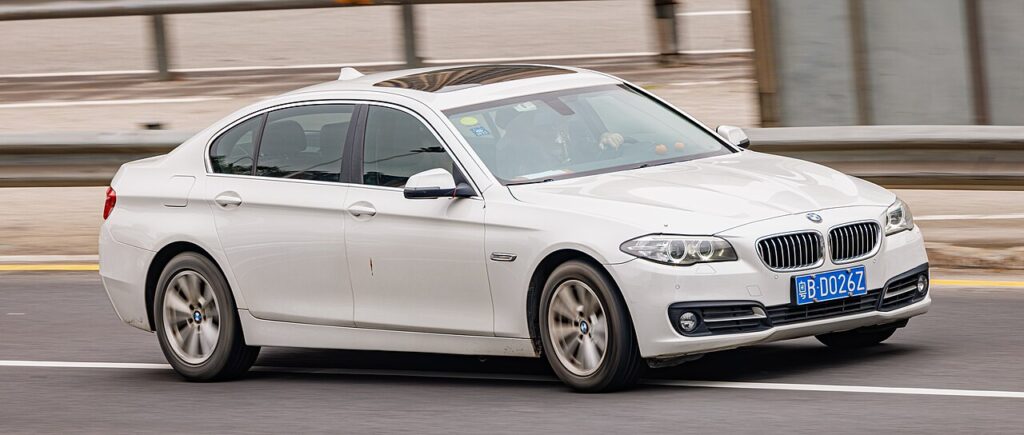
Where the Battery Is
The battery is in the boot, usually on the right-hand side under the floor or side trim. Lift the boot floor or remove the side panel to reach it. There is also a remote jump-start positive terminal under the bonnet, but the battery itself is in the boot.
Before You Disconnect
- Note your radio/iDrive settings and presets.
- Turn the ignition off, open a window (so you can still get in if the central locking drops), and make sure all consumers are off.
- If working near airbags or seat-belt pretensioners, after disconnecting wait 1 minute before handling those parts.
Disconnecting — Correct Order
- Turn the ignition off and open the boot.
- Fold back the boot trim and disconnect the negative (−, earth) terminal first.
- Only undo the positive (+) terminal if you are removing the battery completely (release the vent hose and hold-down bracket first).
Reconnecting — Correct Order
- Refit the battery and secure the hold-down bracket and vent hose.
- Connect the positive (+) lead first, then the negative (−) earth lead last. Tighten both firmly.
- Turn the ignition on and wait a moment before starting.
Registering the Battery
If you have fitted a new battery, BMW’s battery-management system should be told about it so it charges the new battery correctly — this needs a diagnostic tool (a BMW dealer, independent specialist, or an OBD app such as Bimmercode/Carly). The car will run without registration, but a new battery may be over- or under-charged over time. Simply disconnecting and reconnecting the same battery does not need registration.
What to Reset Afterwards
- Reset the date and time and re-enter your radio presets.
- Re-initialise the power windows — one-touch won’t work until re-taught (see our window initialise guide).
- Re-initialise the sunroof if fitted (see our sunroof initialise guide).
- The start/stop system may stay dormant until the battery is charged — normal for the first drive.
If a Warning Light Stays On
One or two lights right after reconnecting is normal and should clear on a short drive. If the airbag, ABS or engine light stays on, a fault code was logged — reading it needs an OBD scanner, and you can look up what a BMW code means on our sister site autodtcs.com.
Frequently Asked Questions
Where is the battery on a 5 Series F10?
In the boot, usually on the right-hand side under the floor or side trim — not in the engine bay. There’s a jump-start post under the bonnet, but the battery is in the boot.
Do I have to register the battery?
Only when fitting a new battery — registration tells the management system to charge it correctly, and needs a diagnostic tool. Disconnecting and reconnecting the same battery does not.
Why open a window before disconnecting?
If the doors lock while the battery is off you could be locked out; an open window lets you reach in. The boot can also be opened mechanically with the blade key.
How long should I leave it disconnected?
Around 10–15 minutes with the car locked lets the modules power down fully if you’re resetting electronics.
To clear the service reminder after maintenance, see our BMW 5 Series service indicator reset guide.
Independent guide — not affiliated with BMW. Always follow your official service manual and safety precautions. Read our full disclaimer.