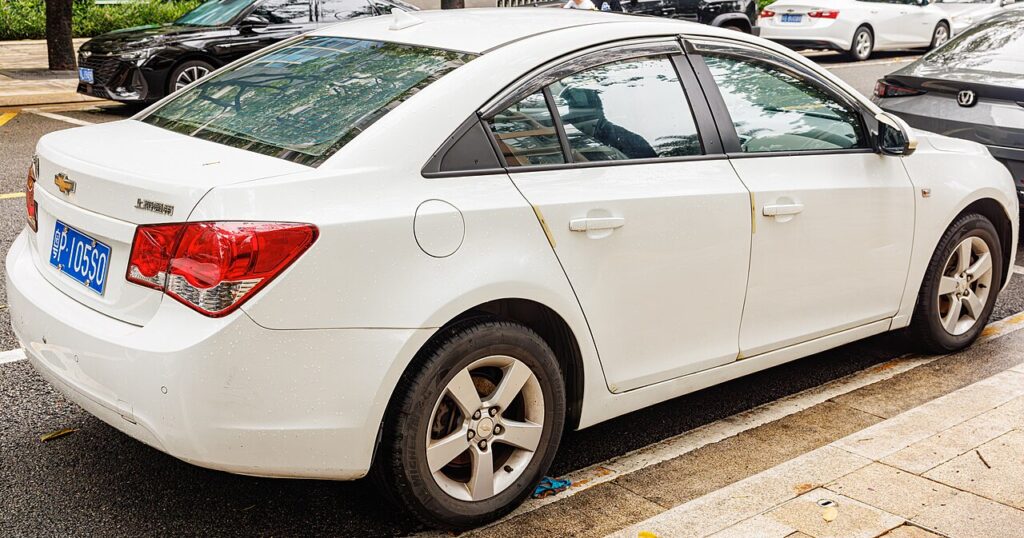
These instructions apply to the Chevrolet Cruze Mk1 (J300) 2009-2014.
For other models, please choose your vehicle here.
After an oil change on your Chevrolet Cruze (J300, 2009–2014), the Oil Life / service indicator needs resetting so the countdown starts again. The reminder is part of the car’s Oil Life System — a maintenance prompt, not a fault warning. It simply means the vehicle has decided, from how you’ve been driving, that the oil is due for a change. Once the fresh oil is in, you tell the system to start counting from full again. You can do it yourself — there are a few methods depending on your dashboard.
What the Oil Life / Service Light Means
The Cruze uses a condition-based Oil Life System rather than a simple fixed-mileage timer. Instead of counting down purely on distance, it estimates the remaining life of your oil from factors such as engine revolutions, running temperature and how the car is used. Short trips, cold starts and heavy loads use up oil life faster, so the reminder may appear sooner in stop-start town driving and later on steady motorway journeys. When the remaining oil life reaches zero, a ‘Change Engine Oil Soon’ message or the spanner symbol appears.
It is important to understand that this is a reminder, not a fault. Nothing has broken. The system is telling you that, by its calculation, the oil has done enough work and should be replaced. Because it is condition-based, the message does not clear itself when you change the oil — you have to reset it manually so the calculation restarts from 100%.
First, a Few Checks
- Only reset after the oil has actually been changed — the system tracks oil condition, and clearing it early just hides the reminder while old oil keeps ageing.
- Park on level ground, apply the handbrake and switch the engine off.
- You will need the ignition on but the engine not running for the button and menu methods — no tools are required.
- Have a moment free without distractions; a couple of the methods are timing-sensitive.
Method 1 — Accelerator Pedal
- Remove the key and wait 2 minutes.
- Turn the ignition on but do not start the engine.
- Within 1 minute, press and release the accelerator pedal 3 times.
Method 2 — Colour Display
- Ignition on. Press ‘MENU’ and scroll to ‘Vehicle Information’, then ‘Oil Life System’.
- Hold the brake pedal and press and hold ‘SET/CLR’ for about 3 seconds, then release.
Method 3 — Monochrome Display
- Using the dashboard buttons, press and hold the reset button for about 5 seconds until the remaining distance shows.
- Press and hold again to confirm the reset.
If the Reset Doesn’t Take
- Don’t start the engine during the pedal method — ignition on only. If the engine fires up, switch off and begin again from the start.
- Mind the timing — the three pedal presses must be within a minute, and each press should go fully to the floor and release fully.
- Use the right menu item — on the colour display, make sure you are on ‘Oil Life System’ before holding SET/CLR, not another readout such as the trip meter.
- Hold long enough — the SET/CLR and monochrome-reset holds need the full few seconds; letting go early cancels the reset.
- Cycle the ignition — if nothing happens, switch the ignition fully off, wait, then turn it back on and repeat the method for your display.
- A service light that won’t clear can store a code — look it up on autodtcs.com.
Once the Reset Is Done
Once the reset takes, the ‘Change Engine Oil Soon’ message clears and, on displays that show it, the oil life returns to 100%. The spanner symbol should not reappear the next time you start the engine. If it comes straight back on, the reset did not complete — run through the method again. From here the system begins a fresh calculation and will only prompt you again when it judges the new oil has reached the end of its useful life.
Reset Frequency
Reset the Oil Life System every time the engine oil is changed — no more, no less. Because the Cruze is condition-based, the mileage between reminders varies with how you drive, so there is no single fixed figure to rely on. As a safeguard many owners also change the oil at least once a year even if the reminder has not yet appeared. Follow the maintenance schedule in your owner’s handbook for the interval and oil specification that apply to your exact engine.
Frequently Asked Questions
How do I reset the oil life light on a Chevrolet Cruze?
Ignition on (engine off), then press the accelerator 3 times within a minute — or use the MENU > Oil Life System method.
Do I need a tool?
No — all three methods are done from the driver’s seat.
Which method should I use?
The pedal method works on any Cruze; the menu methods depend on your display type. If your car has the colour driver information display, the MENU method is the tidiest; the monochrome method suits the simpler cluster.
Should I reset before or after the oil change?
After — the indicator monitors oil life and protects the engine. Resetting beforehand tells the car the oil is fresh when it is not.
The light came back after a few miles — is that normal?
No. If the message returns shortly after a reset, the reset did not confirm. Repeat the method for your display, making sure the ignition is on with the engine off and that any hold lasts the full few seconds.
Does resetting the oil life also change the oil?
No. The reset only restarts the software countdown. You must physically change the oil and filter first; the reset simply acknowledges that the work is done.
If a service-related warning stays on, decode the code on autodtcs.com.
Independent guide — not affiliated with Chevrolet. Always follow your official service manual and safety precautions. Read our full disclaimer.