These instructions apply to the Infiniti Q50 (V37) 2013-2023.
For other models, please choose your vehicle here.
If the twin screens on your Infiniti Q50 (V37, 2013–2023) have frozen — the upper map locks up, the lower touchscreen ignores your taps, or both go black mid-drive — a soft reboot from the driver’s seat clears most hangs. No tool is needed for the reboot itself.
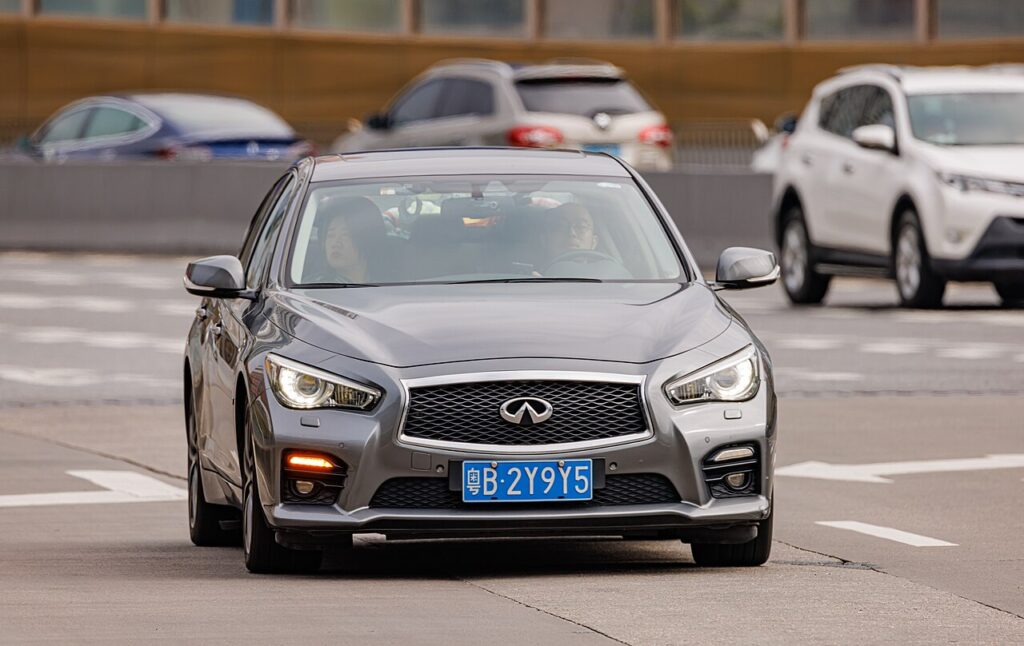
The Dual-Screen InTouch System
The Q50 introduced Infiniti’s dual-display InTouch: an upper 8-inch screen for navigation and camera, and a lower 7-inch capacitive touchscreen for audio, phone and climate. Two stacked screens mean twice the software running, and this generation is well known for InTouch lag, momentary freezes and occasional reboot loops — so knowing the reset is genuinely useful on a Q50. Both screens are driven by one Display Control Unit (DCU), so a single reboot restarts the pair together.
Soft Reset (No Data Loss)
This restarts the InTouch unit only. It does not erase presets, paired phones or saved destinations.
- Put the car in Park with the ignition on (engine running is fine, or press start once without the brake).
- Find the audio power/volume knob between or below the screens.
- Press and hold that knob for about 10 seconds, ignoring the volume change.
- Both screens go dark, then the Infiniti logo appears as the system reboots.
- Wait for both displays to finish loading (around a minute) before tapping anything.
Some owners find a shorter ~7-second hold reboots just the navigation/upper screen — if only the map is stuck, try that first.
Is It Safe? Will I Lose Anything?
Yes. The soft reboot only power-cycles the DCU. Your radio presets, Bluetooth pairings and navigation favourites all survive — only the temporary software state that froze is cleared.
If It Stays Frozen
- Hold the knob again — on the dual screens the first attempt sometimes only reboots one display.
- Lock the car for 5 minutes so the modules sleep fully, then restart.
- Disconnect the 12V battery negative terminal for a few minutes, then reconnect, for a hard reset of the whole system.
- If it boot-loops — logo, black, logo, over and over — that’s the classic sign of a corrupted internal microSD card inside the DCU on the Q50, not a soft-reset problem. The card (or DCU) needs attention from a specialist.
Factory Reset (Erases Your Data)
Use this only if soft reboots won’t hold, or before selling. On the lower touchscreen open Settings > Others (or System) and choose Reset Settings / Factory Reset. This wipes paired phones, presets, saved destinations and app logins, returning InTouch to as-delivered. Keep your radio security code handy in case it’s requested.
Frequently Asked Questions
Why does my Q50 lower touchscreen freeze so often?
The dual-screen InTouch is processing-heavy and the lower capacitive screen is the one owners most often see hang. A 10-second volume-knob reboot clears it without losing settings.
One screen works and the other is black — what now?
Do the full 10-second reboot to restart both. If the same screen stays black after rebooting and the camera still shows, suspect the DCU/microSD rather than the screen.
My InTouch keeps rebooting on its own in a loop — will a reset fix it?
No. A persistent boot loop on the Q50 is almost always a failing internal microSD card in the DCU and needs a specialist, not a soft reset.
Will rebooting delete my navigation favourites?
No — a soft reboot keeps favourites, presets and pairings. Only a factory reset erases them.
Can I reboot while driving?
Park first. Holding the audio knob while moving is distracting and unsafe.
If a warning light came on with the freeze, the underlying fault may be stored as a diagnostic trouble code — look it up on autodtcs.com.
Independent guide — not affiliated with Infiniti. Always follow your official service manual and safety precautions. Read our full disclaimer.