These instructions apply to the Infiniti Q50 (V37) 2013-2023.
For other models, please choose your vehicle here.
If the one-touch (auto up/down) function on your Infiniti Q50 (V37, 2013–2023) has stopped working — usually after a battery disconnection or a flat battery — the windows just need re-initialising. It’s a quick job with no tools.
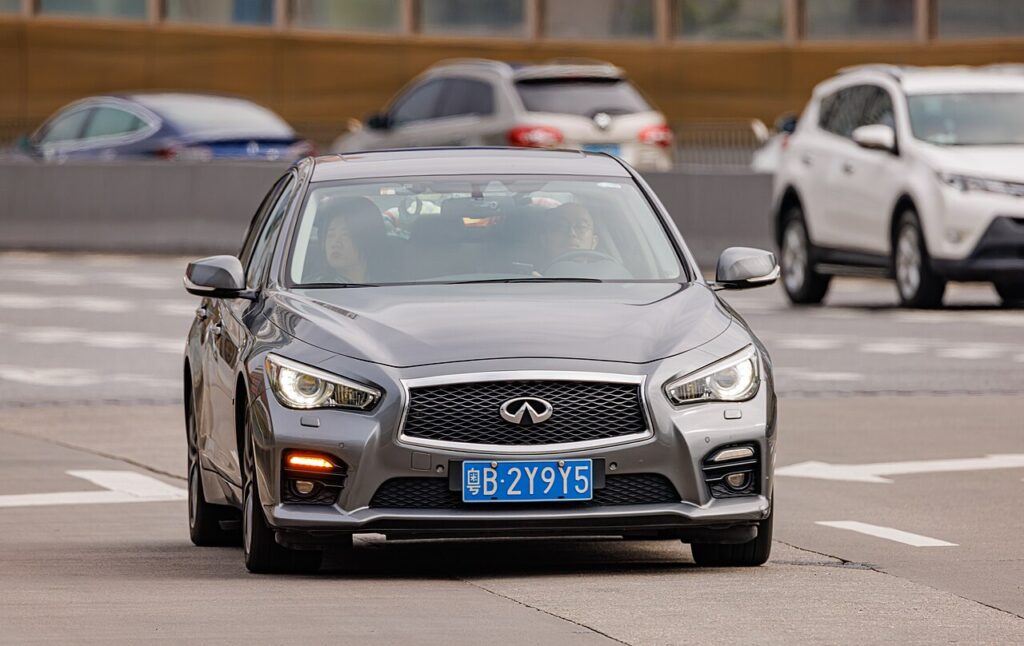
The Q50 has auto up/down on all four windows, so a single tap normally runs the glass the whole way. If a window has reverted to moving only while you hold the switch, nothing is broken. The window module has lost the memory of its travel limits and needs to see one full open-and-close cycle to relearn them. This is a normal consequence of any interruption to the 12 V supply and is fixed in a minute or two.
How It Works on This Model
Each door on the Q50 has its own auto window motor with a position counter that stores the fully-open and fully-closed points, plus an anti-pinch function that reverses the glass if it hits an obstruction on the way up. When the battery is disconnected or goes flat, that stored data is cleared, so the module disables one-touch and anti-pinch until it can register a clean full sweep. Because each door is learned individually, all four are done the same way, one at a time.
Before You Start
- Switch the ignition on (push-button ACC/ON, engine not needed) so the windows have power.
- Sit inside with the doors closed so each switch and motor works normally.
- Check the glass runs freely — no ice, grit or obstruction in the channel.
- Do one window at a time, and be ready to hold the switch a couple of seconds at the top.
Re-initialising Each Window
- Turn the ignition on and close the doors.
- Press and hold the open switch and open the window fully.
- Press and hold the close switch until the window is fully closed, then keep holding for a couple of seconds, and release.
- Check the one-touch operation, then repeat for each remaining window.
If It Won’t Stay Set
- Hold the close switch a moment longer after the glass seats — releasing the instant it stops can leave the upper limit unregistered.
- Complete the full open-then-close cycle without pausing halfway; a partial move won’t finish the relearn.
- Re-seat the battery terminals if you’ve just done battery work — a loose or corroded connection can drop voltage mid-learn.
- Clear the runner and seal. Drag from grit or a lifted seal reads as an obstruction to anti-pinch, so the glass stops short.
- Redo any door that still hunts — each window is stored separately, so one can succeed while another needs another attempt.
- A worn motor or regulator that can’t reach a clean stop may store a fault code — look it up on autodtcs.com.
What to Expect After
Once each door accepts the cycle, a single tap up or down runs that window the full way and stops cleanly. Anti-pinch is restored at the same time, so a window will reverse if it meets your hand as it closes. The learned limits are stored, so they stay set until the next time the 12 V battery is disconnected or fully discharged.
Frequently Asked Questions
Why did my Q50 windows stop auto-closing?
Because the 12 V battery was disconnected, replaced or run flat. That clears the stored travel limits in each window module, so the car drops back to hold-to-move operation. Re-initialising each window with one full open-and-close cycle restores the auto function — it is a memory reset, not a fault.
Do I need a tool or scanner?
No. Every window is relearned using its own switch — no diagnostic tool, no code reader. You just hold the switch to open the glass fully, then hold it closed for a couple of seconds so the module can log the endpoints again.
Do I have to do all four windows?
Yes. Each door on the Q50 has its own window motor and stored limits, so a battery disconnect wipes all of them. Re-initialise each window in turn; the one you skip will keep moving only while you hold the switch until you do it.
What does holding the switch at the top do?
Keeping the close switch pressed for a couple of seconds after the glass seats lets the module register that point as the top of travel. With the fully-open and fully-closed points both stored, one-touch and the anti-pinch reversing feature work again.
Will I have to do this every time I stop the car?
No. Once the relearn is accepted, the windows behave normally with a single tap. You only need to repeat the routine if the battery is disconnected, replaced or goes flat and the stored limits are lost again.
One window still won’t auto-close — what now?
Repeat the cycle on just that door, holding the close switch a little longer at the top and making sure the channel is clean. If it still won’t take, a tired motor, a dragging regulator or a failing switch is likely, and a motor fault can log a code you can look up.
If you’ve just reconnected the battery, see our Q50 battery guide.
Independent guide — not affiliated with Infiniti. Always follow your official service manual and safety precautions. Read our full disclaimer.