These instructions apply to the Lexus IS Mk1 (XE10) 1999-2005.
For other models, please choose your vehicle here.
Disconnecting the 12 V battery on your Lexus IS (1999–2005) — the XE10 IS 200 / IS 300 — for a new battery, winter storage, or work near the airbags is a straightforward job. The battery is in the engine bay.
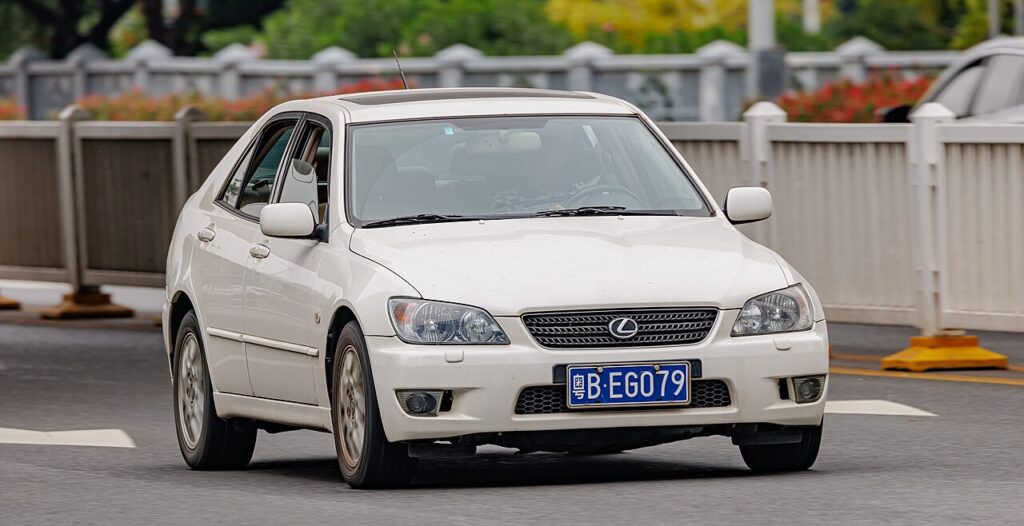
Most XE10 owners reach for a spanner on the battery for one of a few reasons: renewing a tired battery that no longer turns the engine over briskly, isolating the electrics before storing the car for a season, doing repairs where a live circuit is a risk, or working safely around the airbags and pretensioners. The first-generation IS 200 and IS 300 are simple, conventional petrol cars — no hybrid system, no high-voltage cabling — so this is a job any careful owner can do in a few minutes. The one rule that matters is the order in which you take the terminals off and put them back; get that right and the car forgets very little.
Where the 12 V Battery Is
The 12 V battery is in the engine compartment, in the front corner. Open the bonnet and you’ll find it towards the front of the bay with two posts on top: the negative (−) carries a black lead and an earth strap to the body, and the positive (+) sits under a red cover. Check the moulded “+” and “−” marks by the posts before you start so you don’t mix them up.
Before You Begin
- Switch the ignition fully off and move the key away from the car.
- Turn off the lights, heater, radio and everything else that draws current.
- Note your radio presets and have the audio security code ready if your unit asks for one.
- Leave the car a minute or two with everything off so the electronics settle before you disturb the terminals.
- Have the right spanner to hand and wear gloves and eye protection.
Disconnecting Safely
- Switch everything off and confirm the ignition is out and the key is away.
- Slacken and lift off the negative (−) terminal first, then move the lead clear of the post.
- Now slacken and remove the positive (+) terminal.
- Working near airbags or seat-belt pretensioners? Wait a couple of minutes after disconnecting before you start, so the system’s stored energy has bled off.
Reconnecting and Re-initialising
Reconnect in the reverse order: positive (+) first, then the negative (−) last, and tighten both clamps firmly. On the IS 200/300 there is very little to relearn:
- Re-enter the clock and radio presets (and the security code if prompted).
- If your key remote stops locking the doors, you can re-programme it yourself — see our IS remote-programming guide.
- Engine idle may relearn over the first few minutes of running — let it warm up and settle rather than blipping the throttle.
If Something Isn’t Right Afterwards
- Check both clamps are tight — a loose terminal is behind most post-battery gremlins.
- The gear lever won’t leave ‘P’ after a flat battery (automatics)? Use the console shift-lock release — see our IS shift-lock release guide.
- Let the car idle and then take a short drive so any transient warning lights can clear.
- A warning light that stays on has stored a code — look it up on autodtcs.com.
- Fit a like-for-like battery of the correct capacity if you’re replacing it.
Frequently Asked Questions
Where is the battery on a Lexus IS 200 / 300?
In the engine compartment, in the front corner. Open the bonnet and it’s towards the front of the bay with the negative and positive posts on top — this generation is a conventional petrol car with no high-voltage system.
Which terminal do I disconnect first?
Negative (−) off first, and reconnect it last. On refitting, the positive (+) goes on first, then the negative. That order stops your spanner shorting a live positive to the body.
Will I lose anything when I disconnect it?
Very little on the IS 200/300 — you’ll need to re-enter the clock and radio presets, and the engine idle may relearn over the first few minutes of running. The key remote occasionally needs re-programming, which you can do yourself.
Do I need to wait when working near the airbags?
Yes. Give it a couple of minutes after disconnecting before working on the airbags or seat-belt pretensioners, so any stored energy in the system has bled away.
Does a new battery need coding?
No. A like-for-like 12 V battery of the correct capacity is a straight swap on the XE10 — there’s no registration or coding step. Just fit it, tighten the clamps and reset your presets.
Can I jump-start it instead of disconnecting?
If the battery is simply flat, a jump-start gets you going without losing your settings. If it’s worn out and won’t hold charge, replace it rather than jump-starting again and again.
If the lever is stuck in Park afterwards, see our IS shift-lock release guide.
Independent guide — not affiliated with Lexus. Always follow your official service manual and safety precautions. Read our full disclaimer.