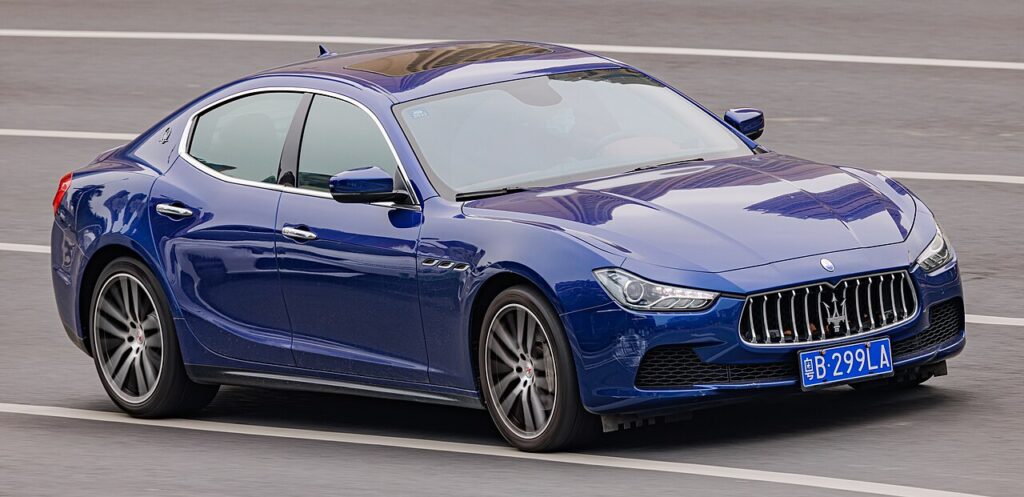
These instructions apply to the Maserati Ghibli (M157) 2013-2021.
For other models, please choose your vehicle here.
When the touchscreen on your Maserati Ghibli (M157, 2013–2021) locks up — map frozen, the Maserati Touch Control unresponsive, or the screen stuck on the logo — you can reboot it yourself in under a minute. The MTC and later MTC+ systems are built on FCA’s Uconnect platform, so the standard Uconnect reset combinations apply.
Soft reset: reboot the touchscreen
This is the first thing to try and it loses no data.
- Turn the ignition to Run (engine running is best, so battery voltage stays steady) and leave the car in Park.
- Press and hold the volume knob and the tuner/menu knob at the same time.
- Keep both held for 10–20 seconds.
- The screen flashes the Maserati logo, then goes dark.
- Wait for the logo to reappear — the system has rebooted and reloads your settings automatically.
If your car has a single volume control rather than two knobs, press and hold the volume knob alone for more than 20 seconds until the screen blacks out and restarts. The reboot erases nothing — paired phones, navigation favourites, radio presets and your settings all survive, and it does not touch the engine, gearbox or any safety system.
If it stays frozen
- Use the engineering-menu route: with the car in Run, press and hold the red (temperature up) and blue (temperature down) climate buttons together for about 8 seconds until a service/engineering menu appears, then select Reset Radio or the equivalent reset entry.
- Switch the ignition fully off, open the driver’s door, and let the car sleep for 10–15 minutes so the head unit powers down, then restart.
- Check the 12 V battery — a weak battery dipping voltage at start-up is a frequent cause of repeated MTC freezes and reboot loops on the Ghibli.
- If the picture is stuck but the audio still plays, the fault may be in the display rather than the processor.
Frequently Asked Questions
Why does my Ghibli MTC keep freezing? The early 8.4-inch MTC is known to hang, and a tired 12 V battery makes it worse by dropping voltage at start-up. Test the battery first, and keep the head-unit software updated at service.
Will the reset delete my paired phone? No. The volume-and-tuner reboot keeps all Bluetooth pairings and presets. Only a full factory restore removes them.
What’s the difference between MTC and MTC+? MTC is the original 8.4-inch Uconnect-based unit; MTC+ is the faster post-2017 version with revised graphics. Both use the same Uconnect reset combinations.
The screen reboots but freezes again straight away — what now? Repeated freezing usually means low battery voltage or a head unit that needs a software update or repair. Have the battery tested, then see a dealer if it persists.
If a dashboard warning light appeared along with the screen freeze, look the code up first on autodtcs.com to see whether the two are related before booking any work.
Independent guide — not affiliated with Maserati. Always follow your official service manual and safety precautions. Read our full disclaimer.