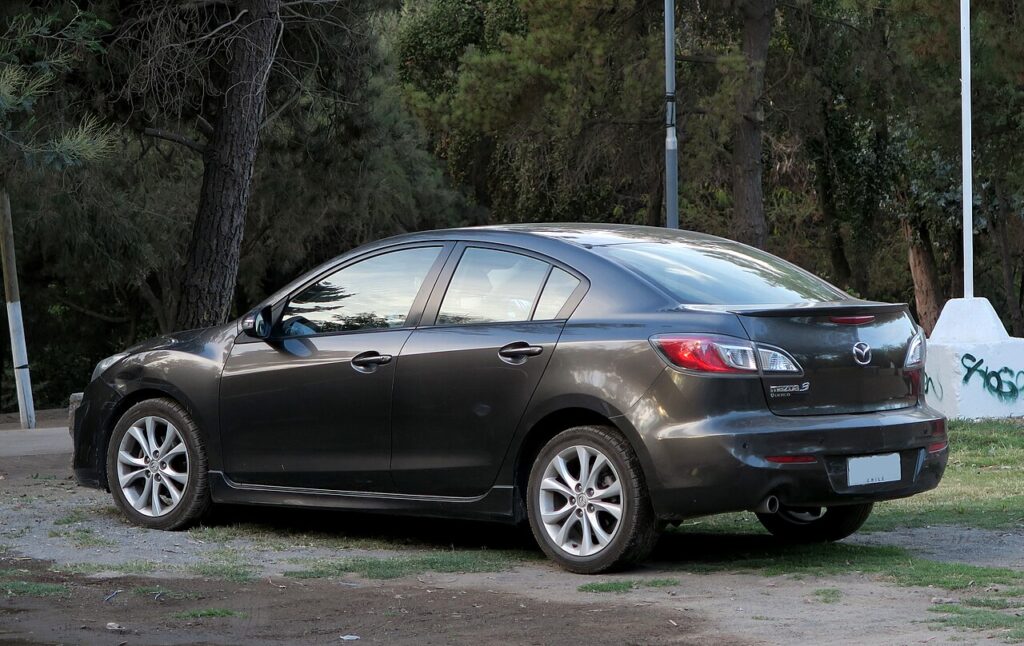
These instructions apply to the Mazda 3 Mk2 (BL) 2009-2016.
For other models, please choose your vehicle here.
Some versions of the Mazda 3 Mk2 (BL, 2009–2016) — the 2.0 DISI i-stop petrol models — have Mazda’s idle-stop system, which shuts the engine off at a halt and restarts it as you move away. It saves fuel, but some drivers prefer it off in traffic. This guide shows how to turn i-stop off (and back on), and why it sometimes won’t work. If your Mazda 3 has no “i-stop” button, your car isn’t fitted with the system.
How i-stop Works on the Mazda 3
When you stop and hold the brake (automatic) or select neutral and release the clutch (manual), i-stop cuts the engine. Lifting the brake or pressing the clutch fires it back up — Mazda’s system restarts by igniting fuel in a cylinder, so it’s unusually quick.
How to Switch i-stop Off
- With the engine running, find the i-stop OFF button on the dashboard (an “A” inside a circular arrow).
- Press it once. The indicator confirms the system is disabled.
- The engine now idles normally at a stop.
How to Switch It Back On
Press the i-stop OFF button again, or simply restart the car — i-stop defaults back to ON every time you switch the ignition off and on.
Why i-stop Sometimes Won’t Activate
- The engine is not yet up to temperature.
- The battery charge is low — common after a battery change or short trips.
- Cabin heating or demisting needs the engine running.
- The steering is turned, or the car is on a slope.
After a battery disconnection, i-stop stays dormant until the car has been driven a little: start the engine and drive above about 7 km/h (4 mph) and the green i-stop indicator should come on, showing it has re-armed. If it never works again, see our Mazda 3 battery guide.
Frequently Asked Questions
Does my Mazda 3 BL have i-stop?
Only the 2.0 DISI i-stop petrol versions. If there’s no “A” (i-stop) button on the dash, your car doesn’t have it and the engine idles normally at a stop.
Does the Mazda 3 remember my i-stop setting?
No — it resets to ON every restart. Press the OFF button each drive if you prefer it disabled.
Why did i-stop stop working after a flat battery?
It only runs when the battery is well charged. After a jump-start or battery change it stays dormant until charge recovers and you’ve driven a little; a few longer drives usually restore it.
Is it bad to keep using i-stop?
No — the engine and starter are built for it, and Mazda’s combustion-restart is gentler than a conventional cranking stop-start.
If a warning light appeared alongside the fault, look up the code on autodtcs.com.
Independent guide — not affiliated with Mazda. Always follow your official service manual and safety precautions. Read our full disclaimer.