These instructions apply to the Mazda 3 Mk2 (BL) 2009-2016.
For other models, please choose your vehicle here.
If the DSC / traction-control warning is on in your Mazda 3 Mk2 (BL, 2009–2016) — typically right after a battery disconnection, a flat battery or wheel-alignment work — the steering-angle sensor has lost its zero point and needs re-initialising. On the Mazda 3 this is a quick steering-wheel routine with no tools. This guide shows how.
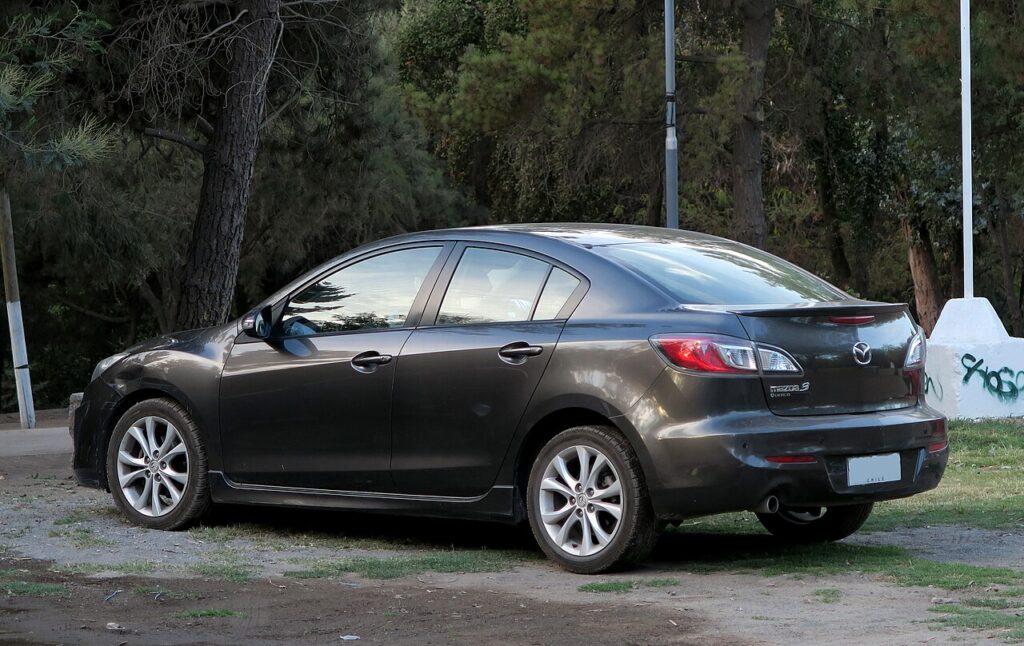
Why the Steering-Angle Sensor Needs Resetting
Mazda’s stability system (DSC) uses the steering-angle sensor to know where “straight ahead” is. When the car loses power that reference can be lost, so DSC flags a fault until it relearns the centre. Turning the wheel through its full travel lets it recalibrate.
How to Re-initialise the Mazda 3 Steering-Angle Sensor
- First make sure the basics are right: tyre pressures correct and the steering wheel sitting straight when the wheels are straight.
- Start the engine.
- Turn the steering wheel fully to the right, then fully to the left (lock to lock), and back to centre.
- Turn the engine off and the key to LOCK.
- Restart and check the warning has cleared. A short drive lets the system confirm the centre point.
If the light is still on, repeat the lock-to-lock turn — it sometimes takes a second attempt.
When You’ll Need This
- After disconnecting or changing the 12 V battery (see our Mazda 3 battery guide).
- After a flat battery or jump-start.
- After wheel-alignment or steering work.
Frequently Asked Questions
Why did the DSC light come on after my battery change?
The steering-angle sensor lost its calibrated centre point when power was removed. Turning the wheel lock to lock with the engine running restores it.
Do I need a diagnostic tool?
No — the Mazda 3 relearns the steering angle by turning the wheel through its full travel. No scan tool is required for this step.
The light is still on after one attempt — what now?
Repeat the lock-to-lock turn and take a short drive. If it persists, a related fault (e.g. a wheel-speed sensor) may be stored — look up the code on autodtcs.com.
Is it safe to drive with the DSC light on?
The car still brakes and steers normally, but stability control may be disabled, so drive gently and complete the reset promptly — especially in the wet.
For warning lights, look up the code on autodtcs.com.
Independent guide — not affiliated with Mazda. Always follow your official service manual and safety precautions. Read our full disclaimer.