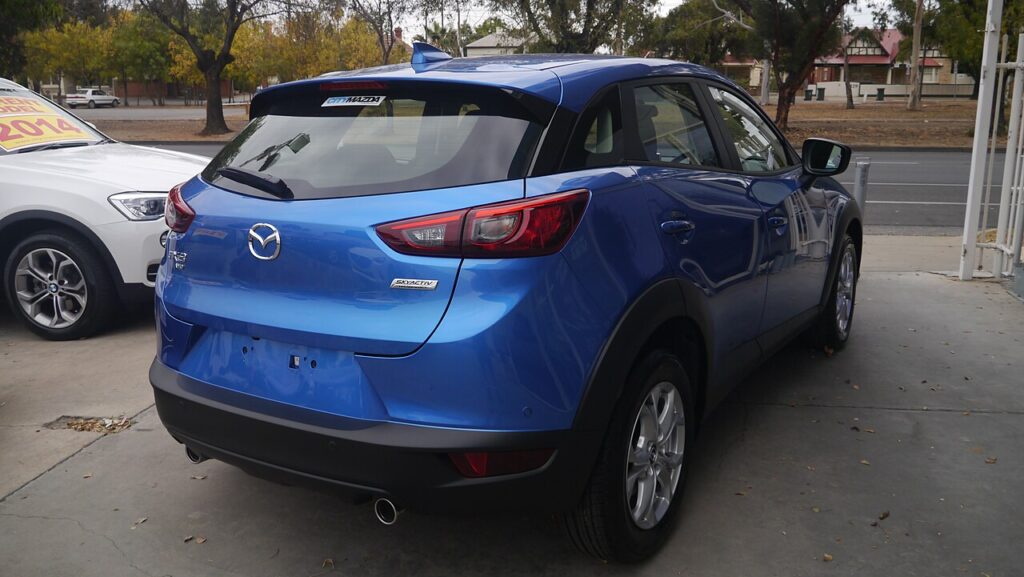
These instructions apply to the Mazda CX-3 Mk1 (DK) 2015-2022.
For other models, please choose your vehicle here.
The Mazda CX-3 (DK, 2015–2022) — Mazda’s compact crossover slotting below the CX-5, built in Hofu (Japan) for European markets in 1.5 / 1.8 SKYACTIV-D diesel and 1.5 / 2.0 SKYACTIV-G petrol forms — uses the same MZD Connect reset path as its CX-5 and Mazda 3 platform-cousins. Two methods depending on whether you have the central 7-inch MZD Connect touchscreen (most trims) or the basic cluster-only configuration. No diagnostic tool needed.
When to Reset the Service Indicator
- After completing an oil and filter change.
- After a scheduled inspection service.
- After a tyre rotation (touchscreen trims only).
- If the spanner / wrench symbol with “Service Required” appears at startup.
⚠️ The CX-3 tracks three separate service items independently on touchscreen trims: Oil change, Scheduled inspection, and Tyre rotation. Each resets independently — clearing one doesn’t clear the others.
First, a Few Checks
- Park on a level surface with the engine off.
- Complete the actual service work before the reset.
- Identify your trim: most CX-3 SE-L / Sport Nav / GT Sport trims have the rotary commander knob between the front seats and a 7-inch screen at the top of the centre stack running MZD Connect — use Method 2. Basic SE trim cars without the rotary commander use Method 1.
- Locate the trip-recorder button on the cluster — small button on the lower-left of the speedometer face. Used in Method 1.
Kit and Supplies
None for the reset itself. For the oil change: fresh Mazda-spec oil — 0W-20 ACEA C5 / Mazda Genuine 0W-20 SKYACTIV for the 1.5 / 2.0 SKYACTIV-G petrol engines, 0W-30 ACEA C3 / DPF-compatible for the 1.5 / 1.8 SKYACTIV-D diesel; a new spin-on filter (different parts for SKYACTIV-G and SKYACTIV-D); a 14 mm sump-plug socket; torque about 30 Nm.
Method 1 — Vehicles Without Touchscreen (Basic SE)
- Turn the ignition OFF.
- Press and hold the trip-recorder button on the cluster.
- Turn the ignition ON while still holding the button.
- Keep holding.
- Wait until the LED next to the spanner symbol flashes.
- Release the button. Reset complete.
- Switch the ignition off.
Method 2 — Vehicles With MZD Connect Touchscreen
Reset only the item(s) you’ve completed.
Oil Service Reset
- Turn the ignition ON.
- On MZD Connect, navigate to Applications → MAINTENANCE → Oil change.
- Select “RESET”.
- Confirm.
Inspection Service Reset
- Turn the ignition ON.
- Navigate to Applications → MAINTENANCE → Scheduled.
- Select “RESET”.
- Confirm.
Tyre Rotation Reset
- Turn the ignition ON.
- Navigate to Applications → MAINTENANCE → Tyre Rotation.
- Select “RESET”.
- Confirm.
Verify the Reset Worked
Switch the ignition off, wait 30 seconds, then cycle back on. The spanner symbol that was appearing at startup should be gone. On touchscreen trims, re-open the MAINTENANCE app — the item(s) you reset should now show a fresh full interval. Typical DK CX-3 intervals: 12,500 miles / 20,000 km or 12 months for SKYACTIV-G petrol; 12,500 miles / 20,000 km or 24 months for SKYACTIV-D diesel.
Common Snags
- (Method 1) LED doesn’t flash. Button held only intermittently, or released before ignition was fully on. Start from completely off with the button already held, then turn the key.
- (Method 2) MZD Connect doesn’t have the MAINTENANCE app. Very early 2015 CX-3s may have an older firmware that hides this app. A Mazda dealer can update via their workshop tool — the latest firmware adds the MAINTENANCE app.
- I reset the oil but the spanner stays on. The Scheduled inspection or Tyre rotation is also due. Open MZD Connect → MAINTENANCE and check each item’s percentage — reset any that are at 0%.
- Reset works but warning returns after a few miles. 12V battery condition. Load-test; replace if older than 5 years.
- 2018 facelift CX-3 — anything different? The 2018 facelift updated the front-end styling and refreshed the interior, but kept the MZD Connect firmware structure unchanged. Procedure unchanged.
- 4WD CX-3 — same procedure? Yes. The 4WD selector doesn’t affect the maintenance reset.
Frequently Asked Questions
What does the spanner symbol on the Mazda CX-3 mean?
On the DK CX-3 the spanner / wrench icon is the maintenance reminder — it indicates one or more of the three tracked items (oil, scheduled inspection, tyre rotation) is due. The icon does not indicate an engine fault.
How often does the CX-3 service indicator come up?
Mazda’s official European-market schedule for the CX-3:
- 1.5 SKYACTIV-G petrol: 12,500 miles (20,000 km) or 12 months.
- 2.0 SKYACTIV-G petrol: 12,500 miles (20,000 km) or 12 months.
- 1.5 SKYACTIV-D diesel: 12,500 miles (20,000 km) or 24 months.
- 1.8 SKYACTIV-D diesel: 12,500 miles (20,000 km) or 24 months.
UK severe-service / short-trip driving requires halving the interval manually.
Does the reset clear engine fault codes?
No. The reset zeros the service-distance counter only. Engine fault codes need a scan tool. For DTC interpretation see autodtcs.com.
Is the procedure the same as the Mazda 3 BM and CX-5 KE?
Yes. The CX-3, Mazda 3 BM/BN, and CX-5 KE all use MZD Connect with the same MAINTENANCE app structure. Identical menu paths across the SKYACTIV-platform Mazda lineup.
What about the CX-3 successor?
Mazda discontinued the CX-3 in Europe in 2022. The CX-30 (DM, 2019+) is its modern equivalent and uses the newer Mazda Connect 2 system with a slightly different menu structure. We’ll publish a dedicated CX-30 guide.
For DTC code interpretation on Mazda vehicles see autodtcs.com.
Independent guide — not affiliated with Mazda. Always follow your official service manual and safety precautions. Read our full disclaimer.