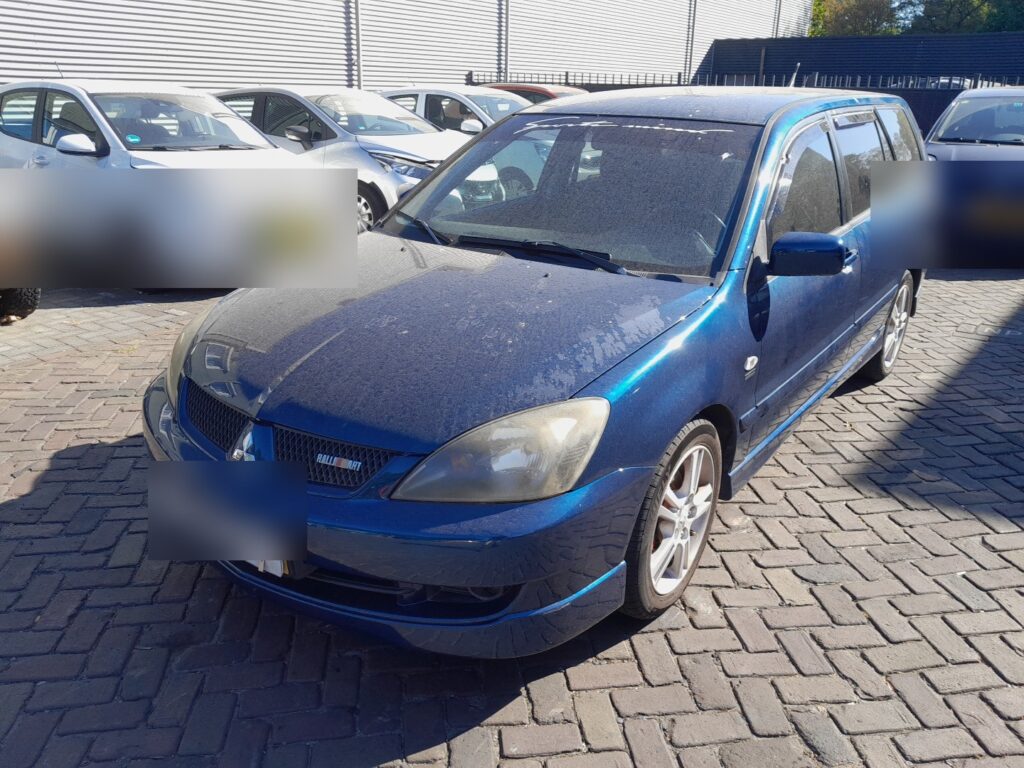
These instructions apply to the Mitsubishi Lancer Mk7 (CS) 2003-2008.
For other models, please choose your vehicle here.
Disconnecting the 12 V battery on a Mitsubishi Lancer Mk7 (CS, 2003–2008) is a job most owners can do at home — you might be fitting a new battery, doing electrical work, or laying the car up for the winter. Done in the right order the Lancer simply relearns its settings afterwards; the only things you have to put back are the clock, the radio and, on some cars, the one-touch driver’s window. This guide covers where the battery sits, how to take it off and refit it safely, and exactly what to expect once power is restored.
Where the Battery Is
On the Lancer CS the 12 V battery lives in the engine compartment, held down by a clamp near the front of the bay. It is a conventional flooded lead-acid battery of roughly 48–52 Ah depending on engine and specification, so any like-for-like replacement of the same size and terminal layout is fine. The negative (−) terminal is the black one and connects to the car’s bodywork/earth; the positive (+) is red and usually sits under a small flip-up cover.
Before You Start
- Park on level ground, switch the ignition fully OFF and take the key out.
- Make sure the lights, radio and any accessories are off.
- Have your radio security code to hand if the car uses one, and note the clock time.
- Wait a minute or two after switching off so the electronics power down.
- A 10 mm spanner usually fits the terminal clamps; wear gloves and eye protection.
Disconnecting the Battery
- With everything switched off, slacken the clamp on the negative (−) terminal first and lift it clear of the post.
- Tuck the disconnected earth lead to one side so it cannot spring back onto the terminal.
- If you are removing the positive too, lift its cover, slacken the positive (+) clamp and lift it off.
- If the whole battery is coming out, undo the hold-down clamp and lift it out — keep it upright, it is heavy.
Reconnecting the Battery
- Sit the battery back in its tray and secure the hold-down clamp.
- Fit the positive (+) terminal first and tighten it, then refit its cover.
- Fit the negative (−) terminal last and tighten it. Both clamps should be firm, not loose.
What You’ll Need to Reset Afterwards
Cutting the power wipes a few settings. None of it is a fault — just set them again once the battery is back on:
- Clock and radio presets. Re-enter the time and your stations; if the head unit is code-protected, key in the security code.
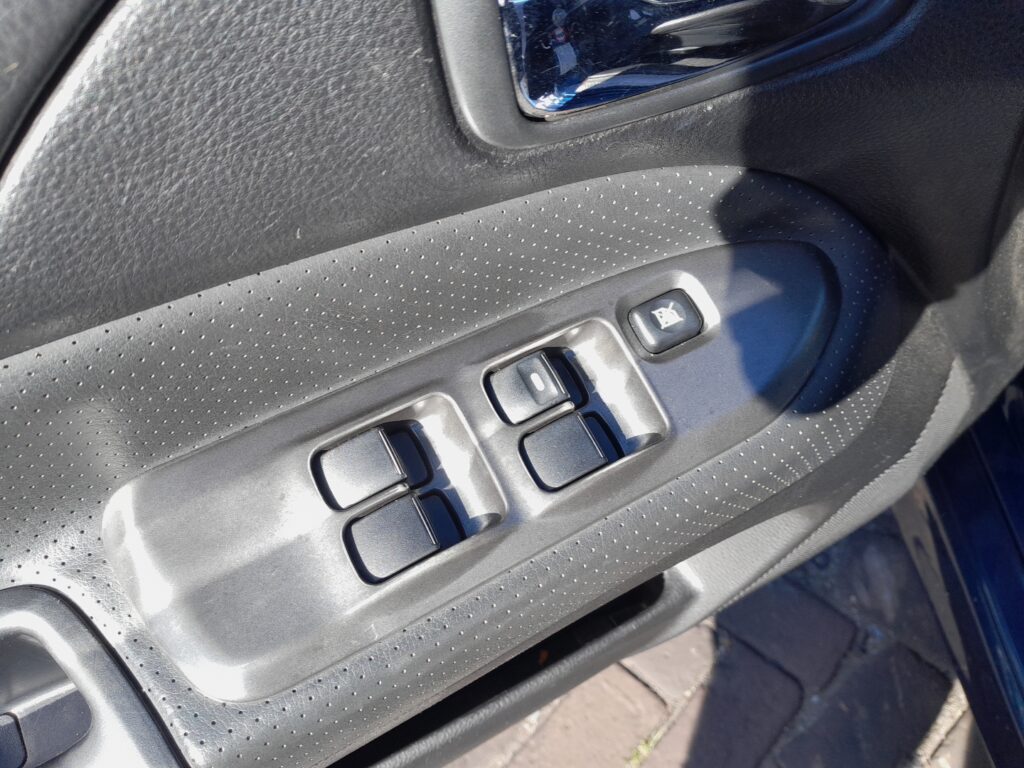
- One-touch driver’s window. If the driver’s window has a one-touch function and it stops working after the battery has been off, operate the window fully by hand once with the switch to relearn its end stops.
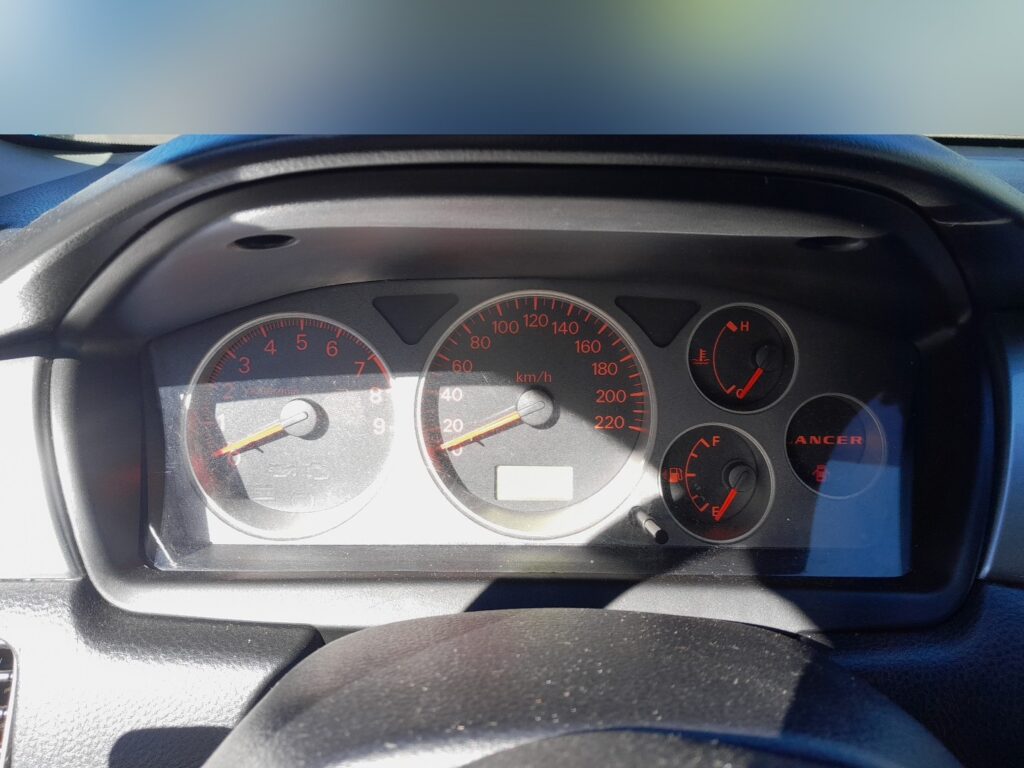
- Trip and any settings in the cluster. The trip readout in the instrument cluster returns to zero.
If a Warning Light Stays On or the Car Feels Off
- Check both clamps are properly tight — a loose earth is the usual cause of odd electrical behaviour.
- Let the car idle for a minute, then take a short drive; most systems settle on their own.
- If the engine idle feels slightly uneven for the first mile or two, that is normal while the engine management relearns — it clears with driving.
- If a warning light was already on before you started, disconnecting the battery will not fix it; have the stored fault read.
Frequently Asked Questions
Where is the battery on a Mitsubishi Lancer CS?
In the engine compartment, held by a clamp near the front of the bay. It is a standard 12 V lead-acid battery of about 48–52 Ah.
Which terminal do I take off first?
Always the negative (−, black) first when disconnecting, and refit it last when reconnecting. Positive comes off last and goes on first. This avoids accidental shorts against the bodywork.
Do I need to code a new battery?
No. The Lancer CS has no battery-management registration, so a like-for-like battery of the correct size just fits and works — you only need to reset the clock, radio and one-touch window.
Will disconnecting the battery clear a warning light or the engine fault code?
It may clear a temporary stored code, but a live fault will simply log again once you drive. Pulling the battery is not a repair; if a light keeps coming back, get the code read.
Why does the idle feel odd after reconnecting?
The engine management relearns its idle settings after a power loss. A slightly uneven idle for the first minute or two of driving is normal and clears by itself.
Can I keep my radio code and clock if I don’t disconnect fully?
Only if the battery stays connected. A memory-saver plugged into the accessory socket can hold the settings while you swap the battery, but it is not essential — resetting them takes a moment.
If a warning light is on and you want to know what the code means before touching anything, look it up on autodtcs.com.
Independent guide — not affiliated with Mitsubishi. Always follow your official service manual and safety precautions. Read our full disclaimer.