These instructions apply to the Subaru Outback Mk5 (BS) 2015-2019.
For other models, please choose your vehicle here.
The Subaru Outback (Mk5/BS, 2015–2019) spans the changeover to Subaru Starlink, so the right reset depends on your exact model year. The very first 2015 cars left the factory with the older 6.2-inch head unit; from the 2016 refresh onward the Outback carried Starlink 2.0 on the 6.2-inch and 7-inch screens, with the touchscreen handling audio, navigation, the reversing camera and phone projection. Whichever you have, a frozen display can be cleared without disconnecting the battery.
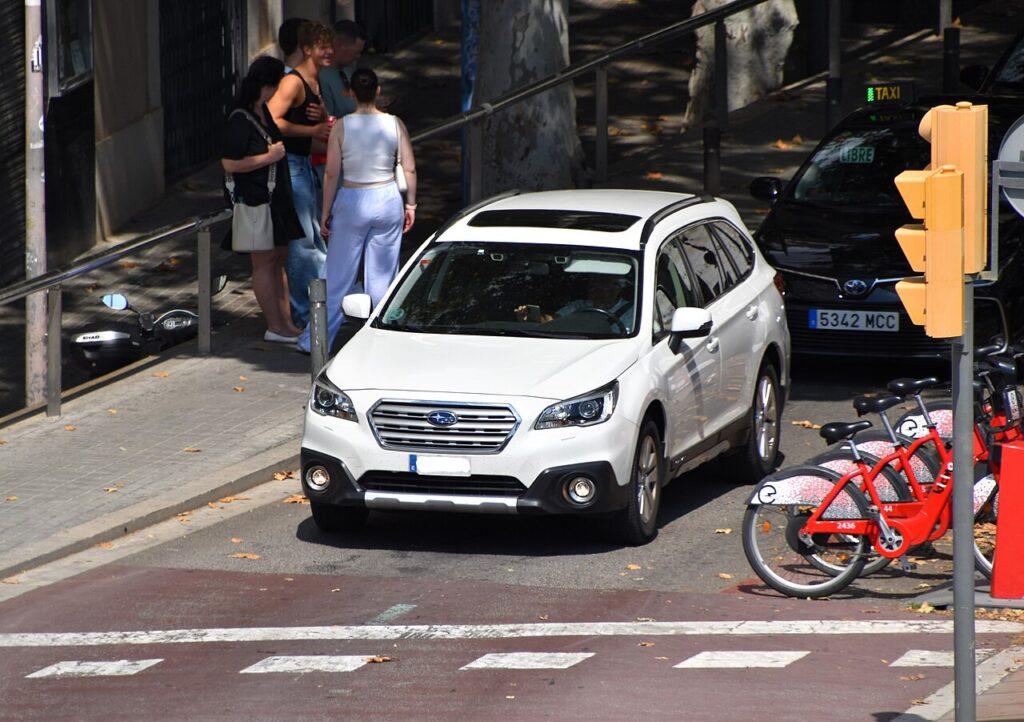
Which system is in your BS Outback
2015: the launch head unit (Fujitsu Ten-built) without full Starlink branding — resets the same way but lacks the Starlink app menu and CarPlay. 2016–2019: Starlink 2.0, with Apple CarPlay and Android Auto arriving on later cars. Both generations use the power/volume knob as the reset switch, but the older Starlink 2.0 software is notoriously stubborn and sometimes ignores a short hold entirely.
Soft reset: hold the power/volume knob
- Keep the ignition ON (engine running is fine) so the head unit stays powered.
- Press and hold the power/volume knob on the left of the screen.
- Hold for at least 10 seconds. On Starlink 2.0 you may need to keep holding for 15–30 seconds before the screen reacts.
- The display blanks and the Starlink (or Subaru) logo reappears as it restarts.
- Release and allow about 30 seconds for radio, camera and Bluetooth to return.
Safe — no data is lost
The knob-hold reboot only restarts the head unit’s software. Radio presets, paired Bluetooth devices, saved navigation destinations and (on 2016–2019 cars) your Starlink account all stay intact. CarPlay and Android Auto pair themselves back the moment you reconnect the cable. There is no risk in repeating it whenever the screen misbehaves.
If the screen stays frozen
- Try the button combination. On Starlink 2.0 units a documented force-restart is to press and hold the hard buttons until the display blanks and the Starlink logo returns — useful when the knob alone does nothing.
- Cycle the ignition fully off. Switch off, open the door, let it sleep, then restart. A true key-off clears states a running-engine reboot cannot.
- Lock it for 10 minutes. Subaru’s own dealer tip: turn the car off, lock the doors and leave it roughly 10 minutes so the unit deep-sleeps and reboots clean. This rescued many stuck Starlink 2.0 screens that ignored every knob-hold.
- Unplug the phone. If the freeze coincides with CarPlay/Android Auto, pull the USB cable and let the native screen recover before reconnecting.
- Be realistic about Starlink 2.0. Owners report that on the worst early units no reset works — the head unit needs the dealer software update or, in failure cases, replacement. If yours freezes constantly, that is a known head-unit issue, not user error.
Factory reset (erases your data)
If reboots no longer help, or before you sell the car, open Settings on the touchscreen and choose Factory Data Reset (older menus may call it Clear all or list it under General). Confirm the warning and press the green reset button. This wipes presets, paired phones, saved destinations and your Starlink login, then restarts at factory defaults. Always do it parked and keep your account details to hand for re-login.
Frequently Asked Questions
Does my 2015 Outback reset the same way? Yes — hold the power/volume knob for 10+ seconds. The 2015 launch unit just lacks the Starlink app menu and CarPlay that 2016+ cars gained.
I held the knob for 30 seconds and nothing changed — is it broken? Not necessarily. Starlink 2.0 is the most reset-resistant Subaru head unit. Try the hard-button combination, then lock the car for 10 minutes. If it still won’t recover, the unit needs the dealer update or replacement.
Will a reboot erase my navigation favourites? No. Only the Factory Data Reset in Settings clears saved destinations, presets and paired devices.
Why does my Starlink 2.0 screen freeze so often? Early Starlink was widely criticised for slow response and freezing, and was the subject of owner complaints and a class action. A reboot is a stopgap; the dealer software update is the real fix.
Is pulling the battery a good idea? It works as a last resort but it also resets your clock, trip data and other modules. Always exhaust the knob-hold, hard-button and 10-minute lock methods first.
If a warning light appeared on the dash at the same moment the screen locked up, read the stored fault code at autodtcs.com before assuming the two problems are connected.
Independent guide — not affiliated with Subaru. Always follow your official service manual and safety precautions. Read our full disclaimer.