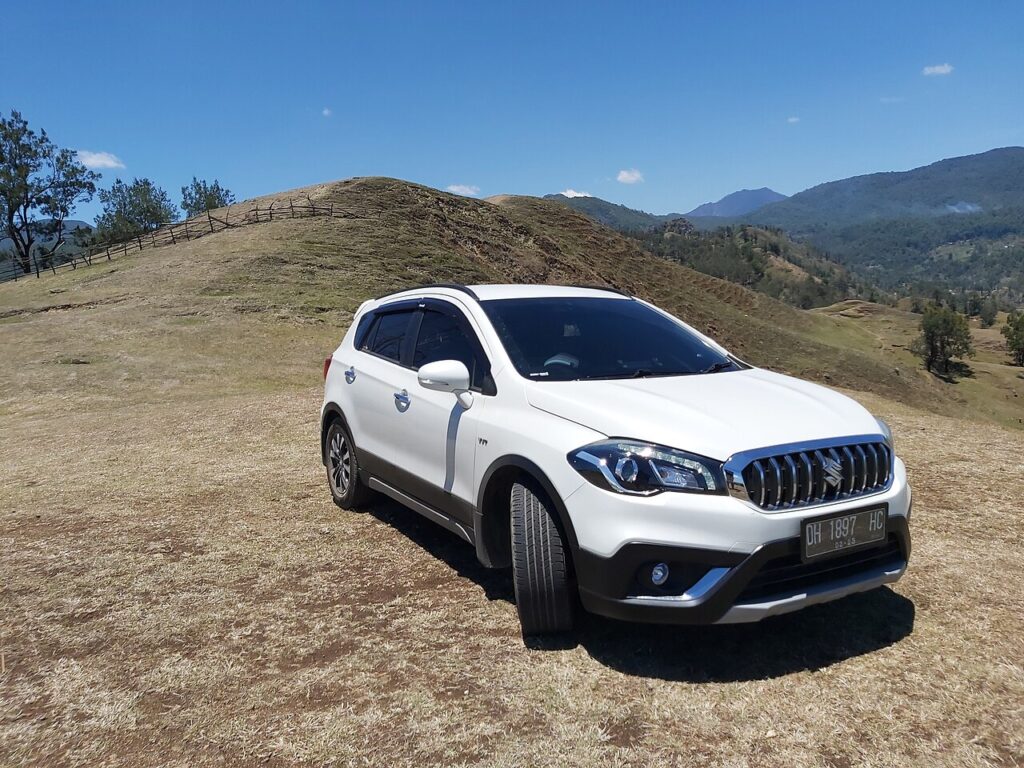
These instructions apply to the Suzuki SX4 S-Cross Mk1 (JY) 2013-2021.
For other models, please choose your vehicle here.
If the touchscreen in your Suzuki SX4 S-Cross (Mk1/JY, 2013–2021) has frozen — the navigation stuck, the audio unresponsive, or the screen ignoring your taps — you almost never need a dealer. The S-Cross uses Suzuki’s SLDA (Smartphone Linkage Display Audio), the Bosch-built head unit shared with the Vitara, and it is well known for occasional software hangs. A forced reboot clears it in seconds without touching any of your saved settings.
Which System Your S-Cross Has
Higher S-Cross trims got the 7-inch SLDA touchscreen with sat-nav, DAB, and Bluetooth from launch; the 2016 facelift added Apple CarPlay and Android Auto to later cars. Entry trims in some markets shipped with a simpler radio. The SLDA unit is the one that freezes — the same Bosch system as the Vitara, with the same tendency to crash to a white screen, reboot to the logo on its own, or lock when a flaky USB cable is connected. A manual reboot is the standard first response.
Soft Reset (Reboot the Screen)
- Switch the ignition to ON so the screen is awake — do this parked.
- Press and hold the Power/Volume knob (the dial you press to mute, turn for volume) for about 10 seconds.
- Keep holding until the screen goes black and the SUZUKI logo reappears.
- Release. The unit reboots in 20–30 seconds and returns to the home screen.
Safe — No Data Lost
A reboot is completely safe. Presets, paired phones, navigation favourites, and any CarPlay/Android Auto setup all survive — the hold power-cycles the head unit like restarting a phone. Repeat it whenever the screen plays up.
If It Stays Frozen
- Hold the knob longer — up to 20 seconds — if 10 didn’t trigger the logo.
- Switch off, lock the car, and wait 5–10 minutes. A full power-down once the car sleeps clears a deeper hang.
- Unplug the USB cable. A failing or charge-only USB lead is a common SLDA freeze trigger — remove it, reboot, then test a proper data cable.
- Check the SLDA software version. A continuous reboot loop usually means outdated or corrupt firmware; a dealer reflash of the latest version fixes it.
- As a last resort, disconnect the battery for 15–30 minutes to force a cold reset if the knob and ignition cycle won’t respond.
Factory Reset (Erases Data)
Only needed if SLDA stays unstable. With the screen responsive, go to Settings → Reset to factory settings and confirm. This erases presets, pairings, and saved destinations and returns the unit to its as-delivered state, so try the soft reset first.
Frequently Asked Questions
Will rebooting delete my navigation favourites or paired phone?
No. Holding the Power/Volume knob only restarts the unit. Favourites, presets, and Bluetooth pairings are kept — only the factory reset erases them.
Why does my S-Cross screen reboot itself randomly?
That self-reboot behaviour is a known SLDA software fault shared with the Vitara. A reflash of the latest SLDA version at a dealer is the lasting fix; a manual reboot only clears it for now.
Does the pre-facelift S-Cross have CarPlay?
No. Apple CarPlay and Android Auto were added with the 2016 facelift. Early SLDA cars have sat-nav and Bluetooth but not smartphone mirroring; the reset is identical on both.
Could a USB cable freeze the screen?
Yes. A failing or non-data USB lead is one of the most common SLDA lock-up causes. Unplug it, reboot, and use a quality data cable.
Can I reboot the screen while driving?
You can, but do it parked. The screen blanks for about half a minute, removing the reversing camera and navigation while SLDA restarts.
If a warning light or stored fault appears alongside the freeze, read the code first on autodtcs.com.
Independent guide — not affiliated with Suzuki. Always follow your official service manual and safety precautions. Read our full disclaimer.