These instructions apply to the Volvo V40 Mk2 (525) 2012-2019.
For other models, please choose your vehicle here.
Lost the one-touch (auto up/down) on your Volvo V40 (525, 2012–2019) after a flat or disconnected battery? The window motor has simply forgotten its limits. You re-teach them by hand in under a minute — no tools.
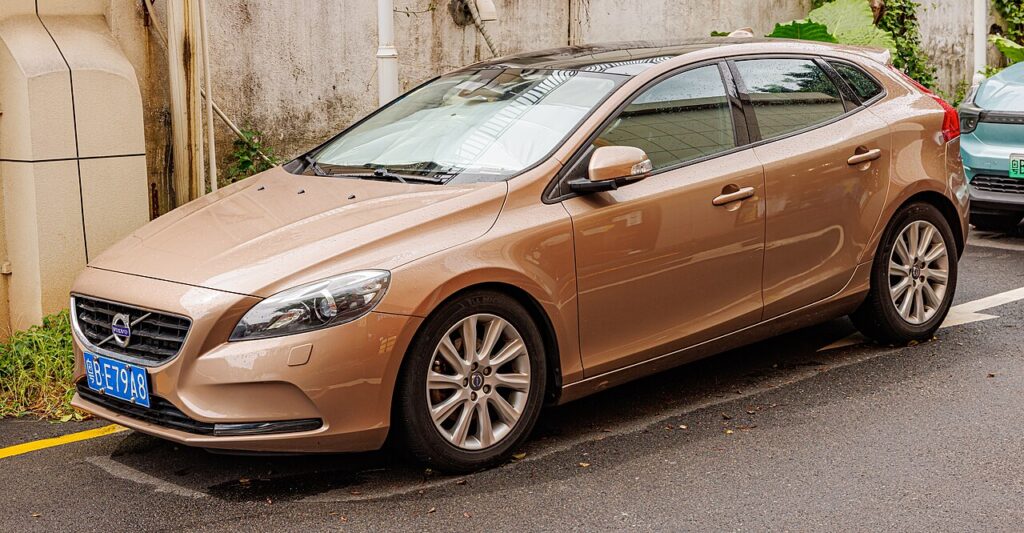
This is a common “something’s broken” moment after battery work on the V40, and it isn’t a fault. The switches still raise and lower the glass, but the one-press auto travel is gone until the motor re-learns where the top and bottom of the frame sit — a minute of holding the switch at each end restores it.
What Happened
Each door’s window motor stores the fully-closed position so one-touch can stop neatly at the top and the anti-trap (anti-pinch) feature can sense resistance and reverse. That learned range is held in volatile memory. Cut the 12 V supply — a flat battery, a disconnect for other work, or a blown window fuse — and the memory clears, leaving only manual hold-to-move operation. Nothing is damaged; the motor just needs its end-stops taught again.
First, a Few Checks
- Sit in the car with the door closed — a shut door lets the glass travel to its true top seal.
- Turn the ignition on (or press start without your foot on the brake so the electrics are live but the engine is off).
- Make sure the 12 V battery is healthy; a weak battery can drop voltage mid-learn and abort it.
- Clear the window channel of ice, leaves or a sunshade so the glass can seat fully.
- Do one window at a time from that door’s own switch.
Re-teaching a Window
- Door closed, ignition on.
- Pull the switch up to close the window fully and keep holding ~2–3 seconds past the stop.
- Release, then press down to open fully, pausing at the bottom.
- Pull up again to close fully, holding a couple of seconds at the top.
- Release and check one-touch both ways.
Repeat on each one-touch window from its own switch.
If It Won’t Stay Set
- Hold longer at the top. The closed limit only registers once the motor has stalled against the seal for a moment — a quick tap won’t take.
- Do the full up–down–up cycle without releasing early; stopping halfway leaves the range half-learned.
- Shut the door. Learning with the door open can teach a slightly short travel because the glass meets the seal differently.
- Check the window fuse if a single window is dead rather than just lacking auto; a blown fuse stops it moving at all.
- Rule out a tired 12 V battery. If it was flat enough to wipe the memory, charge or replace it, then re-teach — a sagging battery keeps dropping the learn.
- Repeat the whole sequence once more — the first pass sometimes only takes on one direction.
- If a window still only moves while held after several tries, a motor or switch fault may be stored as a code — look it up on autodtcs.com.
Once It’s Done
Once each window has learned its range, a single brush of the switch sends the glass all the way up or down on its own, and the anti-trap reverses if it meets an obstruction near the top. The setting is retained normally from then on — you’ll only need to repeat this the next time the 12 V battery is disconnected or goes flat.
Frequently Asked Questions
Why did my V40 windows stop auto-closing?
A battery disconnect or flat battery cleared the learned travel, so the motor no longer knows where the top of the frame is. The windows still work when you hold the switch, but one-touch stays disabled until you re-initialise each one with the hold-at-each-end sequence.
How do I reset the auto window on a Volvo V40?
With the door shut and ignition on, pull the switch up to close the window fully and hold two to three seconds past the stop, then press down to open fully, then pull up to close fully again, holding at the top. Release and test one-touch both ways.
Do I have to do every window?
Only the windows that have one-touch, and each is taught separately from its own door switch. The driver’s window usually has it on both up and down; passenger windows vary by trim. Re-teach any that only move while held.
Do I need any tools or a scan tool?
No. The whole procedure is done at the window switches with the ignition on — no tools, no diagnostic tester and no trip to a garage for this everyday re-initialisation.
Why does the window drop slightly or bounce back near the top?
That’s the anti-trap protecting against a pinch when the range isn’t learned. Complete the full up–down–up cycle, holding firmly at the top, and it will stop cleanly at the seal instead of reversing.
Could it be something other than lost calibration?
If a window is completely dead rather than just missing auto, check the window fuse and the switch. Persistent one-touch failure after several clean re-teach attempts points to a motor or regulator issue, which can leave a fault code to decode.
This is the most-missed step after battery work — see our V40 battery guide. For warning lights, look up the code on autodtcs.com.
Independent guide — not affiliated with Volvo. Always follow your official service manual and safety precautions. Read our full disclaimer.