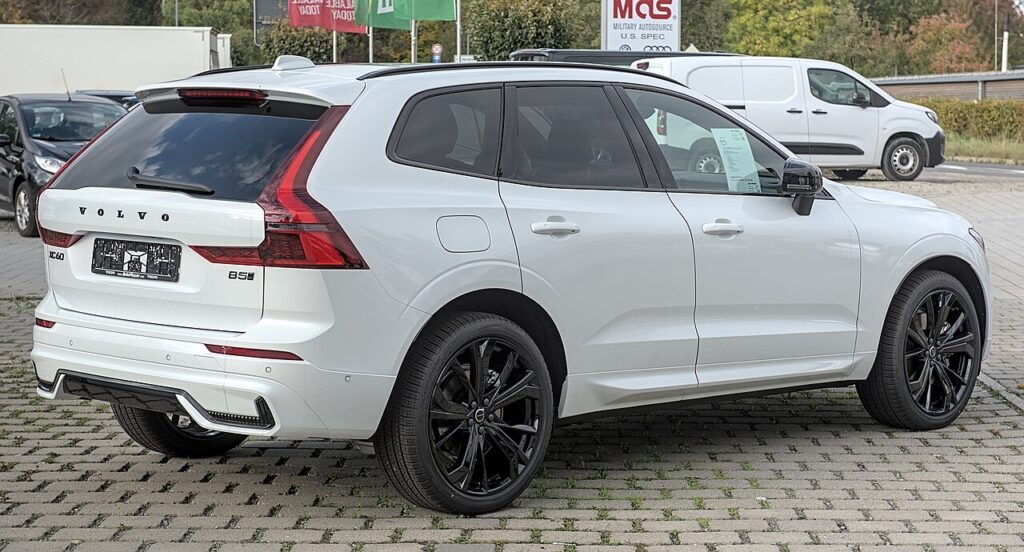
These instructions apply to the Volvo XC60 Mk2 (246) 2018-present.
For other models, please choose your vehicle here.
After adjusting pressures or changing a wheel on your Volvo XC60 (246, 2018–present), the tyre-pressure warning stays on until you tell the car the new values are correct. You do that from the centre touchscreen — no garage tool, no valve gadget. The light coming on after inflation or a wheel swap is normal: the system is simply comparing what it now reads against the reference it stored last time, so once you re-store the corrected figures it clears.
How the XC60’s System Works
The XC60 keeps a stored set of ‘correct’ pressures and watches for a wheel that drops meaningfully below it. The key thing to understand is that it has no idea what you intended the pressures to be — it only knows the baseline you last saved. That is why you inflate first and store second: whatever is in the tyres at the moment you press Store tyre pressures becomes the new reference. Store it with a soft tyre and the car will happily treat ‘soft’ as normal until the next time you re-store.
Getting Ready
- Check pressures cold — before driving, or after the car has sat for a couple of hours. Warm tyres read a few psi high and will store the wrong baseline.
- Set all four corners to the figures on the driver’s door-pillar label, not a generic number.
- If the label lists a laden/motorway figure as well, pick the one that matches how the car is loaded that day.
- Don’t forget a space-saver or spare if it is a road wheel in use.
- Have the engine running and the touchscreen awake before you dig into the menu.
Storing the Pressures
- With the engine off, adjust the tyre pressures to the label values.
- Start the engine.
- On the centre touchscreen, select ‘Car status’ → ‘Tyre pressure’ → ‘Store tyre pressures’ and press OK.
- Drive for about 10 minutes, exceeding 35 km/h (22 mph) where safe — the system is then reset.
If the Light Stays On
- Recheck every tyre — one low corner is enough to keep the warning lit; a gauge you trust beats a garage forecourt guess.
- Finish the drive cycle. The reset needs that short run above 35 km/h; a two-minute crawl to the shops may not complete it.
- Store cold, not warm. If you stored after a long drive, the baseline is too high and a cold morning will trip it — re-store first thing.
- After a wheel swap (winter set, tyre-shop rotation), you must store again — the system does not carry the old baseline across.
- A slow puncture will refuse to clear no matter how many times you store. If one corner keeps needing air every few days, inspect the tyre before resetting.
- Cold snap. A sharp overnight temperature drop can shed a few psi across all four; top up to the label figure and re-store.
- If it still won’t clear with everything correct, a fault may be logged rather than a low tyre.
What Happens Next
Once the drive cycle completes, the warning goes out and stays out for the trip — you don’t need to repeat it every journey. The stored baseline holds until you next change the pressures or swap wheels. It is worth re-storing at each seasonal tyre change and whenever you deliberately set higher pressures for a fully loaded run or a long motorway trip.
Frequently Asked Questions
How do I reset the tyre pressure light on a Volvo XC60?
Set the pressures cold to the door-pillar figures, start the engine, then on the touchscreen choose Car status → Tyre pressure → Store tyre pressures → OK. Drive for about ten minutes above 35 km/h and the warning clears once the system has confirmed the new baseline.
Is a tool needed?
No. The XC60 stores its own reference from the touchscreen, so there is no need for a diagnostic reader or a valve-cap relearn tool. A tool only comes into play if a physical pressure sensor is replaced, which is a workshop job rather than a routine reset.
Why did it light up in cold weather?
Cold air is denser, so pressure falls as the temperature drops — roughly 1 psi for every 10 °C. A frosty morning can pull all four corners below the stored baseline even with no leak. Top each tyre back up to the label figure while cold, then re-store the pressures.

It lit after a wheel change — normal?
Yes. Moving wheels around, or fitting a winter set, changes what the system reads against its old baseline, so the light comes on. Set every corner correctly and run the store procedure so the new pressures become the reference.
Do I have to store all four, or just the corner I topped up?
The store saves all four at once, so set every tyre correctly before you press it. There is no per-wheel store — if only one corner is right and the others are off, you will bake those wrong values into the new baseline.
Can I keep driving with the warning on?
A low-pressure warning means at least one tyre needs attention, so check them at the first safe opportunity rather than ignoring it. A soft tyre wears unevenly, runs hot and hurts economy; once you have confirmed the pressures are correct and re-stored, the reset itself is a two-minute job.
Got a TPMS fault code rather than a low-pressure warning? Look it up on autodtcs.com. To clear a service reminder, see our XC60 service reset.
Independent guide — not affiliated with Volvo. Always follow your official service manual and safety precautions. Read our full disclaimer.