These instructions apply to the Volkswagen Golf Mk7 (5G) 2012-2020.
For other models, please choose your vehicle here.
Disconnecting the 12 V battery on a Volkswagen Golf Mk7 (5G/BE/BA/BV/BQ, 2012–2020) is a routine job — you need to do it before bodywork near airbags, when fitting a new battery, or to put electrical gremlins to bed — but on a modern VAG car it is not quite as simple as lifting the leads off. Cut the power the wrong way, or skip the wake-up steps when you reconnect, and the Golf can drop its one-touch windows, throw a steering-angle fault, and wipe the clock and infotainment presets. This guide covers the safe order of work and the three short re-initialisations the car needs afterwards.
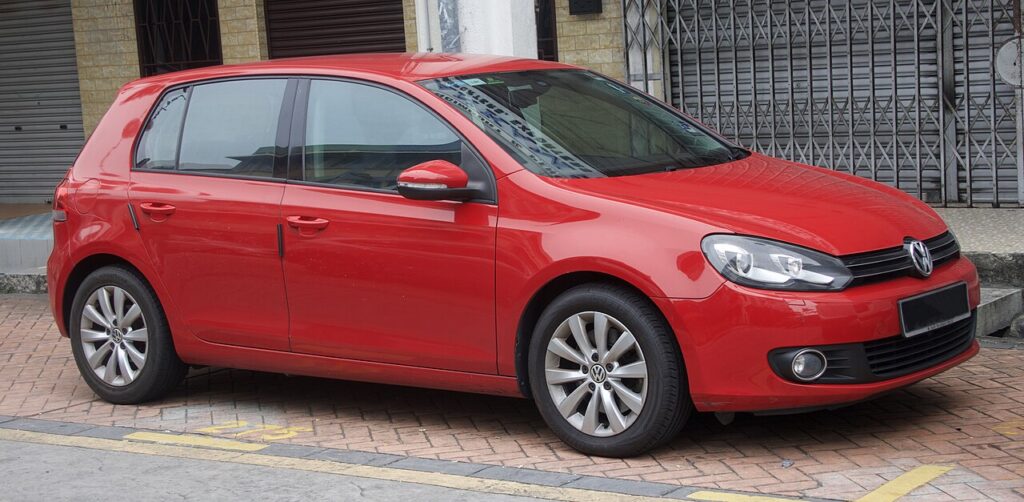
Where the Battery Is on a Mk7 Golf
On almost every Mk7 the battery sits in the engine bay on the left-hand side (right-hand side on right-hand-drive cars it is still on the driver’s side as you face the engine), under a black plastic cover. Start/stop cars use an AGM or EFB battery — if you are replacing it, fit the same type, because a standard flooded battery will not survive the deep cycling that start/stop demands.
Before You Disconnect
- Have your radio/infotainment code and any saved settings to hand. Most Mk7 head units re-link automatically to the car, but it is worth noting your presets.
- Make sure all doors are shut and the car is locked-and-unlocked normally first, so it is not mid-way through a bus “sleep” cycle.
- Have a memory-saver (a small backup power supply that plugs into the OBD port or 12 V socket) ready if you want to keep the clock, presets and comfort settings alive. It is optional — the procedure below assumes you are not using one.
- If you are working near the airbags, seat-belt pretensioners or any other pyrotechnic component, the battery must be disconnected and you should wait before handling those parts.
Disconnecting the Battery — Correct Order
- Turn the ignition fully off and remove the key from the car (or, on keyless cars, take the fob well away from the vehicle so the car powers down).
- Open the bonnet and lift off the battery cover.
- Loosen the clamp on the negative (earth, −) terminal first and lift the lead clear. Tuck it to one side so it cannot spring back onto the post.
- Only disconnect the positive (+) terminal if you actually need to remove the battery — for most jobs taking off the earth lead alone is enough and is safer.
- If you are removing the battery, undo the hold-down clamp at the base and lift it out keeping it upright.
Always remove earth first and refit it last: it means that if a tool touches the bodywork while you are on the positive post, there is no circuit to short.
Reconnecting the Battery
- Refit the battery (if removed) and secure the base clamp.
- Connect the positive (+) lead first, then the negative (−) earth lead last. Tighten both clamps firmly — a loose earth is a classic cause of random electrical faults on these cars.
- Do not start the engine yet. Turn the ignition on (dash lights up, engine off).
- Wait about 10 seconds with the ignition on so the control units wake up and re-establish communication before you do anything else.
The Wake-Up Steps After Reconnecting
This is the part most people skip. After the power has been off, the Golf needs three quick re-initialisations.
1. Reset the Date and Time
Set the clock and date through the infotainment or instrument-cluster menu. On cars with the Active Info Display the date feeds several other functions, so it is worth doing first.
2. Re-initialise the Electric Windows
The one-touch / anti-pinch function is lost when power is cut and the windows will only open and close while you hold the switch until you re-teach them. With the ignition on and the doors closed, pull the window switch up to fully close each window and hold it for a second after it seats, then release. Full step-by-step in our companion guide on re-initialising the Mk7 Golf windows.
3. Re-initialise the Steering Angle Sensor
After a power loss the steering-angle sensor can lose its zero point, which may light the ESC/traction or power-steering warning. With the car on a level surface, start the engine and drive gently in a straight line for a short distance, then make a slow full left and full right lock; on most Mk7s this re-references the sensor and the light goes out. If it stays on, a VAG scan tool is needed to perform a basic setting.
If a Warning Light Stays On
It is normal to see one or two warning lights immediately after reconnecting — they should clear within a short drive once the windows and steering angle are re-learned. If an ESC, airbag or engine light remains, the car has logged a fault code during the power interruption. Reading those codes needs a diagnostic tool; you can look up what a stored code means on our sister site autodtcs.com before deciding whether it needs attention or will self-clear.
Tools and Supplies
- 10 mm spanner or socket for the terminal clamps (13 mm for the hold-down).
- Optional memory-saver / OBD backup supply to preserve settings.
- Optional VAG-compatible scan tool (Ross-Tech VCDS, OBDeleven, Carista) for steering-angle basic setting or to clear stored codes.
Registering or Coding the New Battery
Yes. VAG cars log the battery’s serial number and capacity, so a replacement must be adapted (coded) to the car with a VAG-capable tool (VCDS/ODIS or a dealer) — until then it keeps charging to the old battery’s profile. Swap like-for-like; if you change type or capacity the new values must be coded, not just the registration.
Frequently Asked Questions
Will disconnecting the battery damage anything on a Mk7 Golf?
No. As long as the ignition is off when you disconnect and you remove the earth lead first, nothing is harmed. You will only lose volatile settings (clock, presets, window one-touch and the steering-angle reference), all of which are quick to restore.
How long should I leave it disconnected to reset the electronics?
For a “soft reset” of the modules, leave the earth lead off for several minutes — around 15 minutes is plenty — with the doors shut so the control units fully power down. This is enough to clear most transient electrical glitches.
Do I need to code anything after fitting a new battery?
If you fit the same type and capacity, the car will generally adapt without coding, but VW’s battery management ideally wants the new battery’s serial/parameters registered with a VAG tool so it charges it correctly. Skipping registration usually still works but can shorten battery life on start/stop cars.
Why won’t my windows auto-close after reconnecting?
That is expected — the one-touch function disables itself after a power loss as a safety measure. Re-initialise each window as described above and the auto and anti-pinch functions return.
For clearing the actual service/inspection reminder after maintenance, see our Mk7 Golf service indicator reset guide.
Independent guide — not affiliated with Volkswagen. Always follow your official service manual and safety precautions. Read our full disclaimer.