These instructions apply to the Volkswagen Up Mk1 (AA) 2011-2023.
For other models, please choose your vehicle here.
Your Volkswagen Up (2011–2023) with Start/Stop cuts the engine at a standstill to save fuel. When you’d rather keep it running — stop-go traffic, a hot day, or before any under-bonnet work — one button turns it off.
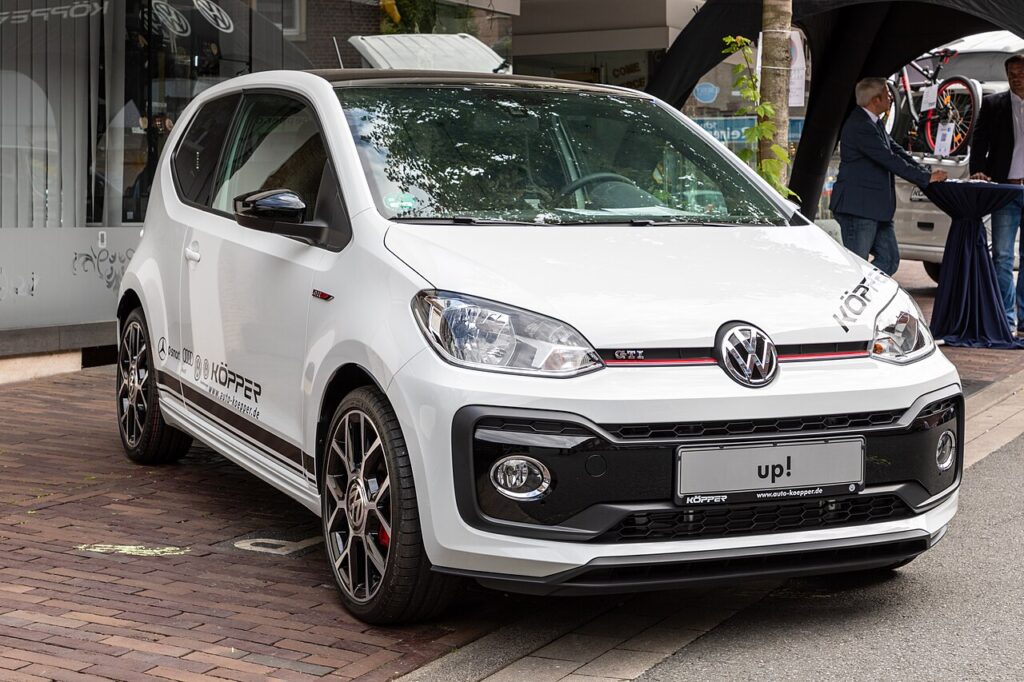
Start/Stop is a normal fuel- and emissions-saving feature on the Up, not a fault. It stops the engine while you wait at lights or in queues, then fires it back up the moment you dip the clutch to pull away. On a small three-cylinder car the restart is quick, but the frequent cycling can feel busy in slow traffic, so switching it off for the drive is a perfectly sensible choice — it does no harm and the car resets to its default on the next start.
How Start/Stop Works on the Up
The system watches a few inputs before it will cut the engine: the state of charge of the 12 V battery, the engine coolant temperature, the cabin climate demand, and whether the car is genuinely stationary in neutral with the clutch up. A battery monitor keeps track of available charge, because the starter has to crank the engine again within seconds. If any condition isn’t met — a cold engine, a tired battery, the heater working hard — the engine simply keeps idling. That’s the system protecting itself, not a defect.
Getting Ready
- Have the ignition on — you don’t need to be moving to press the button.
- Find the Start/Stop button — an ‘A’ inside a circular arrow — near the gear lever or on the centre console.
- If you’re about to open the bonnet, switch the system off first so the engine can’t auto-restart.
- Remember the setting only lasts for the current drive — you’ll repeat it after each restart.
Switching It Off
- Find the Start/Stop button — an A inside a circular arrow — usually near the gear lever or on the centre console.
- Press it once; the indicator confirms it’s off and the engine stays running at stops.
Why It Comes Back On
The Up re-enables Start/Stop every time you start the car — there’s no permanent off. Press the button at the start of each drive if you don’t want it.
When the Engine Won’t Stop Anyway
Even with the system on, the Up keeps running if a condition isn’t met. If it never stops, work through these:
- The 12 V battery charge is low — a run of short journeys leaves too little reserve and the system stays dormant.
- The engine is still cold; from a cold start it won’t stop until coolant temperature comes up.
- The cabin still needs heating or cooling, so the heater or air-con keeps the engine turning; strong windscreen demist does the same.
- You’re on a slope, or not fully stopped in neutral with the clutch up — both keep the engine running by design.
- An ageing or weak battery is the most common reason it stops working; a correctly fitted replacement usually restores it.
What Happens Next
With the button pressed and the indicator showing it’s off, the engine stays running at every stop for the rest of the journey — no cut-outs at lights, no restarts pulling away. Next time you start the car, Start/Stop is armed again, ready for you to leave on or press off as you prefer.
Frequently Asked Questions
How do I turn off start/stop on a VW Up?
Press the ‘A’ circled-arrow button near the gear lever; the indicator shows it’s disabled for this drive and the engine will stay running at stops. It re-arms on the next start, so press it again each time you want it off.
Can I disable it permanently?
No — the Up re-arms Start/Stop each time you start the car, and the standard controls don’t offer a permanent off. Pressing the button once at the start of each drive is the intended way to keep it disabled for that journey.
Why didn’t the engine stop today?
Low 12 V battery charge, a cold engine, climate demand, or a gradient will all keep the engine running by design. If it’s a hot or very cold day, the heater or air-con is often the reason. This is normal, protective behaviour, not a fault.
Is it bad to leave it on?
No — it’s built for constant use, though a tired 12 V battery can make it erratic. Because the battery works harder on a Start/Stop car, keeping a healthy one fitted matters more than switching the feature off.
Should I switch it off for under-bonnet work?
Yes. Turn Start/Stop off before working near the engine so it can’t auto-restart while your hands are in the bay, and for anything involving belts or the cooling fan, switch the ignition fully off as well.
Why is the Start/Stop light amber or flashing?
An amber or flashing indicator usually means the system has temporarily disabled itself — most often because the 12 V battery charge dropped. If it stays lit as a fault, the battery is the usual cause, so have it and the charging system checked.
If a start/stop fault shows, it usually points to the 12 V battery — see our Up battery guide, or look the code up on autodtcs.com.
Independent guide — not affiliated with Volkswagen. Always follow your official service manual and safety precautions. Read our full disclaimer.