These instructions apply to the Nissan Qashqai Mk3 (J12) 2021-Present.
For other models, please choose your vehicle here.
The Nissan Qashqai J12 (2021–present) has power windows with an auto-up and auto-down function, so a single tap runs the glass all the way to its limit. After the 12 V battery is disconnected or a window motor is replaced, that automatic mode can stop working and the window will only move while you hold the switch. This is normal after a loss of power and does not mean anything has failed — the window control simply needs to relearn its travel. This guide shows how to reinitialize each window so automatic operation is restored.
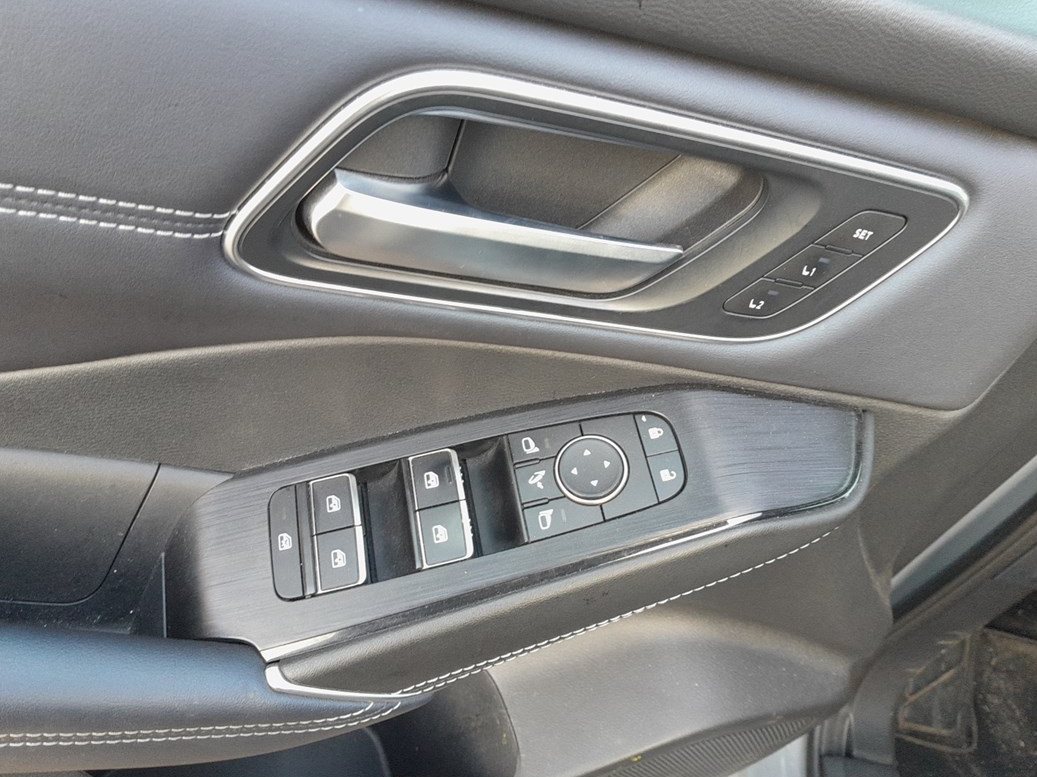
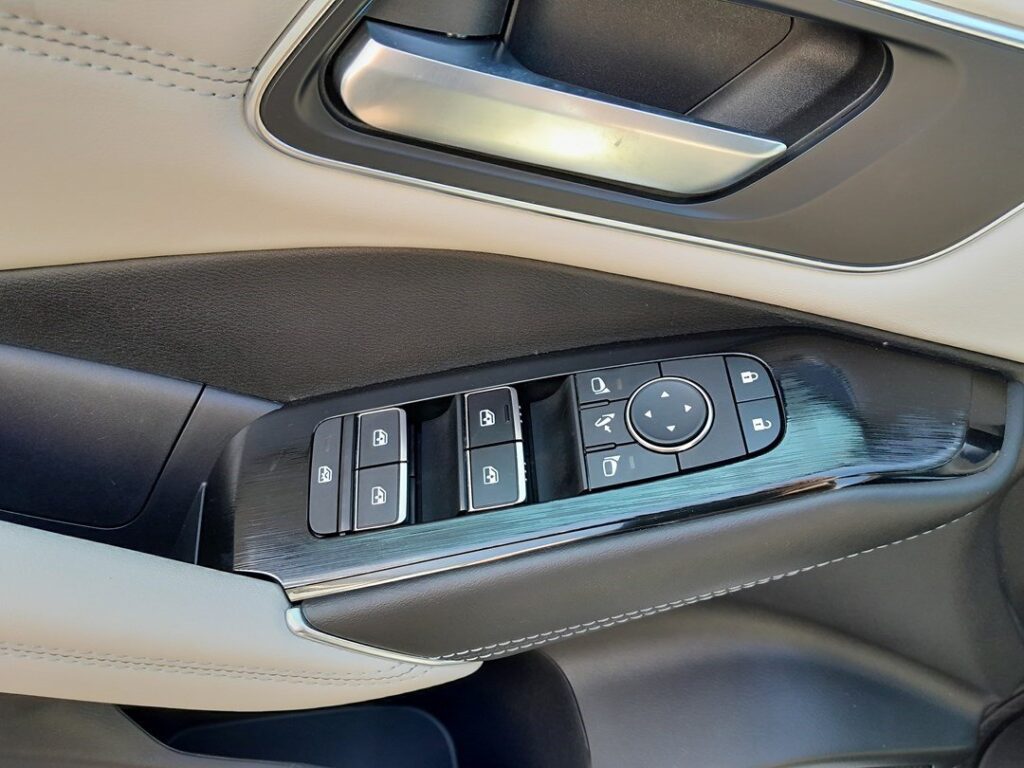
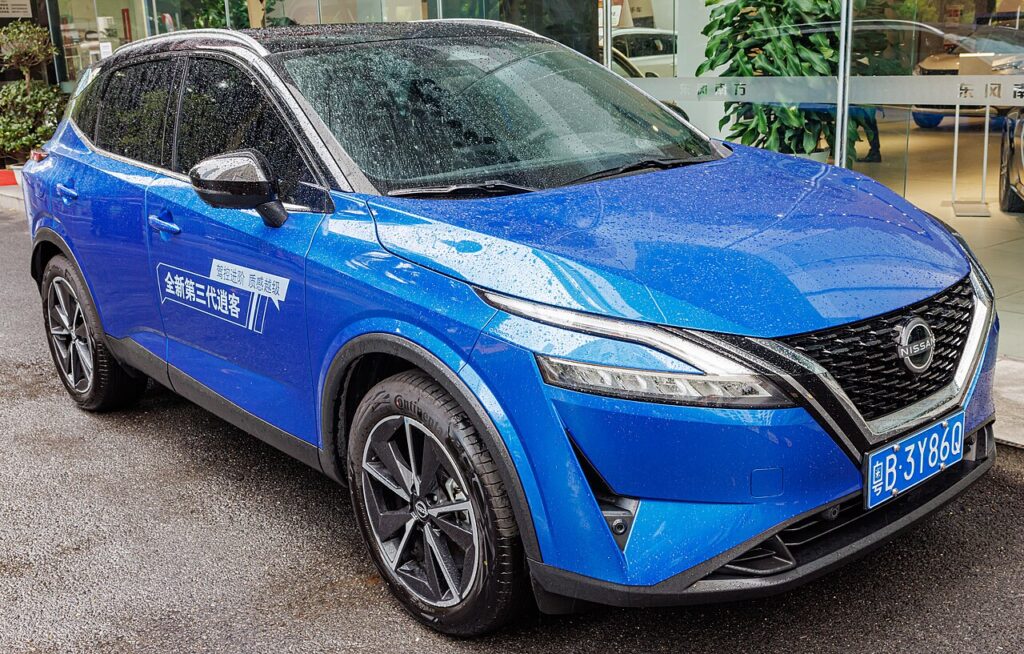
How It Works on This Model
Each door’s window motor stores its fully-closed and fully-open positions in memory. Those stored limits let the glass run automatically on one touch and let the anti-pinch (auto-reverse) safety feature judge when the window has met an obstruction rather than simply reached the top. Cutting 12 V power — by disconnecting the battery, letting it go flat, or removing a door panel or regulator — erases that memory, so the window falls back to manual hold-to-move operation. Re-teaching the limits with a short hold at the top and bottom brings the automatic mode back.
When Initialization Is Required
- After disconnecting or replacing the 12 V battery.
- After removing or replacing a door panel or window regulator.
- If a window does not close or open automatically.
First, a Few Checks
- Switch the ignition to ON (engine off) so the windows have full power for the relearn.
- Work on one door at a time, using that door’s own switch rather than several at once.
- Clear the glass path first — no ice, no arm on the sill, nothing lodged in the channel.
- Be ready to hold the switch for at least two seconds at each end — the control learns the limit from that held pressure.
Manual Window Initialization Procedure
- Switch the ignition to the ON position (engine off).
- Fully close the affected window using the switch on that door.
- Once the window is completely closed, hold the switch in the UP position for at least 2 seconds.
- Then, fully open the same window.
- When the window reaches the bottom, hold the switch in the DOWN position for at least 2 seconds.
- Repeat the steps for each remaining window.
- Switch the ignition OFF and test all auto-up/auto-down functions to confirm proper operation.
If It Won’t Stay Set
- If auto mode still doesn’t work, repeat the process slowly — timing is important, and the two-second hold at each end must be respected.
- Perform initialization on each door individually; holding multiple switches at once can interrupt the signal.
- If the switch light flashes or the window reverses direction unexpectedly, there may be an obstruction in the track — clear debris before retrying.
- Re-check the battery connections if you have just done battery work; a loose earth can drop voltage mid-cycle and lose the calibration again.
- Make sure the glass moves freely — a dry or gritty channel can stall the window short of the top, so it learns the wrong limit.
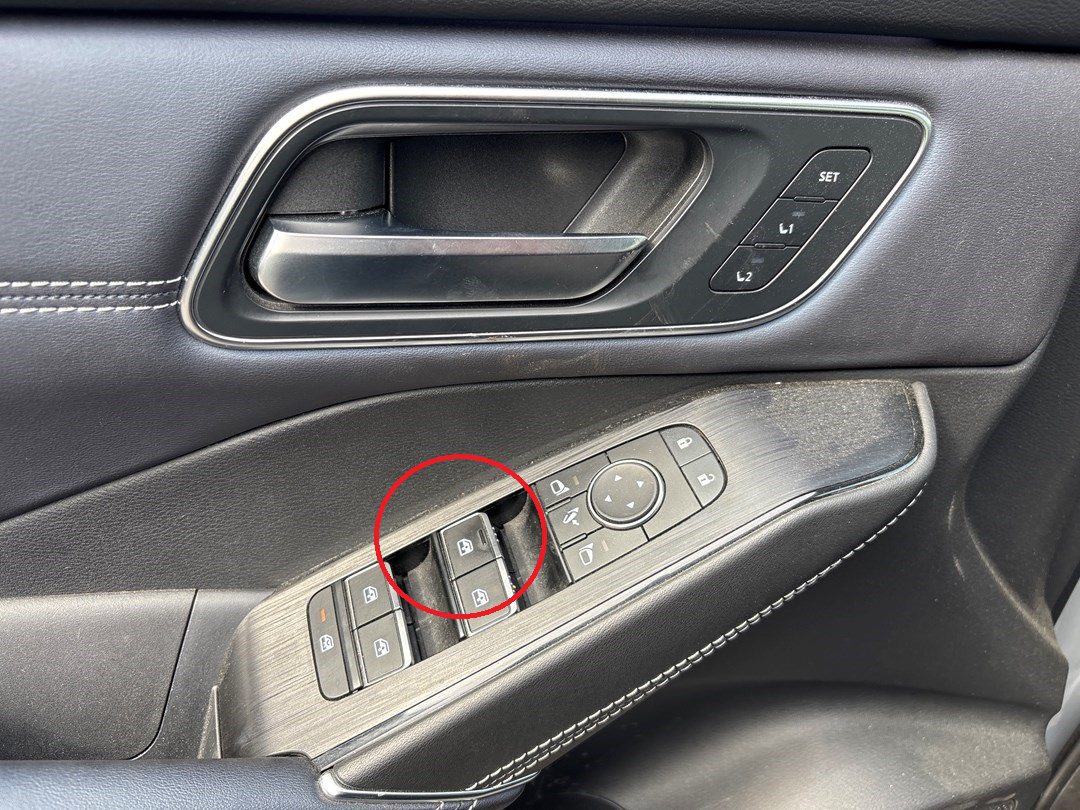
Once It’s Done
Once the sequence is accepted, a single tap up or down should run the window smoothly to its limit again, and the anti-pinch reverse will work if the glass meets resistance. The calibration is stored permanently and will not need repeating unless the battery is disconnected, goes flat, or a window component is removed.
Tips for Long-Term Functionality
- Operate windows periodically to prevent sticking in humid climates.
- Lubricate window channels lightly with silicone spray during routine maintenance.
- If auto-reverse activates without obstruction, a recalibration via dealer tool may be needed.
Frequently Asked Questions
Why did my Qashqai windows stop closing automatically?
Disconnecting or flattening the 12 V battery — or removing a door panel or regulator — erases each window’s stored travel limits. Without them the control can only move the glass while you hold the switch. Running the initialization sequence on each affected door restores auto-up and auto-down.
Do I need any tools?
No. The standard relearn is done from the door-mounted window switch with the ignition on. There is no fuse to pull and no scan tool needed for normal initialization. A dealer tool is only relevant if the window still misbehaves after a correct relearn.
How long do I hold the switch?
At least two seconds at each end — once the window is fully closed hold UP, and once it is fully open hold DOWN. That held pressure is what registers the limit. A quick tap will not teach the position, which is why a rushed attempt often fails.
Do I have to do every window?
Only the windows that lost automatic operation need re-teaching, but each door stores its own calibration independently, so doing one does not set the others. It is quick to run the sequence on all four to be sure.
Why does the window reverse just before it closes?
That is the anti-pinch feature reacting to what it reads as an obstruction while the limits are unknown after a power loss. Clear any debris from the track, then complete the initialization; if it keeps reversing with a clean track, the glass channel may need attention.
Could a blown fuse cause this instead?
A blown fuse normally stops the window moving at all, not just the automatic mode. If the glass still moves while you hold the switch, power is present and the cause is a lost calibration rather than a fuse. Try the initialization first before looking further.
Just reconnected the battery? Decode any stored window-related fault code on autodtcs.com before assuming a part has failed.
Independent guide — not affiliated with Nissan. Always follow your official service manual and safety precautions. Read our full disclaimer.