These instructions apply to the Ford Fiesta Mk7 (2008-2017).
For other models, please choose your vehicle here.
Disconnecting the 12 V battery on a Ford Fiesta Mk7 (2008–2017) is a simple job, but on these cars it pays to do it in the right order and to know what you will need to reset afterwards — the radio security code, the clock, and on EcoBoost cars the things the engine relearns once it has power again. This guide covers the safe sequence for the Mk7 Fiesta (the 2008–2017 car, including the 2012 facelift) and what to do once the leads are back on.
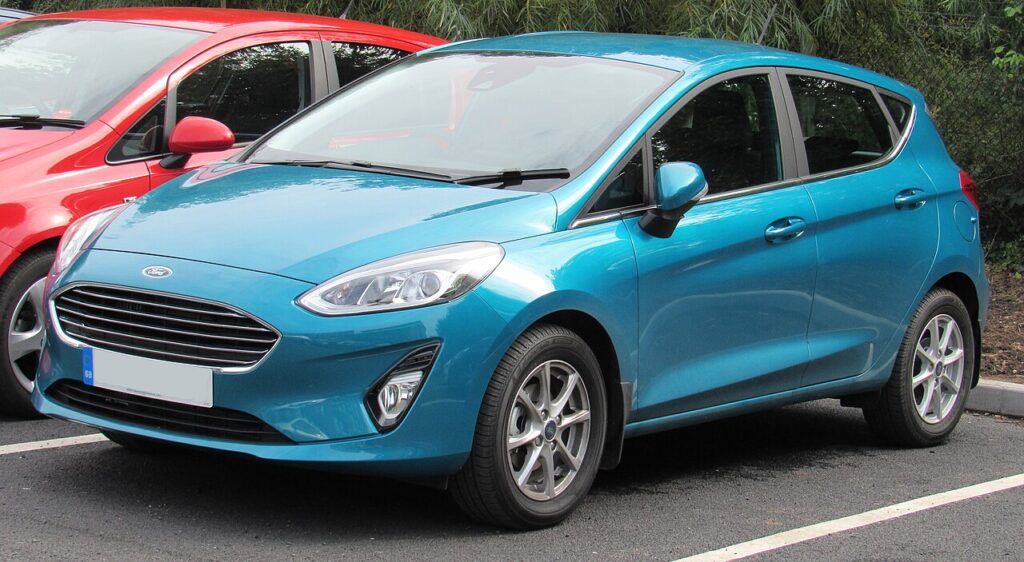
Where the Battery Is
The battery sits in the engine bay, on the left as you look in. Lift off the plastic cover to reach the two terminals. If your Fiesta has start/stop (most 1.0 EcoBoost cars do), it will be fitted with a heavier-duty AGM or EFB battery — replace like-for-like, because a standard battery will not cope with the repeated stop/start cycling.
Before You Disconnect
- Note your radio security code. Many Mk7 Fiesta head units ask for a keycode after a power loss. If you do not have it, it can be retrieved from the radio serial number or a Ford dealer.
- Make sure all electrical consumers are switched off — lights, ignition, heater — before you touch the terminals.
- If you want to keep the radio code, clock and settings alive, plug in a memory-saver (OBD-port or 12 V backup supply). The steps below assume you are not using one.
- If you will be working near airbags or seat-belt pretensioners, disconnect the battery and then wait at least 3 minutes before handling those components, so the system fully de-energises.
Disconnecting — Correct Order
- Turn the ignition off and remove the key (or move the keyless fob well away from the car).
- Open the bonnet and remove the battery cover.
- Slacken the clamp on the negative (−, earth) terminal first and lift the lead off. Move it aside so it cannot touch the post.
- Only undo the positive (+) terminal if you are removing the battery completely — for most jobs the earth lead alone is enough and is safer.
- If removing the battery, undo the base clamp and lift it out, keeping it upright.
Reconnecting — Correct Order
- Refit the battery (if removed) and secure the hold-down clamp.
- Connect the positive (+) lead first, then the negative (−) earth lead last. Tighten both clamps firmly — a loose earth is a common cause of odd electrical faults on the Fiesta.
- Do not start the engine straight away. Turn the ignition on for a few seconds first so the modules wake up.
What to Reset Afterwards
- Enter the radio code if the head unit asks for it.
- Reset the date and time in the message centre / radio menu.
- Let the engine relearn its idle. On EcoBoost and Ti-VCT engines the first start after a power loss may idle slightly unevenly for a minute or two while the PCM relearns — let it idle and take a gentle drive to settle it.
- Windows: if the one-touch function stops working, hold the switch fully up for a couple of seconds to re-teach the closed position.
If a Warning Light Stays On After Reconnecting
A light or two immediately after reconnecting is normal and should clear within a short drive. If the engine, ABS or airbag light stays on, the car logged a fault code while the power was off. Reading the code needs an OBD scanner; you can look up what a stored code points to on our sister site autodtcs.com before deciding whether it needs attention.
Tools You Need
- 8 mm or 10 mm spanner/socket for the terminal clamps and hold-down.
- Optional memory-saver to preserve the radio code and settings.
- Your radio keycode, if the head unit is code-protected.
Frequently Asked Questions
Will I lose my radio code when I disconnect the battery?
Possibly — many Mk7 Fiesta radios lock and ask for the keycode after a power loss. Have the code ready, or use a memory-saver to avoid the issue entirely.
How long should I leave the battery disconnected to reset the car’s computer?
For a soft reset of the modules, leave the earth lead off for about 15 minutes with the doors shut so everything powers down. That clears most transient electrical glitches.
Why does my Fiesta idle roughly after I reconnect the battery?
The engine management has lost its learned idle values and is relearning them. Let the car idle for a minute or two and take a steady drive; it normally settles on its own.
Do I need to register a new battery on a Mk7 Fiesta?
The Mk7 is less fussy than some rivals, but on start/stop cars it is best to have a new AGM/EFB battery registered with a Ford-capable tool so the charging system treats it correctly.
To clear the service reminder once any work is done, see our Ford Fiesta Mk7 service indicator reset guide.
Independent guide — not affiliated with Ford. Always follow your official service manual and safety precautions. Read our full disclaimer.