These instructions apply to the Vauxhall Corsa Mk4 (D/S07) 2006-2014.
For other models, please choose your vehicle here.
When the tyre-pressure warning light shows on a Vauxhall Corsa D (2006–2014) — the Opel Corsa D in the rest of Europe — it usually just means the system needs to be told your current pressures are the new reference. You re-set it after adjusting pressures or changing wheels, using a button on the car. This guide shows how to reset (initialise) the Corsa D tyre-pressure monitoring system in a minute.
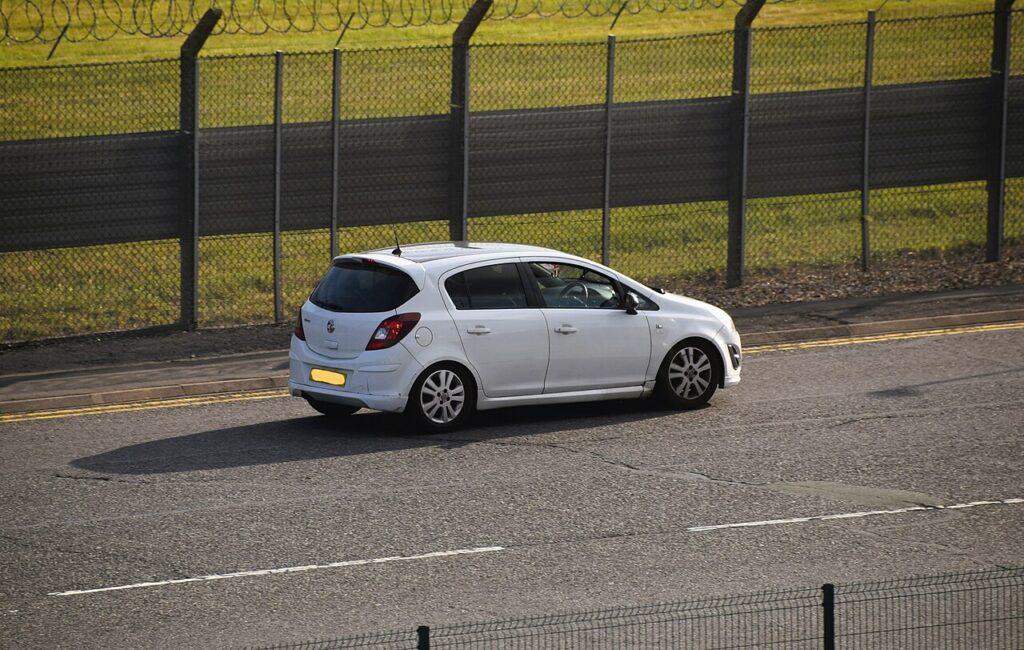
How the Corsa D System Works
Corsa D models fitted with TPMS use a system that needs re-initialising whenever the pressures change. Rather than reading a live value you simply store a new baseline: set the correct pressures, hold the reset button, and drive a short distance so the system relearns. Not every Corsa D has TPMS — it became common later in the model’s life — so if your car has no reset button and no tyre warning in the cluster, it is not fitted.
When to Reset
- After checking or adjusting the tyre pressures (including seasonal changes).
- After changing one or more wheels or tyres.
- After rotating the wheels front-to-back.
Set Your Pressures First
The reset stores whatever pressures are in the tyres at that moment, so they must be correct first. Set all four (cold) to the figures on the placard in the driver’s door aperture or behind the fuel flap, using the laden column if you are carrying a full load. Never reset with a tyre already low — you would teach the car that the low pressure is normal.
How to Reset the Corsa D TPMS
- Make sure all four tyres are at the correct cold pressure.
- Turn the ignition on (position II) without starting the engine.
- Find the TPMS reset button — on the Corsa D it is low on the dash/fascia near the steering column, marked with the tyre-pressure (exclamation-in-horseshoe) symbol.
- Press and hold the button for about 4 seconds.
- The TPMS warning light flashes to confirm the system has accepted the reset.
- Release the button.
- Drive the car for about 10 minutes at normal road speeds so the system learns the new baseline. The warning light should then stay out.
Light Won’t Go Out? Work Through This
- A tyre is genuinely low: the system is doing its job — find and fix the leak, re-inflate, then reset.
- You didn’t drive long enough: the relearn needs about 10 minutes of driving to complete.
- Reset not accepted: repeat with the ignition on and hold the button the full 4 seconds until the light flashes.
- Light flashes then stays on (not a low tyre): a flashing warning can indicate a system or sensor fault rather than pressure; the car may store a code you can look up on autodtcs.com.
Frequently Asked Questions
Where is the TPMS reset button on a Corsa D?
Low on the dashboard near the steering column, marked with the tyre-pressure warning symbol. If your car has no such button, TPMS is not fitted to that model.
Do I have to drive after resetting?
Yes — the Corsa D system finishes learning over about 10 minutes of normal driving after you press the button.

Why does the light come back a few days later?
Either a tyre is slowly losing air, or you reset while a tyre was already low. Re-check all four cold pressures against the placard and reset again.
Is this the same on the Opel Corsa D?
Yes — the Vauxhall and Opel Corsa D are the same car, so the reset procedure is identical.
After wheel or seasonal-tyre work it is also worth confirming the service reminder is clear — see our Corsa D service indicator reset guide.
Independent guide — not affiliated with Vauxhall. Always follow your official service manual and safety precautions. Read our full disclaimer.