These instructions apply to the Volkswagen Golf Mk8 (CD) 2020-Present.
For other models, please choose your vehicle here.
Disconnecting the 12 V battery on a Volkswagen Golf Mk8 (CD, 2020–present) is a routine job for a battery change or before electrical work. There’s a little to know first: the windows need re-teaching afterwards, and if you fit a new battery it should be registered/coded for the start-stop charging strategy. This guide covers the safe order of work.
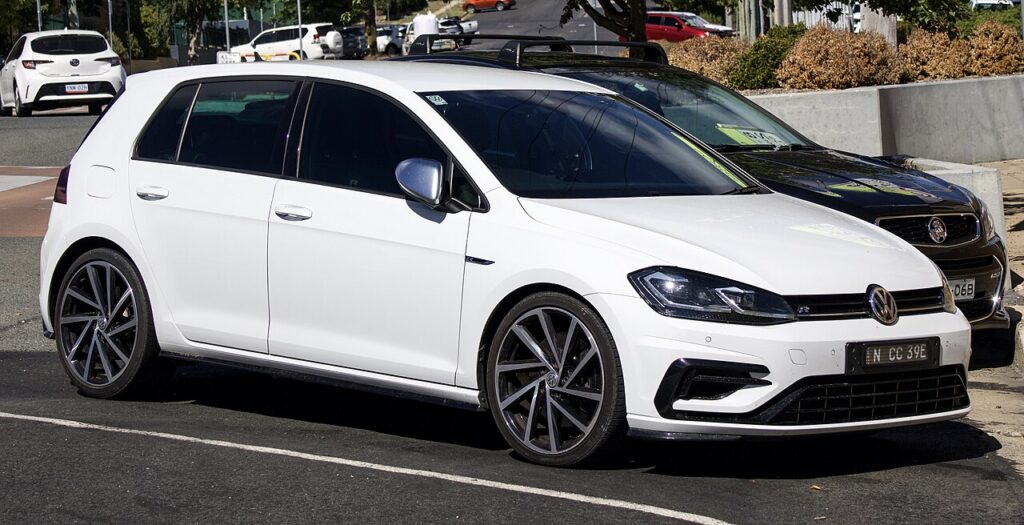
Where the Battery Is
The battery is in the engine bay, usually under a cover on one side. Lift the cover to reach the two terminal clamps. If you are renewing it, fit a like-for-like battery — the Golf Mk8 uses an enhanced (AGM/EFB) battery for start-stop, so match the original type and rating.
Before You Disconnect
- Note your radio/infotainment settings.
- Turn the ignition off and remove the key / keep the fob away.
- If working near airbags or seat-belt pretensioners, allow the system to discharge before handling those parts.
Disconnecting — Correct Order
- Turn the ignition off and open the bonnet.
- Slacken the negative (−, earth) terminal first and lift the lead clear.
- Only undo the positive (+) terminal if you are removing the battery completely.
Reconnecting — Correct Order
- Connect the positive (+) lead first, then the negative (−) earth lead last. Tighten both firmly.
- Turn the ignition off, remove the key, then turn the ignition on and wait about 10 seconds before starting — this lets the modules wake in order.
Registering a New Battery
If you have fitted a new battery, the battery-management system should be told about it (capacity and type) so it charges correctly and start-stop keeps working — this needs a diagnostic tool (a VW dealer, specialist, or an app such as VCDS / OBDeleven). The car will run without it, but a new battery may be over- or under-charged over time. Simply disconnecting and reconnecting the same battery does not need coding.
What to Reset Afterwards
- Reset the date and time and re-enter your infotainment settings.
- Re-initialise the power windows — one-touch won’t work until re-taught (see our window initialise guide).
- The start/stop system may stay dormant until the battery is charged — normal for the first drive.
When a Warning Persists
One or two lights right after reconnecting is normal and should clear on a short drive. If the airbag, ABS or engine light stays on, a fault code was logged — reading it needs an OBD scanner, and you can look up what a VW code means on autodtcs.com.
Frequently Asked Questions
Do I have to code a new battery on a Golf Mk8?
For a new battery, yes — coding tells the management system to charge it correctly and keeps start-stop working. Disconnecting/reconnecting the same battery doesn’t need it.
Why the ignition-on-and-wait step after reconnecting?
It lets the control modules power up in sequence so nothing throws a spurious fault. Wait about 10 seconds before starting.
Where is the battery on a Golf Mk8?
In the engine bay, under a cover to one side. There’s no boot-mounted battery on the standard Golf.
How long should I leave it disconnected?
Around 10–15 minutes with the doors shut lets the modules power down fully if you’re resetting electronics.
To clear the service reminder after maintenance, see our VW Golf service indicator reset guide.
Independent guide — not affiliated with Volkswagen. Always follow your official service manual and safety precautions. Read our full disclaimer.