These instructions apply to the Ford Puma Mk2 (J2K) 2020-Present.
For other models, please choose your vehicle here.
The Ford Puma (2020–present) carries a proper direct tyre-pressure monitoring system — a radio sensor inside each wheel — so the dash can name the actual pressure at each corner. After you’ve adjusted the pressures, rotated the wheels, or fitted a winter set, the car needs to be told the new pressures are the reference. On the Puma that’s a quick menu confirmation, not a drive-around relearn.
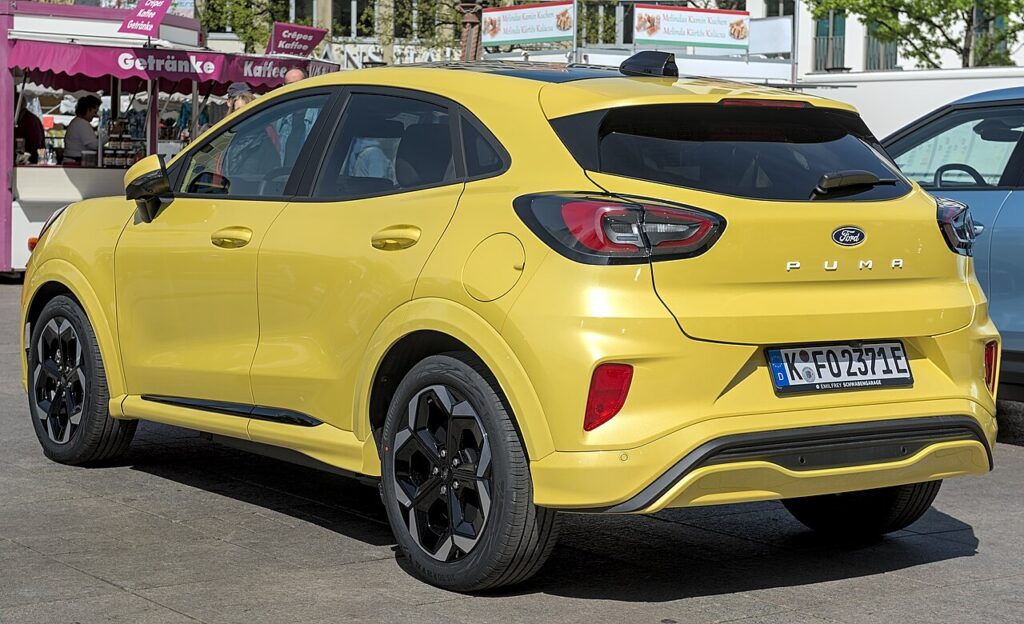
Direct Sensors, Menu Reset
Because each wheel reports its own pressure, you don’t need to drive a set distance for the system to “learn” — you simply store the current (correct) pressures from the cluster menu and the warning clears.
Set the Pressures First
Inflate all four tyres cold to the figure on the driver’s door-jamb label (the Puma often runs different front/rear figures, and an “eco/comfort” pair — use the right column for your load).
Reset the Puma TPMS
- Switch the ignition on.
- Using the steering-wheel controls, open ‘Settings’ → ‘Vehicle’ → ‘Tyre pressure’.
- Choose the option to store / set the current pressures and confirm.
- The warning resets; the system now treats those pressures as correct.
If the Warning Won’t Go Out
- One corner genuinely low — recheck it; you may have a slow puncture the system is correctly flagging.
- A steady-flashing TPMS light — that’s a sensor fault, not low pressure (a flat sensor battery, or a sensor that wasn’t matched after a wheel swap). That needs a tyre shop’s tool.
- Cold snap — pressures fall with temperature; top up to the label figure and re-store.
Frequently Asked Questions
Does the Puma have sensors in the wheels or is it ABS-based?
Real sensors in the wheels (direct) — which is why the display can show each tyre’s pressure individually.
Do I have to drive to reset it?
No — set the pressures and confirm in the menu. Driving isn’t part of the reset on a direct system like the Puma’s.

I changed to winter wheels and the light is on — now what?
If the winter wheels have their own sensors, set the pressures and store them; if the new sensors aren’t recognised, a tyre shop can match them with a TPMS tool.
Why does my Puma show different front and rear pressures?
That’s normal — check the door-jamb label; many Pumas specify a higher rear figure for load. Set each axle to its own value before resetting.
If a fault code is stored, look it up on autodtcs.com. To clear an oil-service reminder, see our Puma service reset guide.
Independent guide — not affiliated with Ford. Always follow your official service manual and safety precautions. Read our full disclaimer.