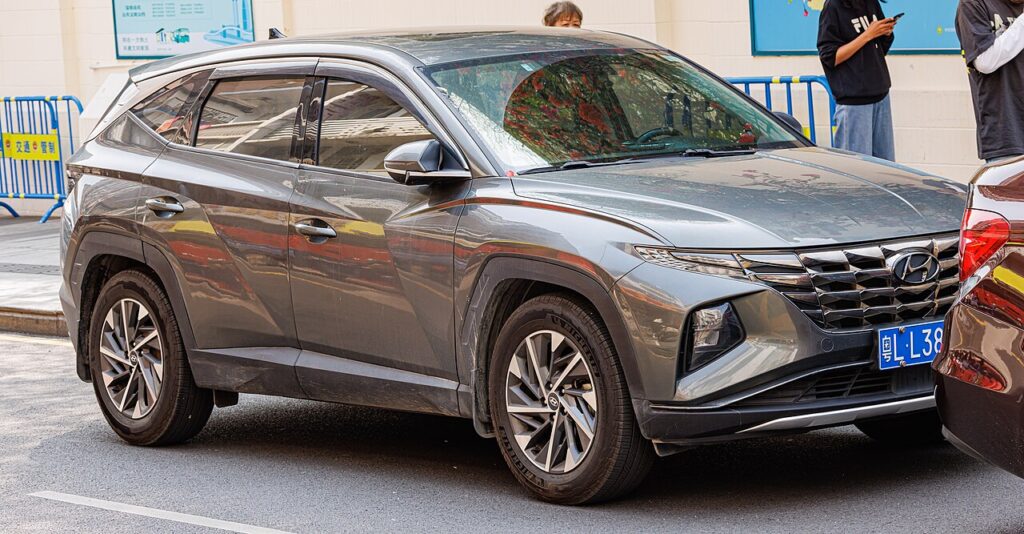
These instructions apply to the Hyundai Tucson Mk4 (NX4) 2020-Present.
For other models, please choose your vehicle here.
If the smart key on your Hyundai Tucson Mk4 (NX4, 2020–present) is getting weak — you have to stand closer to lock the car, the buttons only work on the second or third press, or a “key battery low” message appears in the cluster — the coin cell inside the fob is simply worn out. It is not a fault with the car, the immobiliser or the locking system: it is the small 3 V battery that powers the remote. The Tucson’s smart key takes a CR2032 and opens with the hidden emergency blade, and because the fob is only carrying its coding rather than storing it, swapping the cell needs no programming at all. The whole job takes a couple of minutes on the kitchen table.
How to Tell the Fob Battery Is Dying
A dying cell rarely fails all at once — it fades, and the signs are easy to spot once you know them:
- Shrinking range. You used to lock the Tucson from across the car park; now you need to be within a metre or two.
- A “key battery low” warning in the instrument cluster — the car actively monitors the smart key and tells you when it is time.
- Keyless entry only works up close. Because a smart key transmits constantly to answer the door handle and start button, it drains faster than a button-only remote and is usually the first function to weaken.
- Second or third press needed to lock or unlock, or the fob works intermittently.
- Worse in cold weather — a marginal coin cell struggles on frosty mornings and can seem to recover when it warms up.
As a rough guide, a button-only remote runs two to four years on one cell, while a keyless smart key that is always “awake” is often nearer a year. Leaving the fob next to a running charger or another transmitter overnight can shorten that.
The Battery You Need
The Tucson Mk4 smart key uses a single CR2032 — a 20 mm, 3 V lithium coin cell that is sold in every supermarket, hardware shop and pharmacy. Buy a branded cell (Panasonic, Sony/Murata, Duracell, Energizer); the fresh voltage and shelf life are more reliable than bargain multipacks, which can sit flat in a drawer for years. Do not substitute a thinner cell such as a CR2025 — it may rattle, lose contact and give you the same weak-range symptoms you are trying to cure. If you are ever unsure, the code is stamped on the flat face of the old cell: pull it out, read it, and match it exactly. For the Tucson that code is CR2032.
How to Replace the Tucson Mk4 Key Battery
- Pull out the mechanical key blade. Slide the small release catch on the fob and withdraw the metal emergency key — it lives inside the smart key and is what you use if the fob ever dies completely.
- Prise the case open. Use the slot the blade leaves behind (or the seam that runs around the fob) and a small flat screwdriver to gently split the two halves apart. Work slowly around the joint rather than forcing one spot.
- Note the orientation before you lift. Look at how the old CR2032 sits — on the Tucson it fits positive (+) side up. A quick glance now saves guessing later.
- Lift out the old cell and drop the new one in the same way up, handling it by the edges only. Skin oils on the flat faces leave a film that can weaken the contact.
- Clip the case together until the seam closes evenly, then slide the mechanical blade home until it clicks.
- Test lock and unlock, and walk-up keyless entry, from a normal distance.
⚠️ Watch the polarity. Fitting the cell upside down is the single most common reason a fob stays dead after a “new” battery. Positive (+) faces up, matching the cell you removed — if in doubt, the + marking on the cell should be visible when it is seated.
Did It Work?
Stand back a few metres and press lock, then unlock — the indicators should flash and the mirrors fold/unfold as normal. Try the keyless walk-up: with the fob in your pocket, touch the door handle to lock and unlock. If the car showed a “key battery low” message, it usually clears on its own after the next drive cycle once the fob is transmitting at full strength again.
If a Fresh Cell Doesn’t Fix It
- Re-check the polarity and seating. Open it again and confirm the cell is + side up and sitting flat under its retaining clip.
- Confirm the code. Make sure you actually fitted a CR2032 and not a thinner look-alike.
- Wipe the contacts. Clean the metal spring terminals and both faces of the cell with a dry cloth — corrosion or a fingerprint film is enough to cause dropouts.
- Use the backup start. If keyless entry is slow, hold the smart key against the START button to start the car (Hyundai marks the spot) — this uses the fob’s built-in transponder and re-syncs the remote.
- Rule out the car’s 12 V battery. A tired vehicle battery can cause its own keyless quirks; if the car is also slow to wake or crank, have the 12 V checked.
New Key or Spare — Why It’s a Dealer Job
Changing the battery keeps the fob’s existing coding intact, which is why it works straight away with no programming. A lost or additional smart key is different: a new key has to be coded to your Tucson’s VIN with diagnostic equipment, so it can only be ordered and paired by a Hyundai dealer (or an auto-locksmith with the right kit), and you will need proof of ownership. If you keep a spare key in a drawer, change its battery every couple of years too — a flat spare is no use in an emergency.
Frequently Asked Questions
What battery does the Tucson Mk4 key take?
A single CR2032 — a 3 V lithium coin cell, 20 mm across. One cell powers the smart key. To be certain, read the code stamped on the old cell when you take it out; on the NX4 Tucson it is CR2032.
Which way up does the cell go?
Positive (+) side up, matching the cell you removed. Note the orientation before you lift the old one out. Fitting it upside down is the most common reason a fob stays dead after a fresh battery, so double-check before you clip the case shut.
Do I need to reprogram the smart key after changing the battery?
No. The battery only powers the remote; it does not store the pairing, so the key keeps working the moment the new cell is in. Programming is only needed for a brand-new or replacement key, which is a dealer job.
How long should the new battery last?
Because the Tucson’s smart key is a keyless proximity fob that transmits constantly, expect nearer a year to eighteen months rather than the two-to-four years a button-only remote manages. Cold weather and storing the fob near other transmitters shorten it.
The key still doesn’t work after a new battery — now what?
Re-open the fob and confirm the CR2032 is the right cell, seated + side up, on clean contacts. Wipe the terminals. If it still will not respond, use the backup start (hold the fob to the START button) and have the fob checked; also rule out a weak 12 V car battery.
Can I drive the Tucson with a completely dead fob battery?
Yes. Use the mechanical blade hidden in the smart key to unlock the driver’s door, get in, then hold the fob directly against the START button to start on the built-in transponder. This gets you moving so you can fit a fresh CR2032 at your convenience.
To clear a service reminder after maintenance, see our Tucson Mk4 service reset guide. For warning lights, look up the code on autodtcs.com.
Independent guide — not affiliated with Hyundai. Always follow your official service manual and safety precautions. Read our full disclaimer.