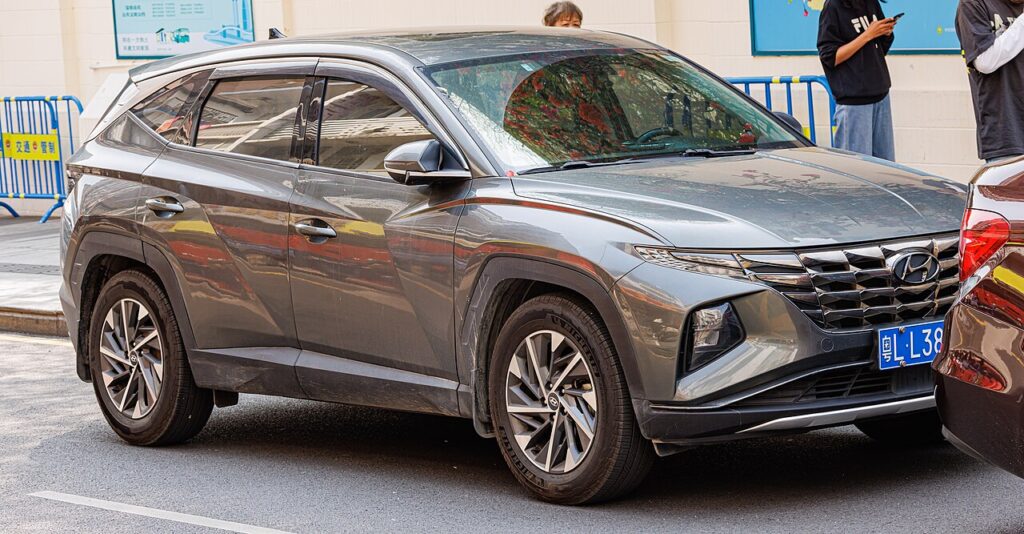
These instructions apply to the Hyundai Tucson Mk4 (NX4) 2020-Present.
For other models, please choose your vehicle here.
If the one-touch (auto up/down) windows on your Hyundai Tucson Mk4 (NX4, 2020–present) have stopped working — or only move while you hold the switch, usually after a battery disconnection or a flat battery — each window needs re-initialising so it relearns its closed position. It’s a quick no-tools job — a normal reaction to losing 12V power rather than a fault, and reversible from the door switch in under a minute per window.
Why One-Touch Stops Working
Each window motor on the Tucson stores its top (closed) position so the auto function and the anti-trap (pinch protection) know where the glass meets the seal. Cutting power — a jump-start, a new 12V battery, or a pulled fuse — clears that value, a state usually described as the window losing its “normalisation”. As a safety default it drops to manual only: the glass inches up while you hold the switch and the one-touch tap does nothing. Re-initialising shows the motor where the top is again.
How It Works on This Model
The Tucson relearns from the door switch with the ignition on, so there’s no menu screen or workshop tool needed. Because the anti-trap force is measured against the learned top position, a window with no stored limit often rises part-way then reverses near the top — it looks like a fault but it’s just the safety system with nothing to reference. Re-teaching one glass doesn’t fix the others, so treat each window that lost auto as its own short job.
Before You Start
- Park up and close the doors; check nothing is in the window path before running each glass up.
- Turn the ignition on — the windows must be powered for the relearn to register.
- Clear grit, leaves, or ice from the top of the channel so the glass can seat fully.
- Work from each door’s own switch, one window at a time, not the master pack.
- If the 12V battery was flat, give it a short charge first so it won’t sag under load.
How to Re-initialise the Tucson Mk4 Windows
- Turn the ignition on.
- Work on one window at a time from its own switch.
- Pull the switch up and hold to fully close the window, and keep holding for about 1 second after it’s fully shut.
- Release the switch.
- Test the one-touch function — a single tap up or down should now run the window automatically. Repeat for each window that lost it.
If It Still Won’t Auto-Close
- Repeat the routine slowly. The extra second of hold after the glass reaches the top is what writes the limit — releasing too soon is the usual reason it doesn’t take.
- Make sure the glass reaches the very top. Grit or ice can stop it short so the motor never sees the real end-stop.
- Confirm the ignition is on. Trying the relearn on accessory only can stop the position from being stored.
- Check the window fuse and switch. If a door won’t move at all in either direction, that’s electrical — look at the fusebox first.
- If one window still refuses after several clean attempts, the regulator or motor in that door may be worn — a mechanical issue rather than a reset.
What to Expect After
Once the limit is stored, a single tap runs the glass all the way on its own and the anti-trap protection is live again — if it meets resistance near the top it stops and reverses, which is intended. The setting stays put until power is lost again, so you only repeat this after another battery disconnection.
Frequently Asked Questions
Why did my Tucson windows lose auto after the battery was off?
Disconnecting the 12V supply — for a battery swap, jump-start, or blown fuse — wipes the stored closed position, the value often called the window’s normalisation. With no trusted top limit the car defaults to manual hold-to-move and turns off both one-touch and anti-trap until you re-teach each window with the ignition on.
The window only moves while I hold the switch — same fault?
Yes — that’s the “normalisation lost” state, and hold-to-move is the safe fallback, not a broken switch. The pull-and-hold routine re-teaches the top position and one-touch returns straight away. If a window won’t move even while held, look at the fuse or wiring instead.
The window bounces back down when closing — why?
That’s the anti-trap protection reacting because the glass has no learned end-stop to aim for, so the motor reads the seal as an obstruction and reverses. Completing the initialisation gives it a proper top reference and the bounce-back stops on the next full close.
Do I need any tools or a dealer visit?
No — just the door switches with the ignition on. There’s no diagnostic device or dealer needed; the motors relearn purely from the switch input. Allow about a minute per door, and it’s the same steps every time the 12V power has been interrupted.
Do I have to redo every window, or just the fronts?
Only re-teach the windows that actually lost auto. After a full battery disconnection that’s usually all of them, so work round each door in turn with the ignition on. If just one glass is affected, relearn that single window without touching the rest.
How long does the setting stay stored?
Indefinitely, until the 12V power is cut again. Everyday driving, locking, and stop-start don’t clear it — only a battery disconnection, jump-start, or pulled window fuse will, after which you run the same quick routine once more.
To clear a service reminder after maintenance, see our Tucson Mk4 service reset guide. For warning lights, look up the code on autodtcs.com.
Independent guide — not affiliated with Hyundai. Always follow your official service manual and safety precautions. Read our full disclaimer.