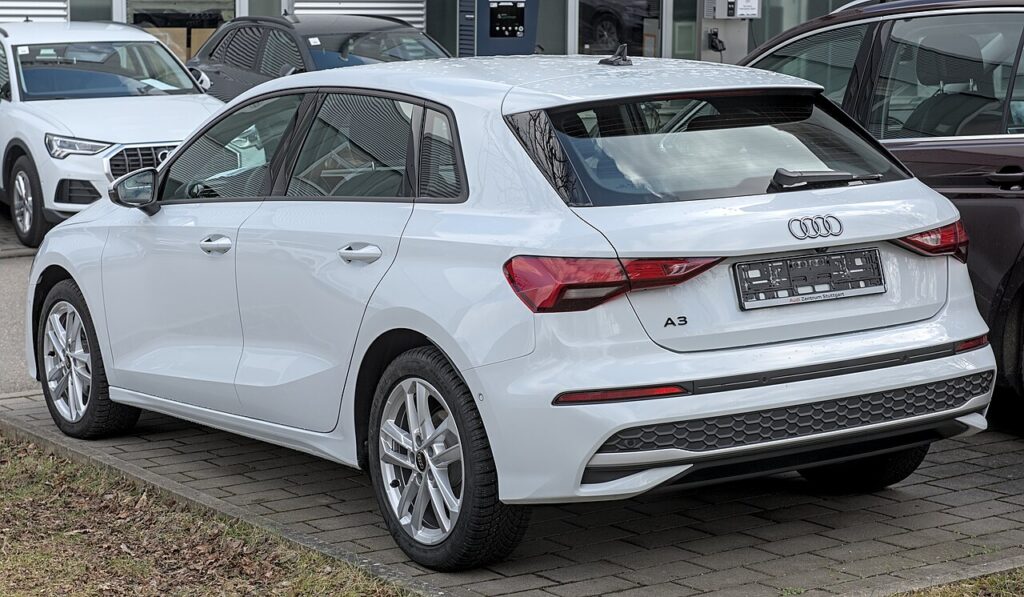
These instructions apply to the Audi A3 Mk4 (8Y) 2020-Present.
For other models, please choose your vehicle here.
When the remote on an Audi A3 Mk4 (8Y, 2020–present) starts working only from arm’s length, ignores the first press, or throws a “key battery low” warning into the Virtual Cockpit, the cause is nearly always the little coin cell inside the fob rather than anything wrong with the car. The 8Y — built on Volkswagen Group’s MQB Evo platform — ships with an angular switchblade remote whose metal blade folds out at the press of a button, and many cars are specified with Advanced Key, Audi’s hands-free keyless-entry system. Both use the same battery and open the same way. Here is exactly how to change it, how to be sure the fob is the problem, and why a brand-new key is the one part of this you can’t finish yourself.
How to Tell the Fob Battery Is Dying
- Shrinking range. You find yourself standing right beside the car, or holding the fob against the door handle, before it will lock or unlock. This is almost always the first sign.
- A dashboard warning. The A3’s driver display shows a low key-battery message when the remote’s cell is weak — on Advanced Key cars this often appears just after you’ve started the car with a fading fob.
- Keyless entry gets fussy. With Advanced Key, the door handles stop responding reliably to a touch and you have to press the fob buttons instead — a clear hint the cell no longer has the strength to run the proximity handshake.
- Cold-morning dropouts. A near-flat lithium cell sags in low temperatures, so intermittent response on frosty mornings that clears by afternoon points at the battery.
A coin cell in an A3 remote typically lasts two to four years. If yours is around that age and doing any of the above, fit a fresh one before you start suspecting the car’s receiver or immobiliser.
The Battery You Need
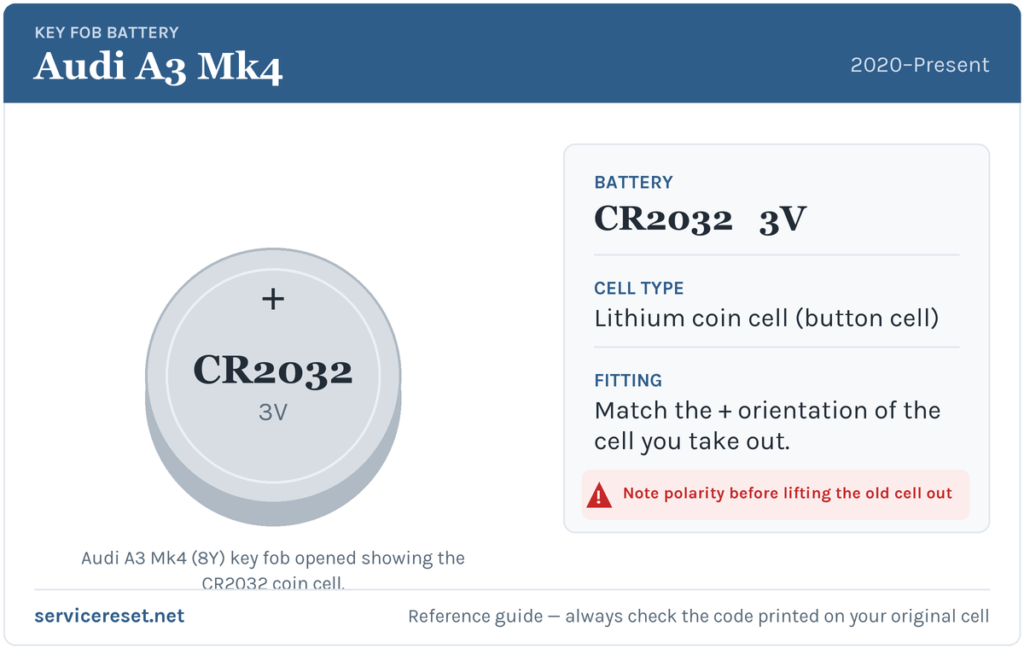
The 8Y A3 fob — both the standard switchblade remote and the Advanced Key version — takes a single CR2032 3-volt lithium coin cell. It is the most common fob battery there is, sold in any supermarket, hardware shop or petrol station. Buy a good-quality branded cell (Varta, Panasonic, Duracell or similar); very cheap cells sag under the short burst of current the transmitter draws and can give disappointing range even straight out of the packet.
How to Change the Battery
- Release the emergency blade. Press the small catch on the side of the fob and let the folding metal key spring out, then pull it fully free of the body. On the 8Y this blade doubles as your opening tool.
- Open the battery holder. With the blade removed you expose the slot it sat in. Insert the tip of the blade (or a thin flat plastic tool) into that slot and twist gently, and the battery tray releases and slides out of the housing. Take it slowly — the case is plastic and the tray only needs light pressure, not force.
- Swap the cell. Note how the old CR2032 sits, lift it out, and drop the new one in the same way. On the A3 fob the cell seats positive (+) side up, so the + marking faces you as you look down into the open holder. Press it down until it clicks under the contact spring.
- Reassemble. Slide the battery tray back into the body until it seats, then fold or push the metal emergency blade home until it latches. Give the buttons a firm press to confirm the fob wakes up.
⚠️ Get the polarity right. Fit the cell the correct way up — positive facing you in the open tray. A coin cell forced in upside down makes poor contact, can drain against the springs, and simply leaves the remote dead, so always copy the orientation of the cell you removed.
Make Sure It Took
Stand back a few metres and lock, then unlock, the car. Full range should come straight back. Any “key battery low” message in the driver display clears once the car next reads a healthy fob — sometimes instantly, sometimes after one lock-unlock cycle or a short drive. On Advanced Key cars, walk up and try the touch-sensitive handles again to confirm hands-free entry is back.
If a Fresh Cell Doesn’t Fix It
- Re-check polarity and seating. The commonest mistake is a cell that’s upside down or not fully clicked under its spring. Reseat it firmly against clean contacts.
- Wipe the contacts. A smear of finger grease or a trace of corrosion on the terminals is enough to cause dropouts — clean them with a dry cloth or a cotton bud.
- Confirm the cell is genuinely fresh. A CR2032 that’s been loose in a drawer may already be flat. Test with a known-new branded cell before assuming a fault.
- Warning still showing? If the remote’s buttons still do nothing with a known-good cell, the transmitter itself may have failed — rare compared with a simple flat or upside-down battery, but it happens. Rarely, a weak car 12 V battery can mimic key faults, so if the A3 itself is slow to wake, have the vehicle battery checked too.
New Key or Spare — Why It’s a Dealer Job
Changing the coin cell leaves the fob’s existing coding untouched, so no reprogramming is needed — the immobiliser re-syncs on its own once it reads adequate voltage. Cutting and coding a new key is a different matter: the 8Y’s immobiliser is component-protected, so a blank remote has to be ordered against the car’s VIN and married to the vehicle with Audi diagnostic equipment. That makes adding a spare or replacing a lost key a job for an Audi dealer or a specialist auto-locksmith — so keep the battery in your spare fresh too, and you’ll never be down to a single working key.
Frequently Asked Questions
What battery does an Audi A3 Mk4 (8Y) key take?
A single CR2032 3-volt lithium coin cell. The same cell fits both the standard switchblade remote and the Advanced Key keyless-entry fob.
Which way up does the battery go?
Positive (+) side up — the + marking faces you as you look down into the open battery tray. Always match the orientation of the cell you took out.
Do I need to reprogram the key after changing the battery?
No. A battery swap doesn’t touch the coding, so the remote works straight away and the immobiliser re-syncs automatically. Only a brand-new key needs programming.
How do I open the A3 fob?
Press the catch to release the fold-out metal blade and pull it clear, then use the blade tip in the exposed slot to release the battery tray and slide it out. There are no screws to undo.
How long should the key battery last?
Usually two to four years. Advanced Key fobs can drain a little faster because the proximity system keeps them awake whenever they’re near the car, so leaving the key by the front door next to the driveway shortens its life.
Can I still drive the A3 if the fob battery is completely dead?
Yes. Use the emergency blade hidden in the fob to unlock the driver’s door, then hold the dead fob against the marked spot on the steering column (or in the designated holder) and press the start button — the car reads the transponder directly, so a flat cell won’t strand you.
If your remote stopped responding suddenly right after the car’s 12 V battery was disconnected — rather than fading gradually — the cause is more likely the pairing or a stored fault than the cell itself. You can look up what any logged code means on autodtcs.com.
Independent guide — not affiliated with Audi. Always follow your official service manual and safety precautions. Read our full disclaimer.