These instructions apply to the Cupra Ateca Mk1 (KH) 2020-present.
For other models, please choose your vehicle here.
Lost the one-touch (auto up/down) on your Cupra Ateca (KH, 2020–present) after a flat or disconnected battery? The window motor has simply forgotten its top and bottom limits. You re-teach them by hand in under a minute — no tools.
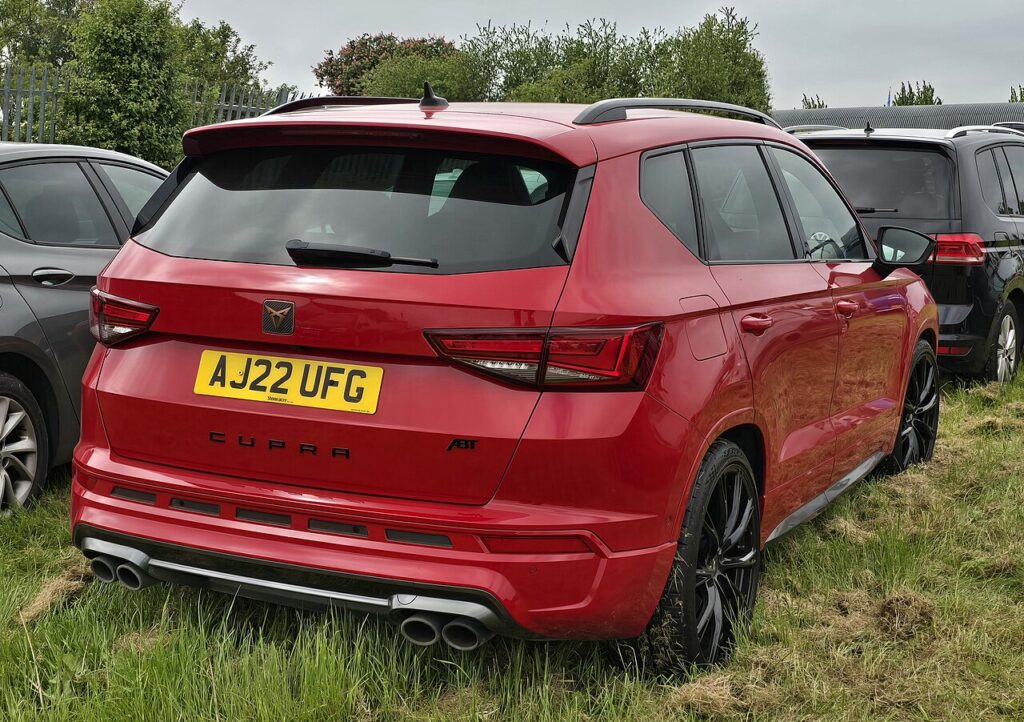
This is a completely normal side-effect of losing 12 V power, not a fault with the motor, switch or wiring. The moment the battery was disconnected — for a change, a jump, or because it went flat — the door control units dropped their stored window positions. The glass still goes up and down; it just does it while you hold the switch, and the automatic one-press travel and the auto-reverse (anti-pinch) stay dormant until you re-teach the end stops. Owners most often notice it straight after battery work, after a garage visit, or on the first cold morning the battery couldn’t crank.
How It Works on This Cupra Ateca
Each door on the Ateca runs its own window regulator with a small controller that remembers exactly where the glass sits when fully shut and fully open. It uses those learned limits to know when to stop a one-touch run and to sense the extra load that means something is trapped in the aperture, at which point it reverses. Cut the power and those reference points are wiped, so the controller falls back to a safe “manual” mode — move only while held, no auto-reverse — until you drive it to both hard stops again so it can re-learn them.
Before You Begin
- Sit in the car with the door closed — the regulator learns against the real, shut-door frame.
- Switch the ignition on (engine running is fine); the windows won’t initialise with everything asleep.
- Make sure the 12 V battery is healthy or the car is on a charger — a weak battery is the top reason a learn won’t stick.
- Clear the channels of ice, leaves or dirt so the glass reaches its true stops without dragging.
- Keep fingers clear of the aperture — anti-pinch is inactive until the relearn finishes.
Re-teaching a Window
- Door closed, ignition on.
- Lift the switch to close fully and keep holding ~2–3 seconds past the stop.
- Let go, then press down to open fully, pausing at the bottom.
- Lift again to close fully, holding a couple of seconds at the top.
- Release and check one-touch both ways.
Do each affected window from its own switch.
If It Won’t Stay Set
- Hold longer at the top. Keep the switch lifted a full 2–3 seconds after the glass has stopped so the controller logs the closed limit.
- Charge the battery first. If the voltage sags mid-learn the module won’t save; re-run it with a good battery or a charger connected.
- Shut the door properly. A door on the latch’s first click can sit the frame slightly differently and upset the learn.
- Do one window at a time from its own switch, including the driver’s master switch positions, rather than trying to batch them.
- Check the channel. A window that binds or slows on the way up gives a false stop — clear grit or ice and try again.
- Let a protection timer reset. Repeated full runs can trigger a brief motor-protect pause; wait a minute, then repeat the up-hold.
After the Reset
Once a window has seen both stops with the hold, one-touch up and down come straight back and the auto-reverse is armed again — nudge the glass onto a rolled cloth and it should stop and drop back. The setting is stored for good and survives normal driving; you’d only need to repeat this after the next time the 12 V supply is cut. It’s worth re-checking every door so you’re not caught out by a rear window that never got re-taught.
Frequently Asked Questions
Why did my Ateca windows stop auto-closing?
The battery was disconnected or went flat, which cleared the travel limits the door controllers had learned. Without those reference points the car disables one-touch and anti-pinch as a safety default, so the glass only moves while you hold the switch. Re-initialising each window teaches the stops again and brings the automatic function back.
How do I reset the auto window on a Cupra Ateca?
With the door shut and ignition on, lift the switch to close the window fully and hold it for two to three seconds past the stop. If it isn’t back yet, press down to open fully, then lift again to close fully and hold at the top. Release and test one-touch both ways. Repeat at each affected window.
Do I need to do every window?
Only the ones with one-touch, and each is taught from its own switch. On the Ateca that’s usually all four; some trims only auto-run the fronts. Any window that already presses fully up or down on a single tap is fine and doesn’t need re-teaching. Work through them one at a time so none get missed.
Do I need any tools or a diagnostic scanner?
No. It’s done entirely at the window switches — no scan tool, code or garage visit needed. A scanner only matters if a genuine fault is logged, such as a failed regulator or switch, which is different from the memory being wiped by a battery disconnect.
The window closes but won’t auto-reverse — is that dangerous?
Until the relearn is done the anti-pinch protection is inactive, so treat the glass as manual and keep hands and fingers clear of the aperture while it moves. Completing the up-and-down hold restores the auto-reverse; afterwards, test it gently on a soft object to confirm the window backs off when it meets resistance.
It worked, then lost one-touch again — why?
A learn that seemed to take but didn’t survive usually means the battery is weak or a connection is poor, so the module briefly loses power again. Have the 12 V battery and terminals checked, then re-run the procedure. If the memory keeps dropping on a healthy battery, a door control unit or wiring fault is worth diagnosing.
This is the most-missed step after battery work — see our Ateca battery guide. For warning lights, look up the code on autodtcs.com.
Independent guide — not affiliated with Cupra. Always follow your official service manual and safety precautions. Read our full disclaimer.