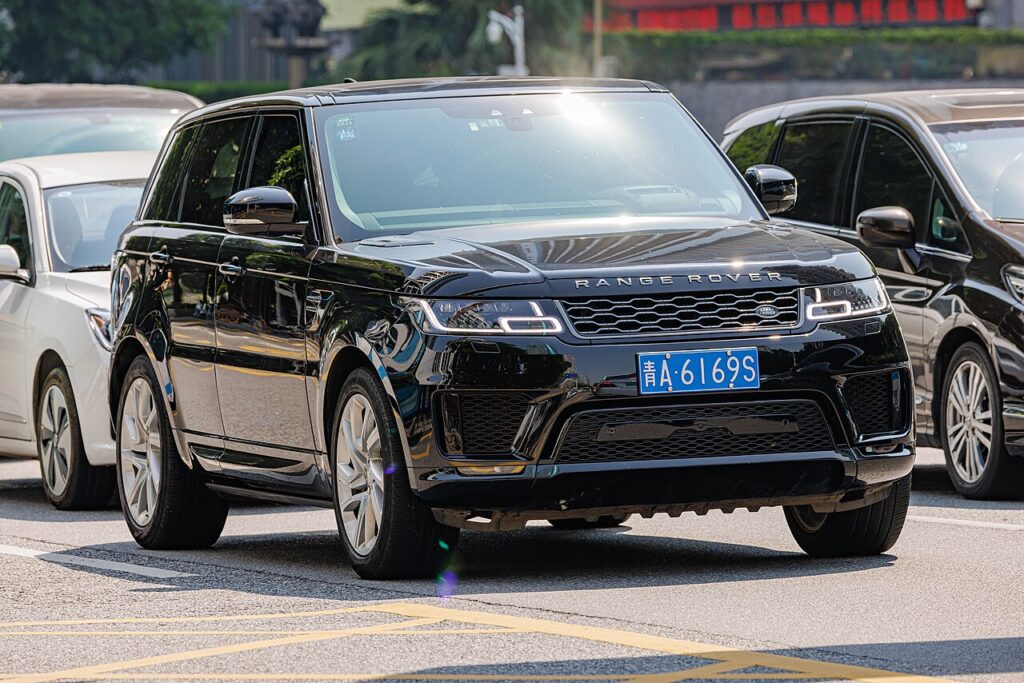
These instructions apply to the Land Rover Range Rover Sport Mk2 (L494) 2013-2022.
For other models, please choose your vehicle here.
The second-generation Range Rover Sport (L494, 2013–2022) is a keyless car, so its smart fob usually stays in a pocket and only draws attention when the coin cell inside starts to die. If your Sport has begun asking for the key right against the door handle, or the message centre reports “Smart Key Battery Low”, that flat cell is the cause — not the car’s keyless module. Some owners also carry the waterproof Activity Key wristband for sporty days out, but that band is sealed and not owner-serviceable. Swapping the coin cell in the standard fob, on the other hand, takes about five minutes. Here is the exact battery, the correct way to open the case, and why a new key is still a dealer job.
How to Tell the Fob Battery Is Dying
- Range shrinks to almost nothing. The Sport stops sensing the key as you approach and you have to hold the fob onto the handle to lock or unlock. This is the first sign owners spot.
- “Smart Key Battery Low” in the cluster. The L494 shows this message when the fob voltage drops — Land Rover advises changing the cell promptly rather than running it flat.
- Keyless start hesitates. The engine may not fire on the first press, or you have to hold the fob near the start button or steering column for the car to recognise it.
- Cold weather brings it to a head. A weak cell sags further in the cold, so a fob that was patchy in warm weather can fail entirely on a frosty morning.
A CR2032 in an L494 fob typically lasts two to four years. Since the fob answers the car constantly, storing it right next to the parked Sport overnight runs it down more quickly than carrying it does.
The Battery You Need
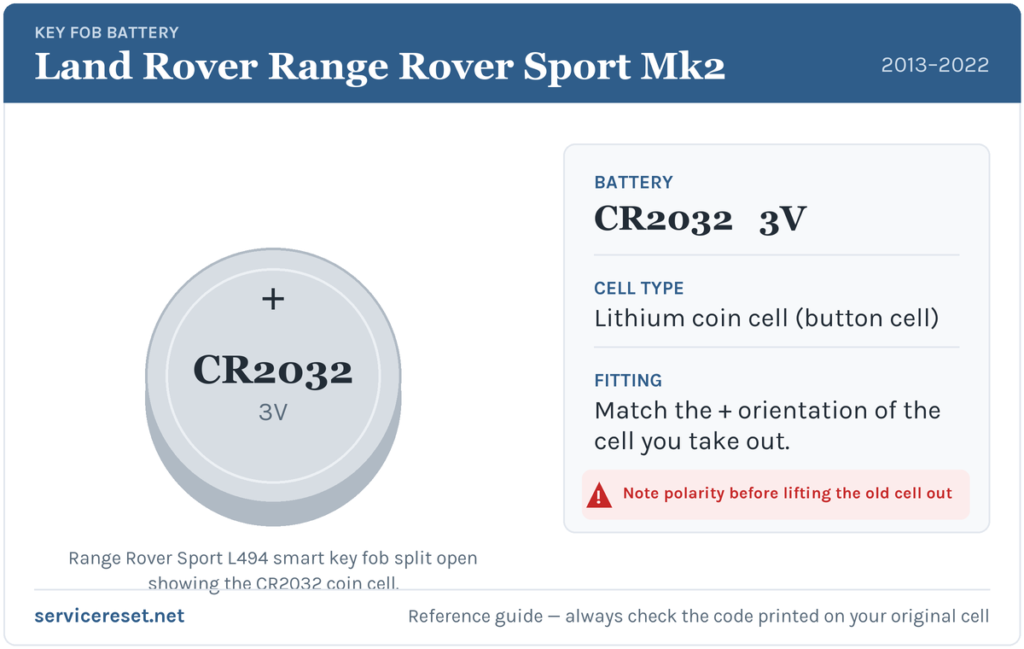
The Range Rover Sport L494 smart key takes one CR2032 — a 3-volt lithium coin cell, 20 mm across and 3.2 mm thick. It is the most widely stocked fob battery there is, sold in supermarkets, hardware shops and phone shops alike. Use a fresh, good-quality branded cell and avoid the slimmer CR2025; it looks nearly identical but its 0.7 mm shortfall can leave it sitting loose on the contacts and giving weak range. Hold the new cell by its edge so skin oils never reach the flat faces and corrode the terminals.
Method — Standard Keyless Smart Fob
- Release the emergency blade. Slide the small silver catch at the base of the fob in the direction of its arrow and pull the metal emergency key blade straight out.
- Split the case. With the blade out, ease a flat plastic tool — or the blade itself — into the slot in the seam and gently work the two halves of the housing apart. They come away with light pressure, so avoid forcing anything.
- Lift out the old cell, noting its orientation. The CR2032 in the L494 fob seats positive (+) face upward. Look at how the old one sits before removing it so you can match it.
- Fit the new battery and close up. Press the fresh CR2032 in under its clip the same way up, click the two halves back together until the seam sits flush, then slide the emergency blade home until it latches.
⚠️ Mind the polarity. A coin cell fitted upside down can bridge the holder the wrong way and quietly drain itself, so a “new” battery is flat before you even use the key. Always copy the orientation of the cell you removed — positive side up on this fob.
Confirm It Worked
Step back a few metres and lock, then unlock, the Sport with the fob; full range should return at once. Get in and press start — keyless recognition should be instant again. The “Smart Key Battery Low” message clears once the car reads a healthy fob, which may take a wake-up cycle rather than clearing the moment you close the case.
If a Fresh Cell Doesn’t Fix It
- Re-check orientation and seating. A cell in upside down or not fully clipped under its tab is the commonest reason a new battery seems not to work.
- Clean the contacts. Wipe the terminals and the battery faces with a dry cloth to remove grease or light corrosion that causes dropouts.
- Use the backup start. If the fob is genuinely dead, hold it against the marked spot on the steering column and press start with the brake applied — that proves the immobiliser is fine and only the fob is at fault.
- Check the car’s 12 V battery. A weak vehicle battery can make the whole keyless system sluggish and mimic a fob fault; if the Sport is generally slow to wake, look at that too.
New Key or Spare — Why It’s a Dealer Job
Changing the cell leaves the fob’s coding untouched, so nothing needs reprogramming afterwards. A new key is different: the L494’s immobiliser and keyless-vehicle module must be accessed with JLR-approved diagnostic equipment, and blank fobs are ordered against the car’s VIN and security data. That makes adding a spare or replacing a lost key a job for a Land Rover dealer or a specialist auto-locksmith. The sealed Activity Key wristband is charged and paired through the car and has no user-replaceable battery, so it is not part of this driveway job. Keep the spare fob’s cell fresh and you are never down to one working key.
Frequently Asked Questions
What battery does a Range Rover Sport L494 key fob take?
One CR2032 3-volt lithium coin cell. Every button smart key across the 2013–2022 Sport range uses it; only the sealed Activity Key wristband differs and can’t be opened by the owner.
Which way round does the battery go?
Positive (+) side up in the L494 fob. Note how the old cell sits before you remove it and match it — a battery fitted the wrong way can flatten itself and stop the key working.
Do I need to reprogram the key after a battery change?
No. A battery swap doesn’t touch the coding, so the fob pairs with the car automatically the next time it’s used. Only a genuinely new key needs programming.
How long should the fob battery last?
Usually two to four years. Storing the fob right beside the car, where it wakes constantly to answer the vehicle, shortens that.
My Range Rover Sport key still won’t work with a new battery — what now?
Re-check the polarity and that the cell is fully seated, then clean the contacts. If it still won’t respond, use the emergency blade to get in and start the car by holding the fob to the column; if that works, the fob’s transmitter has probably failed and needs replacing.
Can I get in and drive if the fob is completely dead?
Yes. Slide out the hidden emergency blade to unlock the driver’s door, then hold the fob against the marked point on the steering column and press start with your foot on the brake. A flat coin cell won’t strand you.
If your Sport’s remote failed suddenly — right after the 12 V battery was disconnected, say, rather than fading over weeks — the fault may lie in the car’s electronics rather than the cell, and a stored fault code can point to the cause. You can look up what any logged code means on autodtcs.com.
Independent guide — not affiliated with Land Rover. Always follow your official service manual and safety precautions. Read our full disclaimer.