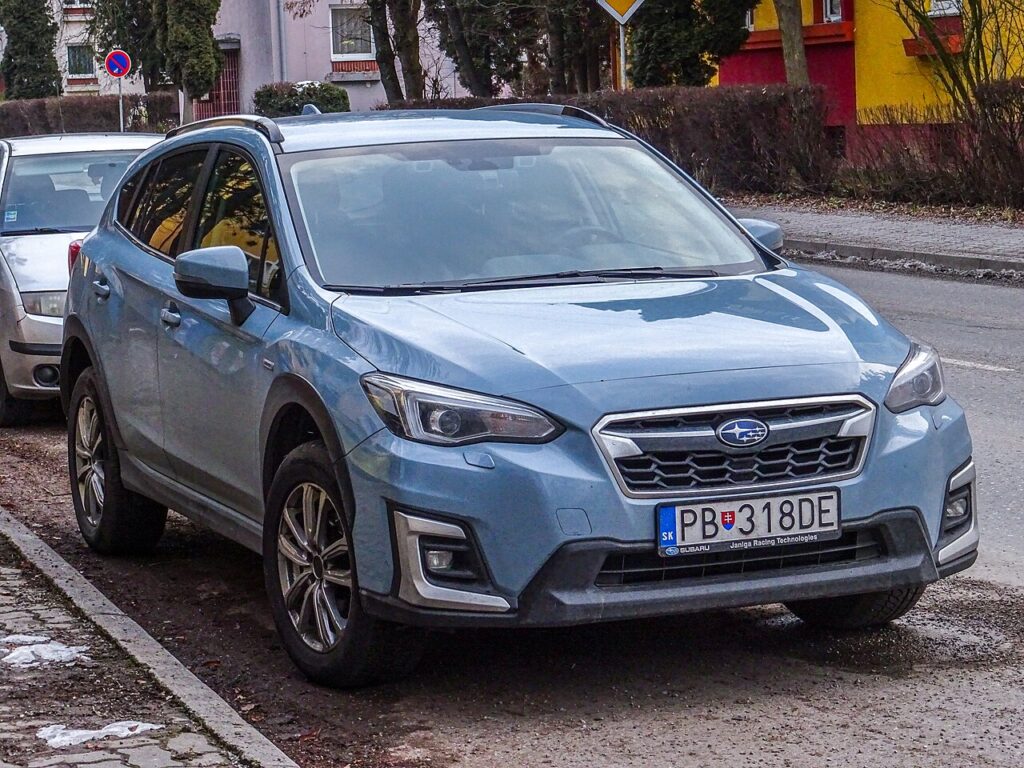
These instructions apply to the Subaru XV Mk2 (GT) 2017-2022.
For other models, please choose your vehicle here.
A Subaru XV (GT platform, 2017–2022) whose remote has started working only from a metre away — or has quit altogether — is almost never a broken car. It’s the coin cell in the fob giving up. This second-generation XV (sold as the Crosstrek in North America) came with a chunky keyless-access smart fob as standard on most trims, the sort you leave in a pocket while the car unlocks on approach and starts on the button. A handful of very basic versions carried a plainer remote key instead. Whichever you have, the swap is a five-minute job on the kitchen table — here’s the exact battery, the trick to opening the case cleanly, and what a fresh cell will and won’t fix.
How to Tell the Fob Battery Is Dying
- Range shrinks first. Where the XV used to unlock from across the road, you now have to be right at the door — the tell-tale sign a cell is on the way out.
- A key-battery warning appears. Keyless XVs flag a low key battery in the instrument display and may prompt you to touch the fob to the start button before it will crank.
- No blink from the LED. The little red light should wink on every press; if it’s dead, the cell usually is too.
- Cold mornings expose it. Lithium cells sag in the cold, so a marginal battery often fails first thing on a winter day and recovers by afternoon.
A healthy fob cell lasts roughly two to four years. Leaving a keyless fob parked next to the car overnight shortens that, because it keeps waking to check for the vehicle.
The Battery You Need
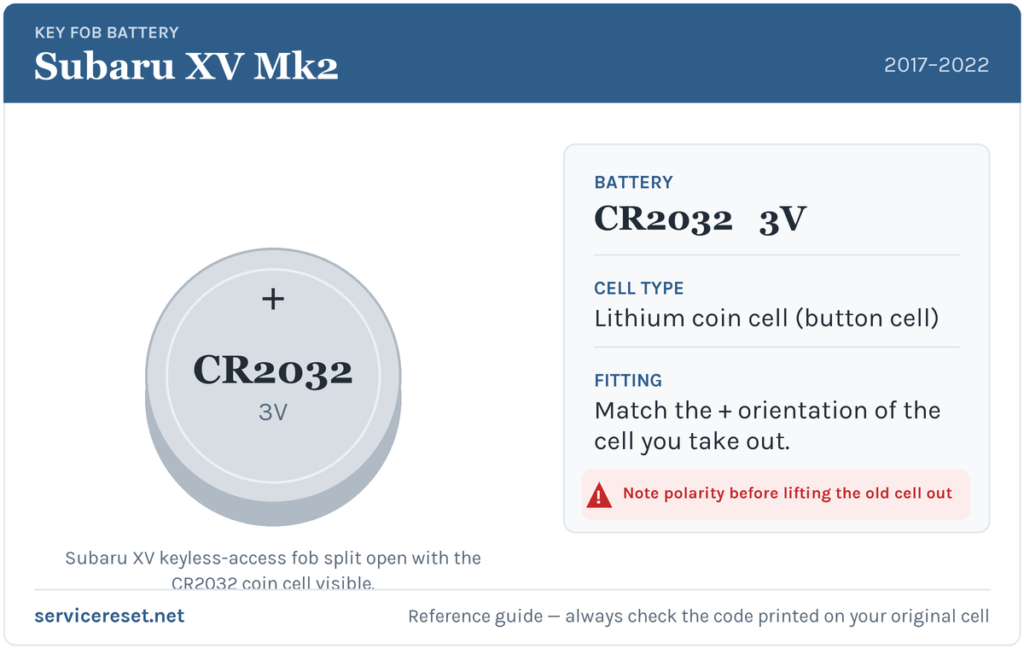
The XV smart fob runs on one CR2032 — a 3-volt, 20 mm lithium coin cell that’s about as common as batteries get. The base remote key uses the same CR2032 too. Buy a reputable brand; the transmitter draws a short, sharp pulse of current on each press, and low-grade cells can droop under that and hand you poor range even when they’re box-fresh.
Method 1 — Keyless-Access Smart Fob
- Find the release latch on the edge of the fob, slide it across, and draw out the mechanical key blade hidden inside.
- Push a flat plastic pry tool into the recess the blade vacated, or into the seam around the body, and twist a little to separate the two shells. Barely any force is needed — if it resists, you’re in the wrong slot.
- Flip out the old CR2032 and drop the replacement in with the plus (+) marking facing upward, toward the back half of the case.
- Snap the halves back together all the way round, then slide the blade home until it clicks.
Method 2 — Base Remote Key
- Check the rear of the fob for a small screw. If it’s there, back it out with a jeweller’s cross-head driver; if not, there’s a seam to prise.
- Work a flat plastic tool around the joint to release the clips and open the shell.
- Take a mental photo of the old cell’s orientation, lift it out, and fit the new CR2032 the same way up.
- Close it, refit the screw gently, and confirm every button responds.
⚠️ Polarity matters. A CR2032 fitted the wrong way round makes no contact the way the fob expects, kills the range entirely, and can quietly discharge itself while it waits. The smart fob takes the cell positive-up; if in doubt, mirror the one you removed.
Confirm It Worked
Walk off a few metres and try locking and unlocking. Range should snap right back and the LED should flash brightly. Any low-key message clears once the car next reads a strong signal — occasionally you’ll need one drive cycle before it disappears for good.
If a Fresh Cell Doesn’t Fix It
- Check the seating. The cell must sit flush and tight under its retaining clip; a battery standing slightly proud makes patchy contact.
- Wipe the contacts. Grease or a light film of corrosion on the terminals is enough to weaken the signal — a dry cloth usually sorts it.
- Consider the car’s main battery. A flat or ageing 12 V battery can throw up key-detection oddities; if the XV is sluggish to wake, address that first.
- Compare with the spare. If both fobs behave identically after new cells, suspicion shifts to the car’s receiver rather than the remotes.
New Key or Spare — Why It’s a Dealer Job
A battery change keeps the fob’s pairing intact, so nothing needs reprogramming — it works the second the case closes. Cutting and coding a genuinely new key is another matter: the XV’s immobiliser must be linked to the fresh fob with diagnostic equipment, and blank keyless fobs are supplied against the VIN. That keeps new-key and spare-key work with a Subaru dealer or a specialist auto-locksmith, which is a good reason to keep the battery in your spare fresh so you always have a second working key to fall back on.
Frequently Asked Questions
What battery fits a Subaru XV key fob?
One CR2032 3-volt lithium coin cell, used by both the keyless-access smart fob and the base remote key.
Positive side up or down?
On the keyless fob the positive (+) side faces up. On the base remote, copy the direction the old cell sat. Fitting it backwards leaves the key unresponsive and can flatten the new battery.
Will I need to reprogram the key afterwards?
No. Swapping the cell doesn’t disturb the coding, so the fob keeps talking to the car. Only an entirely new key requires programming.
How often will I be doing this?
Every two to four years for most owners. A keyless fob that sits near the car and wakes repeatedly can need it a touch sooner.
New battery in and it still won’t respond — is the fob broken?
Usually not. Recheck polarity and seating, then clean the contacts. If the LED refuses to light with a cell you know is good, the fob’s transmitter may have failed — uncommon next to a simple flat or reversed cell.
Can I drive the XV with a completely dead fob?
Yes. Unlock the door with the emergency blade, then hold the fob against the push-button start so the car can read it by proximity, and press the brake to fire it up. A flat cell won’t leave you stuck.
If the remote failed abruptly right after the 12 V battery was disconnected — instead of fading gradually — the pairing is a more likely suspect than the cell, and a stored fault code may be sitting behind it. You can look one up on autodtcs.com.
Independent guide — not affiliated with Subaru. Always follow your official service manual and safety precautions. Read our full disclaimer.