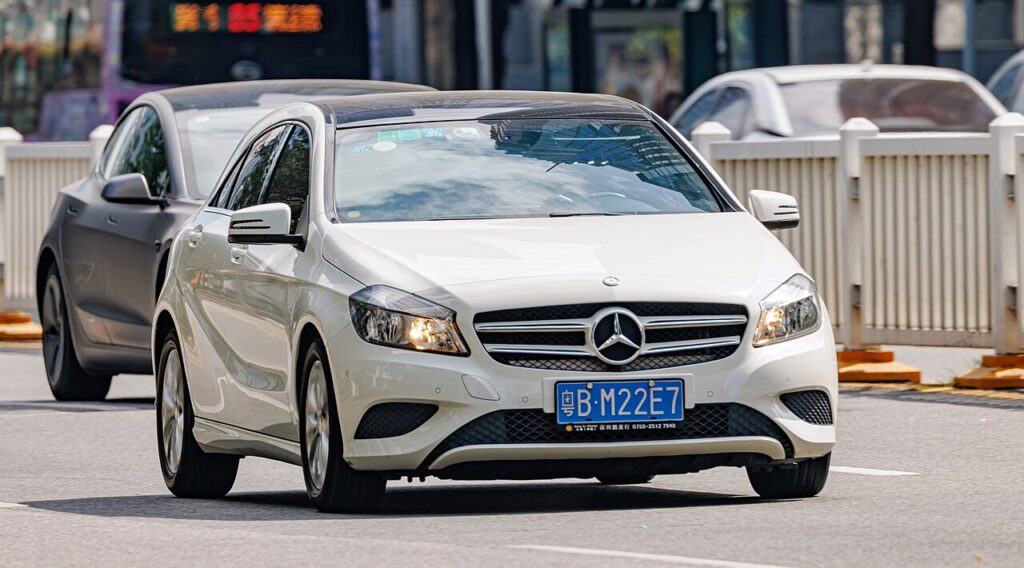
These instructions apply to the Mercedes A-Class Mk3 (W176) 2012-2018.
For other models, please choose your vehicle here.
If the central display on your Mercedes A-Class (W176, 2012–2018) has frozen, gone black, or stopped responding to the controller, you can usually clear it yourself in a few minutes — no garage, no diagnostic tool, and without losing your radio presets or paired phones.
Which system the W176 uses
The third-generation A-Class predates MBUX. Depending on trim and year it runs Audio 20 or the optional COMAND Online head unit (Mercedes’ NTG 4.5/5 generation), with the tablet-style screen perched on top of the dash. There is no touchscreen — you drive every menu with the round rotary controller on the centre console and the row of hard buttons around it. Because it is the older system, the W177’s “hold two steering-wheel buttons” MBUX reset does not apply here; the W176 reboots differently.
Soft reset (reboot) the screen
Do this parked, with the ignition in position 2 (or the engine running) so the unit stays powered.
- If your car has the CD/DVD slot in the head unit, press and hold the eject button for about 10–15 seconds. On many W176 units this forces the COMAND/Audio 20 head unit to power-cycle.
- Watch the screen go dark; release when the Mercedes start-up logo reappears.
- Give it 30–60 seconds to reload the home screen. Audio, the menu, and the controller should respond again.
If your trim has no disc slot, the reliable W176 reboot is the ignition/battery cycle described below — this generation has no documented steering-wheel button combination for a soft reset.
Will this erase anything? No
An eject-hold or ignition-cycle reboot is safe. It does not wipe your radio presets, navigation favourites, Bluetooth pairings, or personal settings — the head unit simply powers down and reloads its software, exactly like restarting a phone.
If the screen stays frozen
- Cycle the ignition fully. Switch the car off, open the door, lock it with the key, and walk away for about five minutes so the electronics sleep. Unlock and restart — this clears many one-off lock-ups on its own.
- Check the SD/map card. On COMAND Online cars a corrupt or loose navigation SD card can hang the system on boot. With the ignition off, remove the card, refit it firmly, and try again.
- Battery disconnect (last resort). Disconnecting the 12V battery for about 10–15 minutes forces a full COMAND restart. Note you may need your radio/anti-theft code afterwards, and you’ll have to reset the clock — only do this if the simpler steps fail.
- Check the battery health. A weak 12V battery is a common cause of repeated random reboots on the W176, especially in cold weather. Have it load-tested if the freezing keeps returning.
Factory reset (erases data — rarely needed)
A full factory reset is separate from the reboot and only worth doing if you are selling the car or clearing a deep, persistent glitch. On COMAND it lives under System Settings → Reset in the on-screen menu. It erases presets, paired phones, navigation history, and personal settings, so only do it deliberately.
Frequently Asked Questions
Does the W176 have the “hold two steering-wheel buttons” MBUX reset?
No. That trick is for the MBUX system fitted from the W177 onwards. The W176 runs Audio 20/COMAND Online, which reboots via the disc eject button, an ignition cycle, or a battery disconnect.
Will I lose my saved radio stations?
An eject-hold or ignition-cycle reboot keeps everything. Only a deliberate System Settings reset, or a battery disconnect, can clear presets or require your anti-theft code.
My A 180/A 200 screen keeps freezing — is it the head unit failing?
Not necessarily. On the W176, repeated freezes are most often a weak 12V battery, a corrupt navigation SD card, or outdated software. Rule those out before suspecting the COMAND unit itself.
Is it safe to drive with the screen frozen?
Yes. The COMAND/Audio 20 unit is independent of the engine and driving systems — you only lose audio and navigation. Reboot it when you are safely parked.
Do I need a Mercedes dealer to reset it?
No. The eject-hold, ignition cycle, and battery disconnect are all owner-level steps. A dealer is only needed if the unit won’t reboot at all or shows a hardware fault.
If a warning light or fault message stays on the dash after the reboot, it may have stored a diagnostic trouble code — you can look it up on autodtcs.com.
Independent guide — not affiliated with Mercedes. Always follow your official service manual and safety precautions. Read our full disclaimer.