These instructions apply to the Genesis GV60 (JW) 2022-2024.
For other models, please choose your vehicle here.
If the wide display in your Genesis GV60 (JW1, 2022–2024) — the brand’s electric crossover — has frozen, gone black, dropped wireless CarPlay or stopped responding to taps, you can reboot the infotainment yourself in under a minute, with no tools.
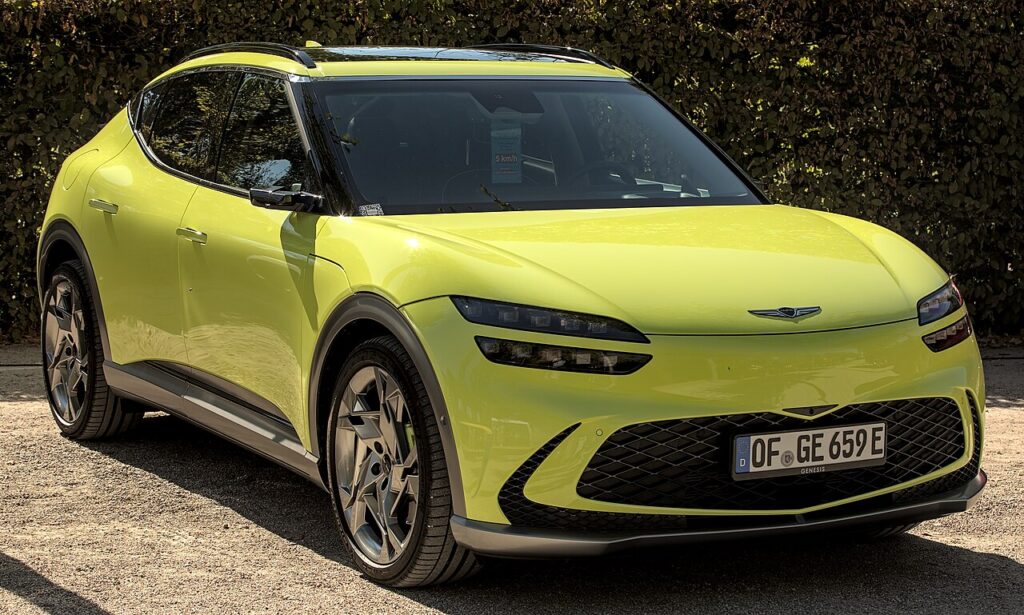
Which system the GV60 uses
The all-electric GV60 runs the Hyundai-group ccIC infotainment on a 12.3-inch widescreen display paired with a 12.3-inch digital cluster. It is operated both as a touchscreen and through the distinctive rotary controller on the console, ringed by hard buttons including MAP and SETUP. A frozen GV60 screen is a software lock-up in the head unit; the drive, climate and EV systems keep working because only the display has stuck. The reboot uses those two console buttons.
Soft reset (reboot) the screen
Park with the car switched on (READY) so the unit stays powered.
- On the centre console, find the MAP and SETUP hard buttons around the rotary controller.
- Press and hold both at the same time.
- Keep holding — the screen goes black; hold for about 10 seconds after it blacks out until the Genesis logo appears.
- Release both buttons.
- Allow 30–60 seconds for the home screen, navigation and cameras to reload.
Some GV60s also have a small recessed pinhole RESET in a hole next to the volume button; a straightened paperclip or toothpick held for about 5 seconds does the same reboot. The Map+Setup hold is the method Genesis owners rely on most.
Safe — it loses no data
This reboot is harmless. It does not erase your driver profile, presets, paired phones, Face Connect data or navigation favourites — the unit simply reloads its software. Repeat as needed.
If it stays frozen
- Hold longer. If the screen didn’t black out, keep both buttons held a full 20–30 seconds.
- Cycle the ignition. Switch off, open the driver’s door, lock the car, wait a couple of minutes, then unlock and restart.
- Suspect wireless CarPlay/Android Auto. GV60 freezes and drop-outs often involve the wireless link — delete the car from your phone’s Bluetooth, delete the phone from the car, then re-pair.
- Update the software. Genesis nav/entertainment updates fix many GV60 freezes and CarPlay glitches — check for an over-the-air or USB update, or book a dealer flash.
- Disconnect the 12V battery. As a last resort, disconnect the 12V auxiliary negative (−) terminal for 10 minutes and reconnect — never touch the high-voltage system.
Factory reset (erases data — rarely needed)
Separate from the reboot, and only for selling the car or clearing a persistent glitch. On the touchscreen go to Setup → General → Reset (Restore Factory Settings) and confirm. It wipes driver profiles, paired phones, presets, navigation favourites and settings back to factory defaults.
Frequently Asked Questions
Will the Map+Setup reboot lose my profile and paired phone?
No. Holding Map and Setup only reboots the system — your profile, presets and pairings stay. Only the factory reset in the Setup menu clears them.
The Map+Setup hold isn’t rebooting my GV60 — what now?
Hold both buttons together and keep holding for around 10 seconds after the screen goes black. If it still won’t reboot, try the pinhole RESET next to the volume button, then a full ignition cycle, then disconnect the 12V battery for 10 minutes.
My GV60 keeps dropping wireless CarPlay after an update — how do I fix it?
Reboot to recover the drive, then delete the pairing on both the car and the phone and re-pair. Some model years were still awaiting a Genesis wireless CarPlay/Android Auto fix — check with your dealer for the latest entertainment update for your VIN.
Does the rotary controller still work if the touchscreen is frozen?
Sometimes one input responds when the other doesn’t, but a true freeze locks both. The Map+Setup reboot restores touch and the rotary dial together.
Is it safe to drive the GV60 with the screen frozen?
Yes. The infotainment is independent of the drive and brakes — you only lose audio, phone, navigation and the cameras. Reboot when parked.
If a warning light or fault message stays on the dash after the reboot, the car may have stored a diagnostic trouble code — you can look it up on autodtcs.com.
Independent guide — not affiliated with Genesis. Always follow your official service manual and safety precautions. Read our full disclaimer.