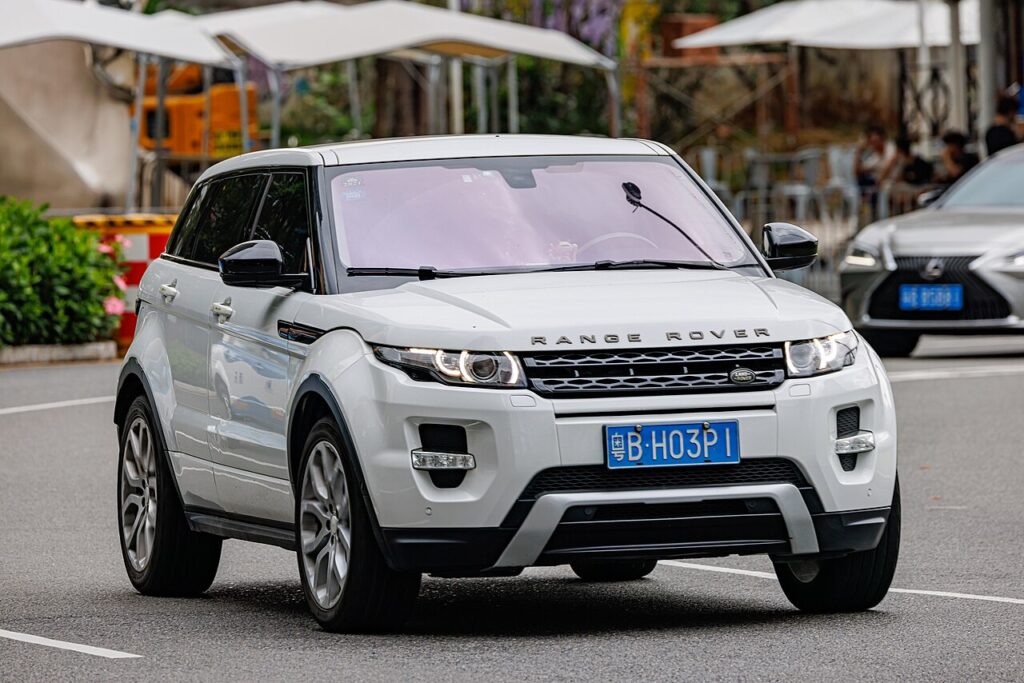
These instructions apply to the Land Rover Range Rover Evoque Mk1 (L538) 2011-2019.
For other models, please choose your vehicle here.
If the touchscreen in your Land Rover Range Rover Evoque (L538, 2011–2019) has frozen, gone black, or stopped responding to taps, you can almost always force the infotainment unit to reboot from the driver’s seat — no dealer visit, no tools, and no loss of your saved presets. The first-generation Evoque ran two systems over its life, so the exact button you hold depends on the model year, and this guide covers both.
Which infotainment system your L538 has
Early L538 cars (roughly 2011–2015) used the original 8-inch InControl Touch head unit, paired with a rotary volume/on-off knob on the centre stack. From the 2016 model-year facelift, JLR fitted the 10.2-inch InControl Touch Pro system — the sharper, faster-looking interface with split-screen home tiles. Touch Pro is the better-looking unit but is also the one owners most often report freezing, lagging on start-up, or hanging on the Land Rover logo. Both systems reboot the same basic way: through the power/volume control.
Soft reset (frozen screen, keeps all data)
- Leave the vehicle switched on — ignition in the ON/accessory position so the screen has power. You do not need the engine running.
- Find the round volume / on-off knob on the centre console below the display.
- Press and hold that knob continuously for about 10–15 seconds. Keep holding past the point where the audio mutes.
- The screen will go fully black, then the Land Rover or Range Rover logo will reappear — that is the unit rebooting.
- Release the knob and wait up to a minute for the home screen to finish loading before you touch anything.
Is this safe? Will I lose anything?
Yes, it is completely safe, and no — a soft reset (also called a force-restart) only power-cycles the head unit. Your radio presets, paired phones, navigation favourites, seat and audio settings are all stored in non-volatile memory and survive the reboot. It is the same idea as restarting a phone that has hung. You can do it as often as you need.
If the screen stays frozen
- Hold longer. Touch Pro sometimes needs the full 15–20 seconds; let go too early and it only mutes the volume.
- Lock and walk away. Lock the car, leave it for 5–10 minutes so all modules sleep, then unlock and restart — this clears many one-off hangs.
- Try the InControl app. Some owners report that locking the doors via the InControl phone app, then starting the car normally, clears a stuck display.
- Pull the radio fuse for a couple of minutes (see the owner’s handbook fuse list) if the knob reboot does nothing.
- Last resort: disconnect the 12V battery negative terminal for 15–20 minutes, then reconnect. This forces a full module reset but will clear your station memories.
Factory reset (erases personal data)
A factory reset is only needed if you are selling the car or chasing a deep software fault — it wipes paired phones, accounts, favourites and settings. On Touch Pro, go to Settings → All settings → System and look for the Reset / Restore factory settings option. On the older Touch system the menu wording varies and some early builds have no visible factory-reset entry; in that case the dealer performs it through the diagnostic tool. Always try the soft reset above first — a frozen screen almost never needs a factory wipe.
Frequently Asked Questions
Which button reboots the Evoque L538 screen?
The round volume / on-off knob on the centre console. Hold it for 10–15 seconds until the Land Rover logo reappears. There is no separate dedicated reset button on the L538.
Why does my Evoque Touch Pro keep freezing?
InControl Touch Pro in the 2016-on facelift Evoque is a known weak point — it can lag on cold start-up or hang on the logo. JLR issued software updates for it, and a 2024 class-action settlement covered Touch Pro reliability. A dealer software update often reduces repeat freezes.
Will rebooting delete my radio presets or paired phone?
No. A soft reset only restarts the unit. Presets, paired devices and favourites are kept. Only a deliberate factory reset or a long battery disconnect erases them.
The screen is black but the car works — is that the same fix?
Usually yes. A black or blank display is normally the head unit hung rather than a hardware failure, so the hold-the-knob reboot is the first thing to try before booking a dealer visit.
Do I need the engine running to reset it?
No. The ignition just needs to be on so the screen is powered. You can reboot it while parked with the engine off.
Decoding an infotainment or comfort-system fault code alongside the freeze? Look it up on our sister site autodtcs.com before booking a dealer diagnostic.
Independent guide — not affiliated with Land Rover. Always follow your official service manual and safety precautions. Read our full disclaimer.