These instructions apply to the SsangYong Korando Mk4 (C300) 2019-2022.
For other models, please choose your vehicle here.
If the central display on your SsangYong Korando (C300, 2019–2022) has frozen — the map stalls, the touch layer ignores your taps, or the screen sits on the SsangYong logo — you almost never need a dealer. The C300 uses a Mobis-built 8″ or 9″ touchscreen head unit that runs its own embedded operating system, and like any small computer it can lock up. A forced reboot through the rotary knob clears the fault and keeps every setting intact.
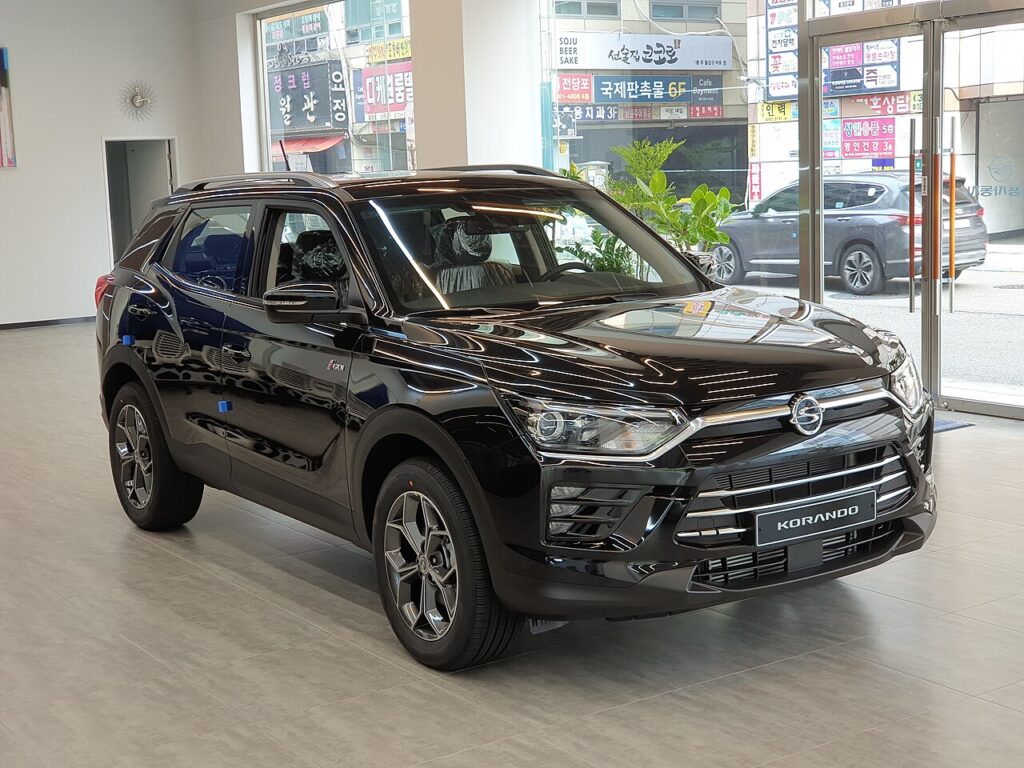
How the Korando’s infotainment is laid out
The C300 launched in 2019 with two display sizes — an 8″ unit on lower trims and a 9″ unit (with the optional digital cockpit) higher up. Both are touchscreens, and both keep a single hardware control: the round Power/Volume knob at the bottom-left or bottom-right corner of the panel. That knob is your reset button. A short press mutes or wakes the system; a long press cuts power to the head unit’s processor and forces it to restart. The few base fleet cars that shipped with a simple radio and no touch panel have nothing to freeze and are not covered here.
Soft reset — the 10-second knob hold
- Park the Korando, apply the handbrake and leave the ignition in the ON or ACC position. You do not need to start the engine, but the system must be powered.
- Find the rotary Power/Volume knob on the face of the screen unit.
- Press and hold it. Keep holding past the point where the audio mutes — roughly 10 seconds.
- The screen goes black and the SsangYong start-up logo reappears. Release the knob.
- Wait 20–40 seconds for the radio, Bluetooth and (on 9″ cars) the digital cockpit link to come back. The reboot is complete.
Is a reboot safe? Will I lose anything?
A knob-hold reboot is completely safe and erases nothing. Your paired phones, radio presets, navigation favourites, display brightness and language all survive because they live in the unit’s permanent memory, not the temporary working memory the reboot clears. Think of it as restarting a phone rather than wiping it. You can do it as often as you like with no wear on the system.
If the screen stays frozen
- Cycle the ignition. Switch the car fully off, open and close the driver’s door, wait two minutes for the head unit to power down completely, then restart. Some C300 modules only drop power after the bus goes to sleep.
- Pull the infotainment fuse. With the ignition off, locate the head-unit / AV fuse in the cabin fuse box (passenger footwell area — check the fuse-box lid diagram for the “AUDIO” or “AV” circuit). Remove it for 30 seconds and refit. This is a guaranteed hard power-down when the knob alone will not respond.
- Disconnect the 12V battery. As a last resort, disconnect the negative battery terminal for two to three minutes. This reboots every module, so re-set the clock afterwards.
- Suspect the firmware. Early C300 units are known for software-related freezing. If it recurs weekly, ask a SsangYong/KGM dealer to flash the latest head-unit firmware — that is the permanent fix, not a hardware fault.
Factory reset (erases your data)
A factory reset is only needed if the unit misbehaves after every reboot, or before you sell the car. With the system running, open Settings → General (or System) and scroll to Factory data reset / Default. Confirm when prompted. This wipes paired phones, presets, saved destinations and any stored accounts, returning the unit to showroom state. Do the knob-hold soft reset first — it cures the vast majority of freezes without losing a thing.
Frequently Asked Questions
Which knob reboots the Korando C300 screen? The single round Power/Volume knob on the corner of the touchscreen panel. Press and hold it for about 10 seconds until the logo reappears.
Will rebooting delete my paired phone or sat-nav favourites? No. A knob-hold reboot only clears working memory; pairings, presets and saved destinations are stored permanently and remain.
My 9″ screen froze and the digital cockpit went blank too — related? They share a data link. Rebooting the centre screen usually restores the cockpit feed; if not, an ignition cycle re-establishes the connection.
The screen keeps freezing every few days — is the unit faulty? Usually not. Repeated freezing on early C300 cars is a known software issue cured by a dealer firmware update rather than a replacement head unit.
Do I have to start the engine to reboot? No. The ignition only needs to be in ACC or ON so the head unit is powered; the engine can stay off.
Working through other warning lights or fault codes on your Korando? Our sister site autodtcs.com explains what each OBD-II diagnostic trouble code means and how serious it is.
Independent guide — not affiliated with SsangYong. Always follow your official service manual and safety precautions. Read our full disclaimer.