These instructions apply to the Volkswagen T-Cross Mk1 (C11) 2019-Present.
For other models, please choose your vehicle here.
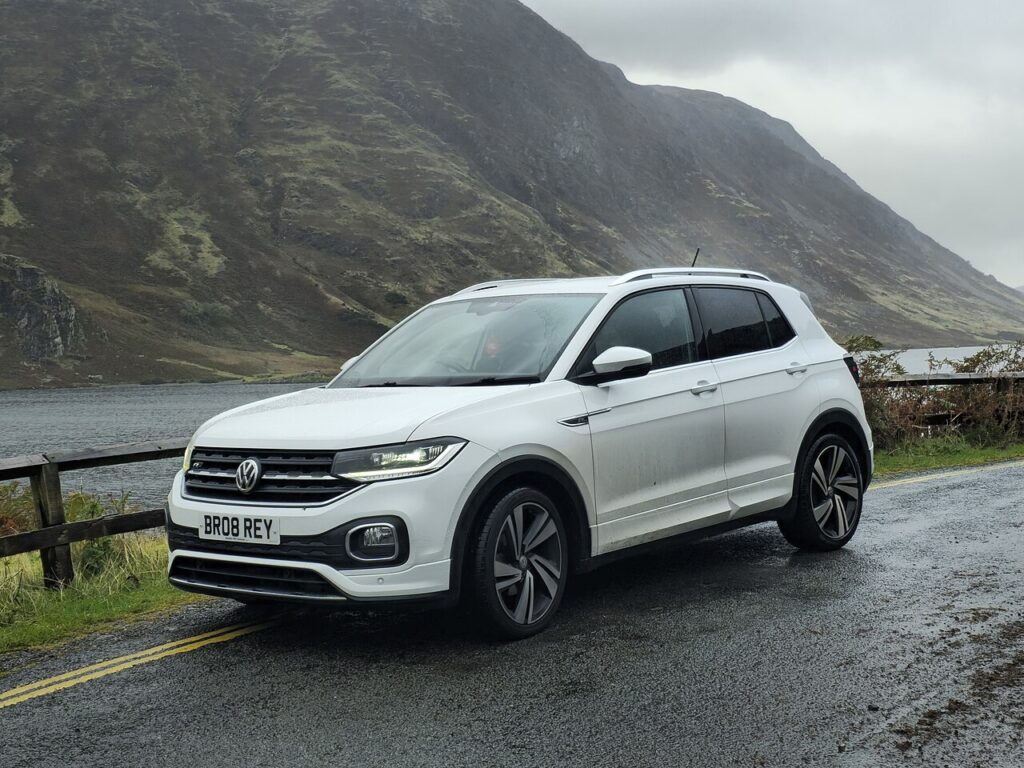
The Volkswagen T-Cross (2019–Present) sits on the same MQB-A0 platform as the Polo, so its dead-fob recovery follows the familiar VW pattern. Many T-Cross buyers opt for Keyless Access, which uses a START/STOP button; entry-level cars keep a turn-key barrel. Either way the immobiliser reads the transponder without help from the coin cell.
Start a keyless T-Cross with a dead fob
- Get in with the emergency blade first (next section), then sit in the driver’s seat and close the door.
- Press and hold the brake pedal.
- On the steering column, just below the wiper stalk, find the recess marked with a key symbol and a signal icon — the back-up reader coil.
- Hold the flat face of the fob against that symbol and keep it there.
- Press the START/STOP button while holding the fob in place; the engine starts.
Turn-key T-Cross — the blade starts it
If your T-Cross has an ignition barrel rather than a START button, a dead fob only kills the remote-lock buttons. Pull the blade, unlock the driver’s door with it, then put it in the barrel and start as normal — the key-head transponder is read directly in the ignition.
Unlock the T-Cross with the emergency key blade
- Slide the release on the fob and pull out the metal blade.
- At the driver’s door handle, prise off the cap at the outer end — wedge the blade into the slot at the bottom of the cap and lever it off.
- Insert the blade into the barrel and turn to unlock. The alarm may chirp until you start the engine.
Why a dead fob does not immobilise the car
The fob’s coin cell powers only the remote buttons and the proximity signal. Engine authorisation relies on a passive RFID transponder that draws power from the car — the barrel on turn-key cars, the column coil on keyless cars. That chip never uses the cell, so a flat fob can always be made to start the T-Cross.
Replace the fob battery
The T-Cross fob takes one CR2032 3V lithium coin cell. Remove the blade, split the case at the seam with a tape-wrapped flat tool, swap the cell + side up, and click it shut. Refit the blade; remote and keyless functions return immediately without coding.
Frequently Asked Questions
How do I tell if my T-Cross is keyless?
A round START/STOP button on the console means Keyless Access. A slot you insert and twist the key into means turn-key. The start method depends on which you have.
Where is the back-up reader on a keyless T-Cross?
In the recess on the steering column just below the wiper stalk, marked with a key and signal symbol. The fob must touch it to start with a dead battery.
The car started but the remote still won’t lock it — why?
Because the coin cell is flat, the remote-lock buttons stay dead until you replace it. The car runs fine; you just can’t use the buttons until a fresh CR2032 is in.
Which battery does the T-Cross fob use?
A single CR2032 3V lithium coin cell — inexpensive and widely stocked.
Is the keyhole really hidden under the handle cap?
Yes. Only the driver’s door has a mechanical lock, and its barrel sits under the cap at the outer end of the handle.
If a warning light stayed on after the no-start, check it on autodtcs.com to make sure it was just the fob and not a stored immobiliser code.
Independent guide — not affiliated with Volkswagen. Always follow your official service manual and safety precautions. Read our full disclaimer.