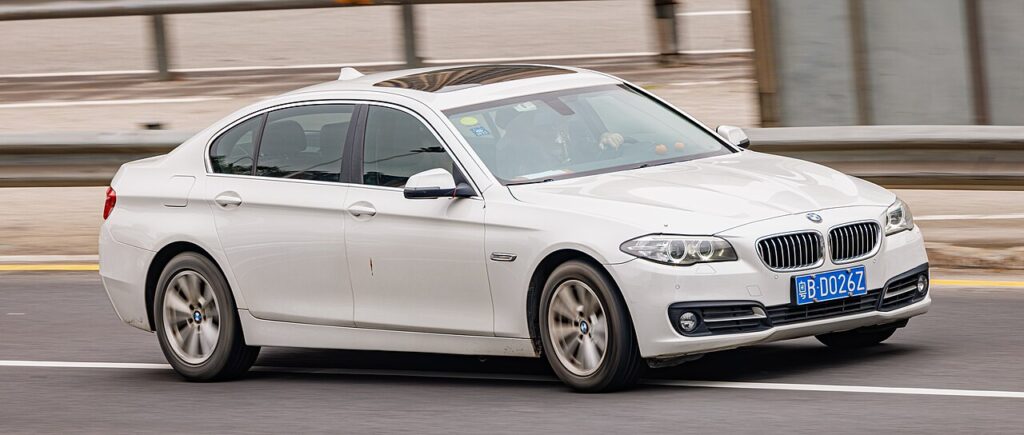
These instructions apply to the BMW 5 Series Mk6 (F10/F11/F18) 2010-2017.
For other models, please choose your vehicle here.
When the remote on your BMW 5 Series (F10, 2010–2017) stops unlocking the car or the cluster shows a key-battery warning, the fob’s coin cell has usually gone flat. The good news is the F10 was built for exactly this situation: it is one of the last BMW generations to keep a physical key slot in the cabin, so you can still get in and drive away without a working battery in the remote. This guide walks through both halves of the job – unlocking the door with the hidden blade, and starting the engine through the dash slot – plus the transponder note that explains why it works at all.
Unlock the door with the emergency key blade
A dead fob cannot trigger the central locking, so you start at the driver’s door with the metal blade hidden inside the remote.
- Turn the fob over and find the small chrome release catch at the base of the housing. Slide it across and pull the metal emergency blade straight out.
- Look at the driver’s door handle. On the F10 the lock barrel is hidden under a small trim cap on the outer end of the handle – there is no exposed keyhole.
- Insert the tip of the blade into the slot under the handle and gently lever the cap off, or simply slide it back, to reveal the lock cylinder.
- Put the blade into the cylinder, turn it to unlock the driver’s door, then refit the trim cap so it does not get lost.
Opening the door this way can set off the alarm on some cars; it will silence itself once the car reads a recognised key inside, which happens at the next step.
Start the engine using the dashboard key slot
Unlike newer BMWs, the F10 gives you a dedicated slot for the remote, which makes a flat battery a non-event.
- Get in and close the driver’s door. The alarm should fall silent once you are inside.
- Locate the key slot – on the F10 it sits in the dashboard to the right of the steering column, near the Start/Stop button.
- Push the fob, blade end first, fully into the slot until it clicks home. The slot’s antenna powers the transponder directly even with a dead cell.
- Press the brake pedal and press the Start/Stop button. The engine should crank and start as normal.
- Leave the fob in the slot while you drive, or remove it – on most F10s the car keeps running once started.
Why a dead fob still starts the car
The remote functions (locking, boot release, comfort access) are the only parts that need the coin cell. Engine authorisation is handled by a passive transponder chip with no battery of its own. When you push the fob into the dash slot, or hold it against the reader, the car’s antenna energises that chip and reads its rolling code, confirming the immobiliser should release. That is why the blade alone will open the door but will never crank the engine – only the chip’s code does that.
Replace the fob battery (CR2032)
Once you are mobile again, fit a fresh cell so you are not caught out twice.
- Slide out the emergency blade as before – the slot it leaves is the leverage point for opening the case.
- Work the two halves of the housing apart along the seam, starting at the blade slot, until the back cover lifts off.
- Note which way up the old CR2032 coin cell sits (printed side usually facing out), lift it out, and press the new one in.
- Click the case back together and reinsert the blade. Lock and unlock the car once to confirm the remote is working again.
If the cluster still warns of a weak key after a new battery, the contacts may be tarnished – clean them with a dry cotton bud and refit.
Frequently Asked Questions
Does every F10 5 Series have the dashboard key slot? The vast majority do; it is standard on F10 saloons and F11 Tourings of this era. A small number of late, highly optioned cars rely on the steering-column reader instead – if you cannot find a slot, hold the fob flat against the marked area beside the column and press Start.
The alarm went off when I used the blade – did I do something wrong? No. Mechanical unlocking bypasses the remote, so the car briefly thinks it is being broken into. It stops the moment the immobiliser reads a valid key, which is when you insert the fob in the slot.
Can I drive a long distance with the fob in the slot? Yes. The slot is designed to hold the fob during driving; leaving it there does no harm and keeps the chip energised.
My F10 still will not start after inserting the fob – now what? If the dash and lights work but the engine is dead, suspect the car’s own 12 V battery rather than the fob. A flat car battery produces a no-crank or relay-clicking that a key fix will not solve.
What battery does the F10 fob take? A single CR2032 3 V lithium coin cell. Avoid touching the flat faces with bare fingers, as skin oils shorten its life.
If a warning light stayed on the dash after your fob trouble, you can look up what it means on our sister site autodtcs.com.
Independent guide — not affiliated with BMW. Always follow your official service manual and safety precautions. Read our full disclaimer.