These instructions apply to the Toyota C-HR Mk1 (XW10) 2016-2023.
For other models, please choose your vehicle here.
The Toyota C-HR (Mk1/AX10, 2016–2023) was sold almost entirely with Smart Entry and a push-button start — the keyless system was standard or near-standard across the range in most markets, including the hybrid. So when the fob coin cell dies you will usually be dealing with a push-button car, and the “Key not detected” message on the dash is the giveaway. Here is exactly how to get the C-HR open and running.
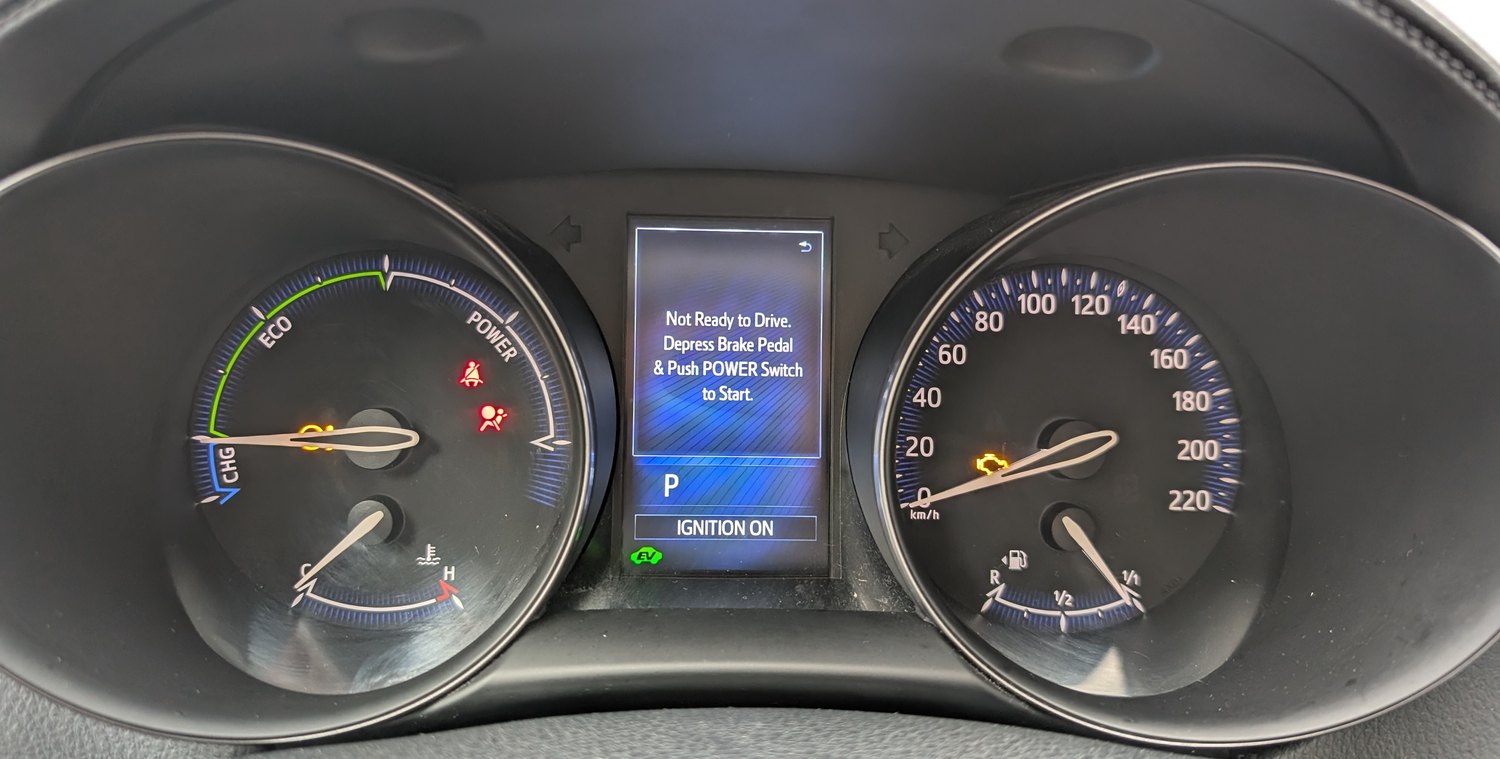
Start the C-HR With a Dead Fob
The fob normally unlocks and authorises the car by radio. A flat battery kills that link, but the car can still read the chip inside the fob if you hold it right against the button.
- Unlock and climb in (mechanical-key steps below), then sit in the driver’s seat with the door shut.
- Press and hold the brake pedal.
- Hold the fob flat against the START/STOP button, badge side touching. Wait for the beep that tells you the car has found the chip.
- Press the START button while still on the brake. The C-HR fires up.
If the first attempt does nothing, rotate the fob a quarter turn and try the other face — the readable coil is small and orientation matters.
Unlock With the Hidden Mechanical Key
With a dead fob the door buttons won’t respond, so use the blade tucked inside the Smart Key.
- Press the release catch on the fob and slide the metal key out.
- At the driver’s door, the C-HR’s lock barrel is concealed behind a small trim cap at the rear of the handle. Pop the cap off (the blade tip fits the notch) to reveal the keyhole.
- Insert the key and turn to unlock. Expect the alarm to sound briefly; starting the car silences it.
Why the Touch-to-Button Trick Works
A short-range induction antenna sits directly behind the start button. It powers and reads the passive immobiliser transponder moulded into the key — no battery needed for that chip. The dead coin cell only stops the longer-range radio used for hands-free unlocking and detection; the immobiliser handshake at the button still completes, which is why Toyota designed this as the official limp-home method.
Replace the CR2032 Coin Cell
The C-HR fob runs on a single coin cell that’s cheap and easy to change.
- Slide out the mechanical key first — that exposes the seam you pry against.
- Twist a coin or small flat screwdriver in the slot to split the two halves.
- Lift out the old cell. The C-HR uses a CR2032 3V lithium battery; fit the new one with the positive (+) face the same way the old one sat.
- Handle the new cell by its edge, then snap the case back together.
Try the lock/unlock buttons standing next to the car; they should respond immediately.
Frequently Asked Questions
The C-HR beeps when I touch the fob but still won’t start. The beep confirms detection, so the issue is usually the brake pedal not being pressed hard enough, or you waited too long after the beep. Keep the fob on the button, brake firmly, then press START in one motion.
Where exactly is the keyhole on the C-HR door handle? It is hidden under a removable cap at the outboard rear of the driver’s handle — not visible until you lever the cap off. Only the driver’s door has the barrel.
My hybrid C-HR shows “Smart Key system” even with a new fob battery. On hybrids that warning can also come from a weak 12V auxiliary battery. If a fresh coin cell doesn’t fix keyless entry, have the 12V battery tested.
Can I just use the metal key to start it? No — the blade only opens the door. There is no ignition barrel; starting is always via the button.
How long should a C-HR fob battery last? Typically two to three years. Leaving the fob next to phones or other transmitters, or frequent hands-free use, drains it faster.
If the dash held onto a warning after you set off, you can check what the code means on our sister site autodtcs.com before assuming it’s the key system.
Independent guide — not affiliated with Toyota. Always follow your official service manual and safety precautions. Read our full disclaimer.