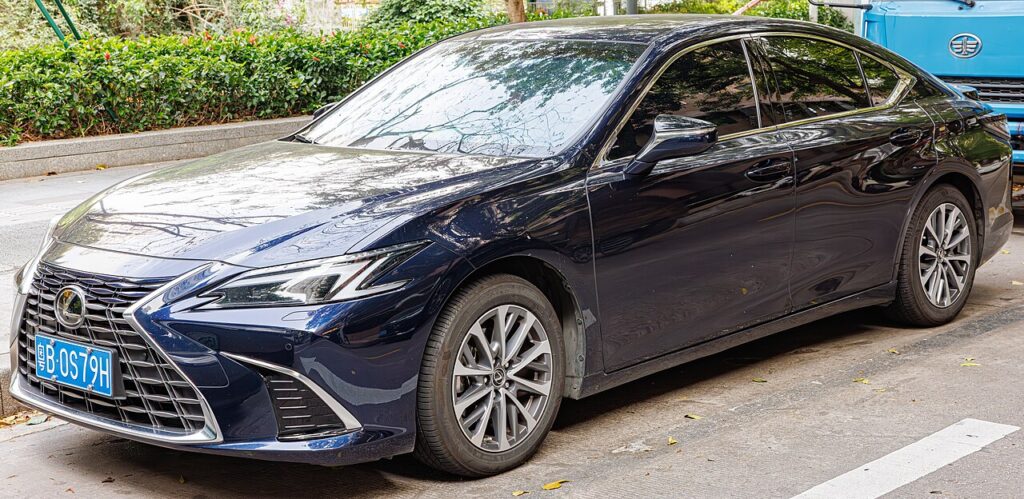
These instructions apply to the Lexus ES Mk7 (XZ10) 2018-Present.
For other models, please choose your vehicle here.
The Lexus ES (XZ10, 2018–Present) — ES 250, ES 350 and the ES 300h hybrid — uses Smart Access keyless entry with a push-button start. When the smart key’s coin cell dies, the proximity handles and remote buttons stop responding and the dash shows a “Smart Key system” or “key battery low” message. Nothing has actually failed — the fob still holds a passive chip the car can read at point-blank range. This guide walks an ES owner through starting the engine and unlocking the doors with a dead fob, then through fitting a fresh coin cell.
Start the ES With a Dead Fob
The seventh-generation ES reads the key’s chip through a short-range antenna built into the START/STOP switch, so you hold the fob to the button instead of relying on the radio link.
- Unlock and get in first (mechanical-key steps below), then sit in the driver’s seat with the door closed.
- Press the brake pedal fully and keep it held.
- Touch the smart key flat against the ENGINE START STOP button, chrome Lexus “L” emblem facing the button. Hold it there until you hear a beep and the button indicator changes.
- With the brake still down, press START. The ES 250/350 fires the engine; the ES 300h hybrid powers to READY.
If it does not catch the first time, reposition so the emblem sits squarely over the button — the read zone is only a centimetre or two wide.
Unlock With the Mechanical Key
A flat fob will not trigger the touch-sensitive door handles, so the ES hides a metal blade inside the smart key.
- Slide the release latch on the back of the key and pull the mechanical blade out.
- At the driver’s door, the lock cylinder sits behind a small cover at the rear of the handle on the XZ10. Prise the cover off with the blade tip to expose the keyhole.
- Insert the blade and turn to unlock, then open the door. The alarm may sound; starting the car as above silences it.
- Slide the metal blade back into the fob so it is not lost.
Why Touching the Key to the Button Works
Inside the Smart Access fob is a passive immobiliser chip that needs no power of its own — it is woken by an induced magnetic field. The START/STOP button on the ES contains a small antenna; held against the fob emblem, it energises that chip just long enough for the car to confirm the right key is present. That is the factory-designed backup, which is why it works even when the coin cell is completely flat.
Replace the CR2032 Coin Cell
The ES XZ10 smart key runs on a single coin cell that lasts roughly one to two years.
- Slide out the mechanical key to expose the case seam.
- Insert a coin or small flat screwdriver into the slot the blade left and twist gently to part the two halves.
- Lift out the old battery. The ES XZ10 smart key takes a CR2032 3V lithium coin cell. Note the positive (+) face points up toward the back cover.
- Press in the new cell the same way the old one sat, click the case shut, and reinsert the metal key.
Stand beside the car and press lock once; hands-free entry should behave normally again. If the “key battery low” message returns, change the cell promptly.
Frequently Asked Questions
My ES 300h hybrid won’t start after touching the key to the button. Wait for the beep and indicator change before pressing START, and make sure the brake is fully down. The hybrid shows READY rather than cranking an engine — that is normal.
Where exactly is the door keyhole? Behind a removable cover at the rear of the driver’s door handle. The other doors have no barrel.
Will manual unlocking set off the alarm? It can. Touching the fob to the START STOP button and switching the car to ON clears it.
Which battery does the ES key take? A CR2032 in most cases; always confirm against the marking on the cell you remove.
Could a weak 12V battery cause the same warning? Yes. If a fresh coin cell doesn’t restore keyless operation, or the car cranks slowly, suspect the main 12V battery (the ES 300h carries its 12V auxiliary in the boot).
If a warning light stayed on after the dead-fob episode, you can look up the exact fault code on our sister site autodtcs.com to see whether it concerns the smart-key system or something else.
Independent guide — not affiliated with Lexus. Always follow your official service manual and safety precautions. Read our full disclaimer.