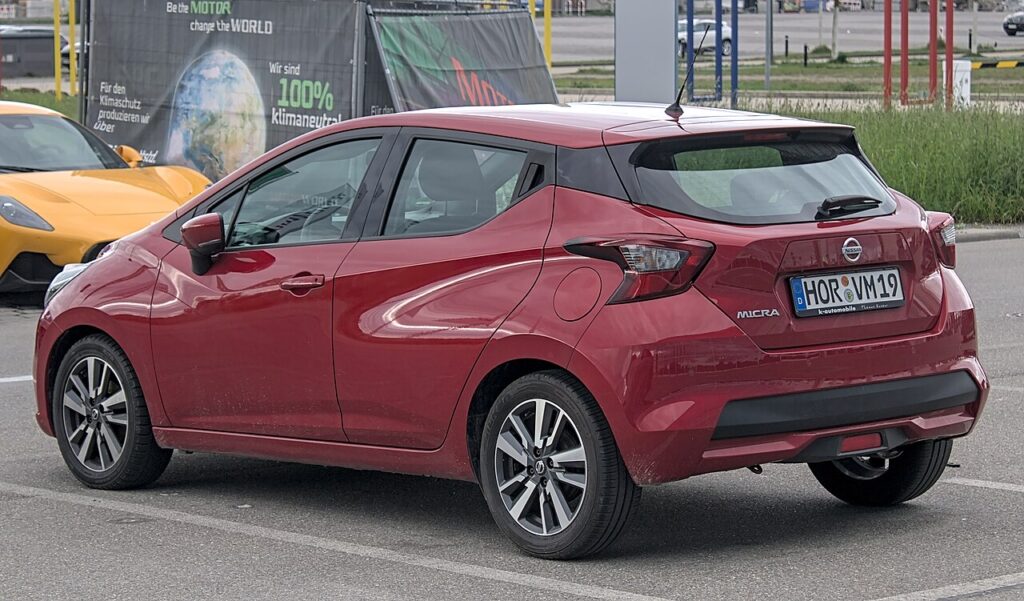
These instructions apply to the Nissan Micra Mk5 (K14) 2017-Present.
For other models, please choose your vehicle here.
If the remote on your Nissan Micra (K14, 2017–present) has gone flat, you can still get in and drive. Micra trims with the NISSAN Intelligent Key and a push-button START/STOP ignition start by holding the fob against the button, while lower-spec cars with a bladed turn-key start as normal. This guide covers both, unlocking with the hidden blade, and swapping the coin cell.
Start a push-button Micra with a dead fob battery
The START/STOP button on the keyless Micra has a backup antenna that reads the Intelligent Key’s transponder directly, so a dead coin cell does not stop you starting.
- Sit in the driver’s seat with the doors closed and press the brake pedal fully.
- Hold the fob so the Nissan badge on the back touches the START/STOP button.
- A chime confirms the car has read the chip. Within about 10 seconds, press the button while keeping the brake down.
- The engine starts. Keep it running until a fresh battery is fitted — a later restart may fail.
Entry-level Micra trims (such as Visia) use a conventional key blade and ignition barrel: insert the key and turn it — the fob battery plays no part in starting that variant.
Unlock the doors with the mechanical key
A flat fob disables the remote buttons and, on keyless cars, the walk-up entry. Use the emergency blade hidden in the fob.
- Slide the catch on the back of the Intelligent Key and pull the metal blade free.
- Insert the blade into the driver’s door lock and turn to unlock.
- Open the door. The alarm may sound briefly until the car recognises the key inside and you start it.
Immobiliser note
The K14 Micra immobiliser pairs to a passive transponder inside the Intelligent Key. The start button powers that chip from its radio field, so an authorised key still works with a totally dead coin cell. A flat battery only disables remote locking and keyless walk-up — starting is unaffected on push-button cars.
Replace the key-fob battery
The fifth-generation Micra Intelligent Key uses a single CR2032 3 V coin cell. Confirm the type printed on the old cell before buying.
- Slide the mechanical blade out first to release the case latch.
- Prise the two halves apart at the seam with a coin or small flat-blade screwdriver.
- Lift out the old cell and fit the new CR2032 the same way up, close the case, reinsert the blade, and test the buttons.
Frequently Asked Questions
Does my Micra have push-button start or a turn-key? Higher trims with the Intelligent Key use a push-button START/STOP; entry models such as Visia use a bladed key and barrel. Only the push-button cars need the touch-to-start trick.
I touched the fob to the button but nothing happened. Make sure the badge side faces the button, keep your foot on the brake, and press the button within about 10 seconds of the chime.
What battery does the K14 Micra fob take? A CR2032 3 V lithium coin cell, available cheaply almost anywhere.
Will a dead fob damage anything? No. Only remote locking and walk-up entry stop. The passive immobiliser transponder keeps working.
The key warning stays on after starting — is that normal? Yes. It persists until you fit a fresh cell, then clears on the next start.
If a key-detection fault appears with a dashboard warning light or stored fault code, our sister site autodtcs.com explains what each OBD-II trouble code means.
Independent guide — not affiliated with Nissan. Always follow your official service manual and safety precautions. Read our full disclaimer.